使用 Agentforce 进行 Setup 配置
为组件添加 AI 描述使其能被 Agentforce 在 Setup 中分析。启用后,Setup Agent 可根据用户话语分析并推荐自定义组件用于创建 Lightning 页面。组件必须包含整体 AI 描述和各属性的 AI 描述。
AI 组件描述 —— 配置与编写技巧
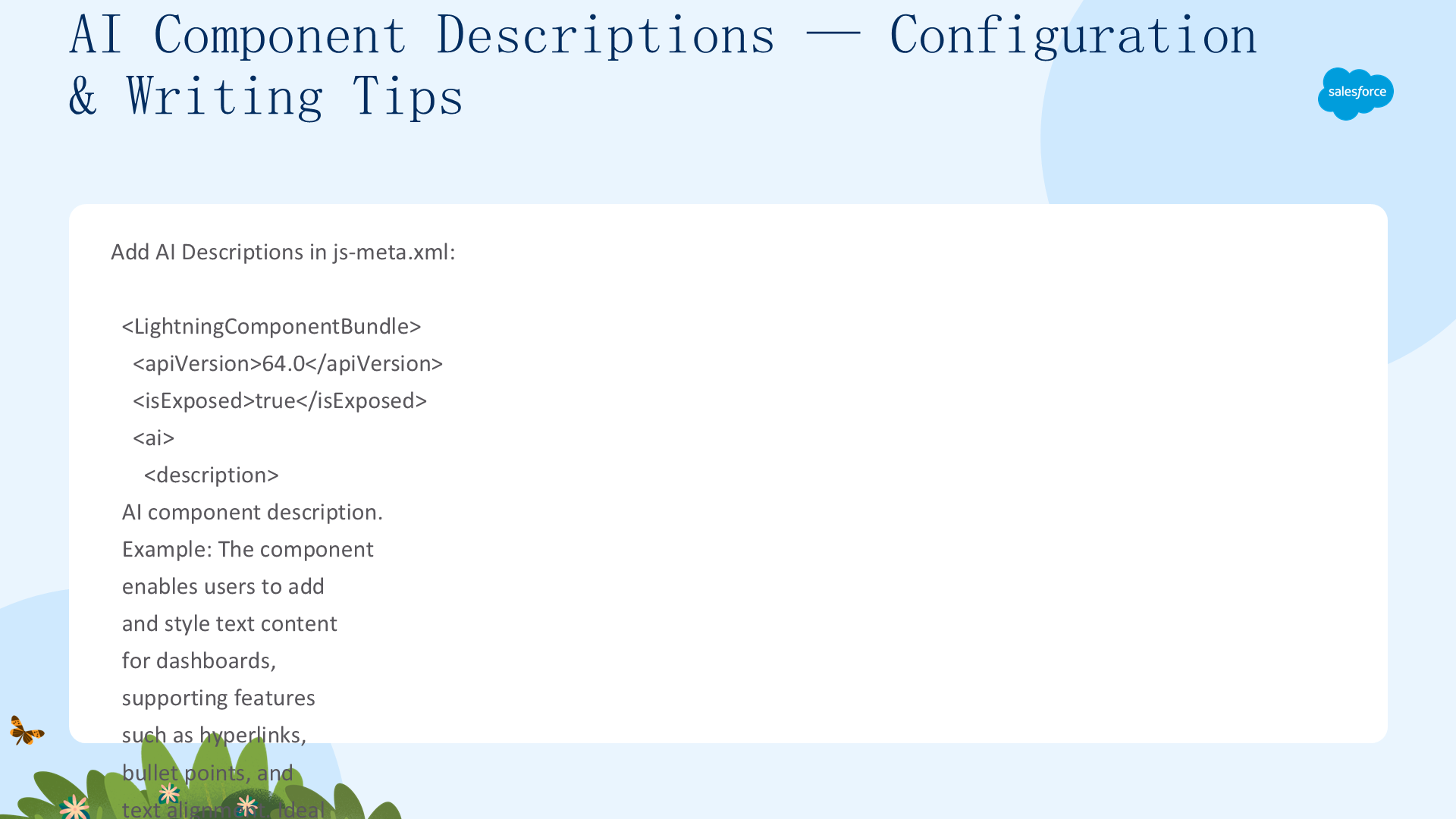
在 js-meta.xml 中添加顶层 <ai> 标签(仅一次)——包含一个 <description> 和多个 <property>(仅 name + aiDescription 属性)。属性在 targetConfig 中正常定义,AI 标签独立存在。
<ai>
  <description>The component enables users to add and style text content for dashboards, supporting features such as hyperlinks, bullet points, and text alignment. Ideal for adding formatted text sections such as instructions.</description>
  <property name="prop1" aiDescription="AI description for prop1"/>
  <property name="prop2" aiDescription="AI description for prop2"/>
</ai>
编写 AI 描述四问:受众是谁?功能是什么?为什么用这个组件?什么场景下使用?对比示例:
- ❌ "A component for adding content"——太模糊
- ✅ "enables users to add and style text content for dashboards, supporting hyperlinks, bullet points, and text alignment. Ideal for formatted text sections such as instructions, annotations, or content summaries within dashboards on record pages."——详细具体
- ❌ "You can style the text"——缺少细节
- ✅ "...supports text styling features such as bold, italics, underlining, bullet lists, numbered lists, and hyperlink embedding."——可配置选项详细
关键原则:详细描述场景示例、可配置选项和独特功能;提及限制和不适用场景;避免技术术语——用最终用户的语言描述("lets users add, edit, view, and delete records"而非"supports CRUD operations")。
独立 Aura 应用与移动设备功能
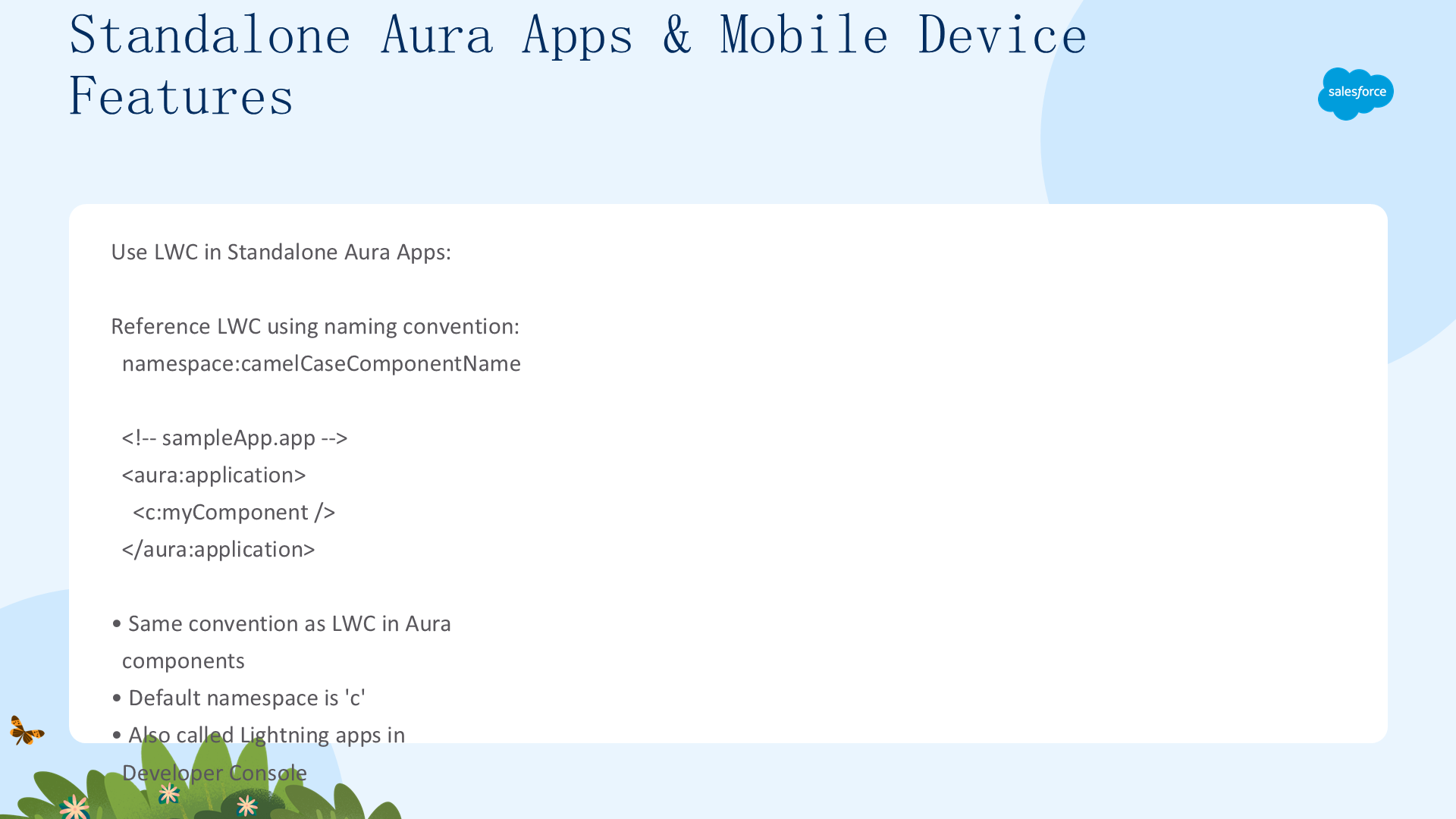
在独立 Aura 应用中使用 LWC:命名约定 <namespace:camelCaseComponentName>(与在 Aura 组件中使用 LWC 相同):
<!-- sampleApp.app -->
<aura:application>
  <c:myComponent />
</aura:application>
独立 Aura 应用(Developer Console 中也称 Lightning Apps)可直接包含自定义 LWC。参考 Compose Aura Components from LWC。
移动设备功能:通过 lightning/mobileCapabilities 模块在 LWC 中访问设备硬件和平台功能——摄像头、位置检测、联系人、日历数据。构建类原生移动应用体验。详细内容参考 Mobile and Offline Developer Guide。
实用工具栏配置:添加 lightning__UtilityBar target + 可选 SVG 图标(仅用于 App Manager 选择器——不设运行时图标。运行时图标在 App Manager 属性页的 Icon 字段中从 SLDS utility icon sprite 选择)。可选暴露属性在 targetConfigs 中。编程操作实用工具栏用 Lightning Console JavaScript API。
在 Visualforce 页面中使用组件 —— Lightning Out
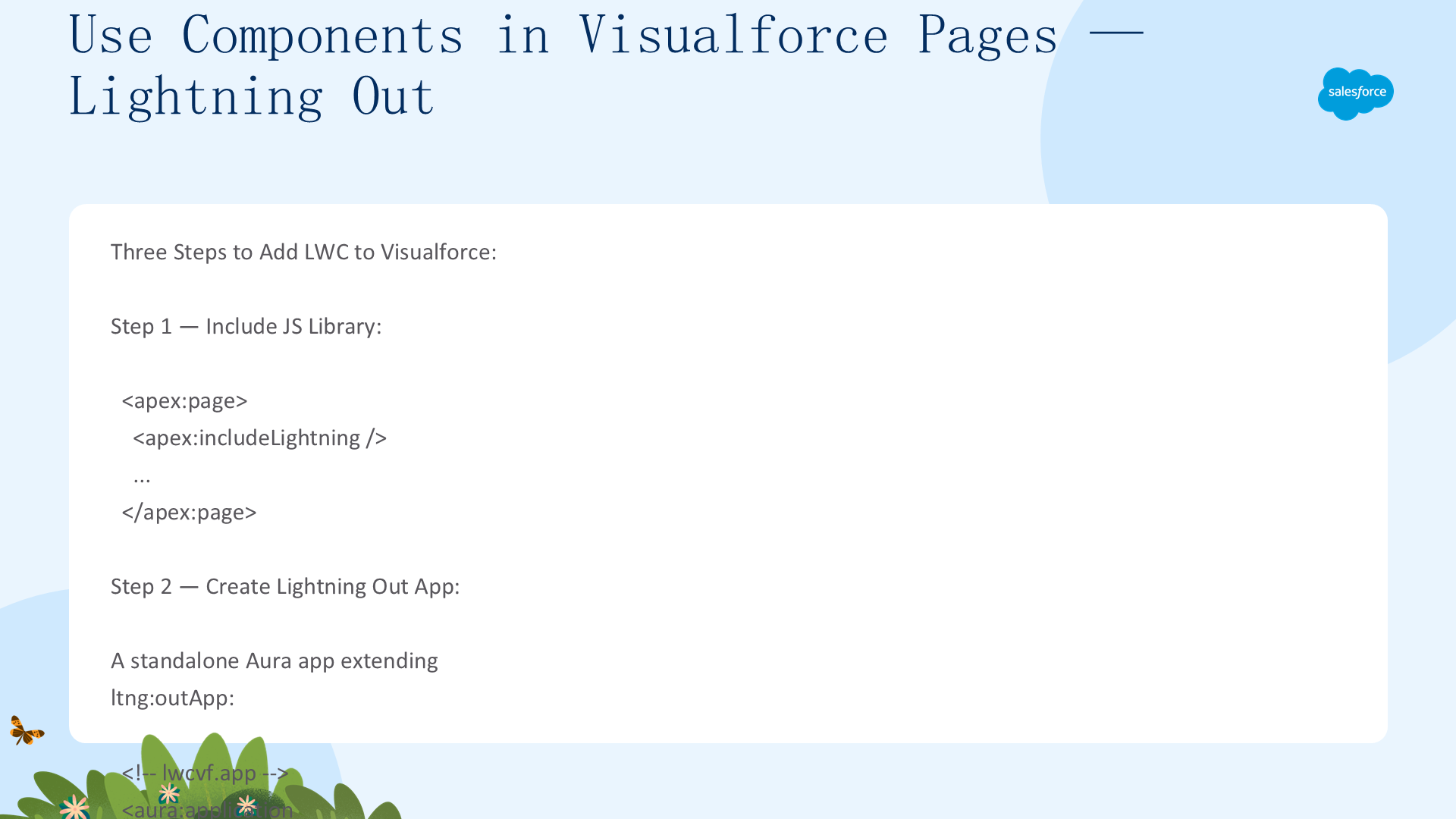
Lightning Components for Visualforce 基于 Lightning Out (Beta)——将 Aura 和 LWC 嵌入几乎任何网页。用于 Visualforce 时认证和关联应用配置被简化。三步流程:
步骤 1:在 VF 页面开头加 <apex:includeLightning/>——加载 JavaScript 库。
步骤 2:创建 Lightning Out 应用(独立 Aura 应用),扩展 ltng:outApp(默认带 SLDS 样式)或 ltng:outAppUnstyled(不带 SLDS)。用 <aura:dependency> 声明每个使用的组件:
<aura:application access="GLOBAL" extends="ltng:outApp">
  <aura:dependency resource="lightning:button" />
  <aura:dependency resource="c:myComponent" />
</aura:application>
在 VF 页面的 JS 中引用:$Lightning.use("c:lwcvf", function() {})(默认 c 命名空间)。Lightning Out 应用必须与 VF 页面在同一组织。
步骤 3:用 $Lightning.createComponent(type, attributes, domLocator, callback) 创建组件:
$Lightning.use("c:lwcvf", function() {
  $Lightning.createComponent("lightning:button", { label:"Press Me!" },
    "lightningvf", function(cmp) { console.log("button was created"); });
});注意事项:可多次调用 $Lightning.use() 但必须引用同一 Lightning Out 应用。Lightning 组件和 Visualforce 来自不同域→cookie 被视为第三方 cookie→用户浏览器必须允许第三方 cookie。回调函数接收创建的组件实例作为唯一参数。
感谢阅读本指南。如需继续学习,请参阅下一章:调试 Lightning Web Components。