调用 Apex 方法
LWC 可以从 Apex 类导入方法——通过 @wire(响应式)或命令式调用。先用 lightning-record-form 等基础组件检查是否有更简单的方式。所有数据应视为不可变——修改前先浅拷贝。Apex 限制每次调用独立应用;批量请求超 2500 个动作可能返回 413 错误。
导入与暴露 Apex 方法
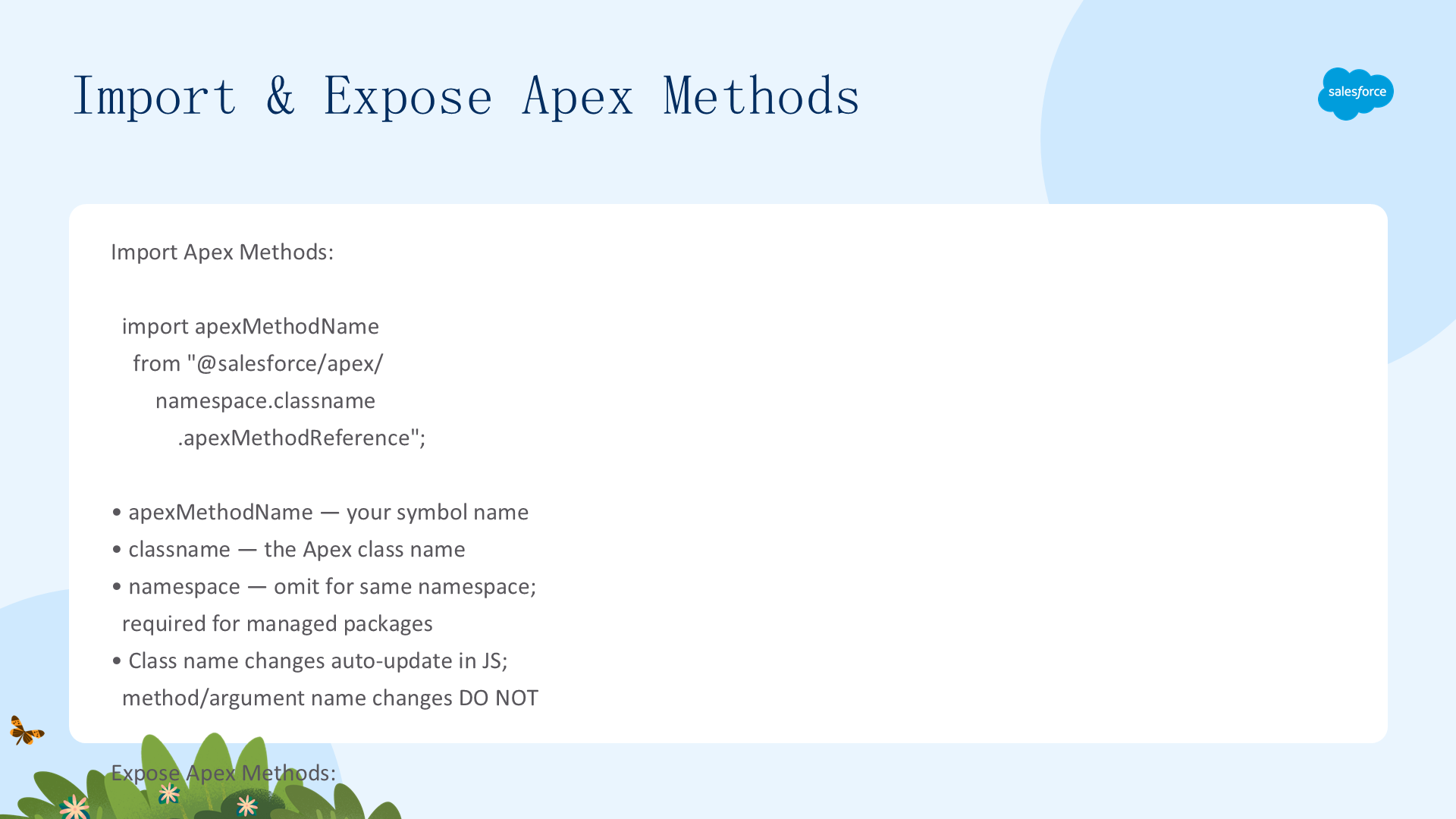
// 导入语法
import apexMethodName from "@salesforce/apex/Namespace.Classname.Method";

// Apex 方法要求:static + (global/public) + @AuraEnabled
public with sharing class ContactController {
  @AuraEnabled(cacheable=true)   // cacheable=true → 可用 @wire + 客户端缓存
  public static List getContactList() {
    return [SELECT Id, Name, Title, Phone, Email FROM Contact WITH USER_MODE LIMIT 10];
  }
} 支持的输入/输出类型:Primitive(Boolean/Date/DateTime/Decimal/Double/Integer/Long/String)、sObject(标准和自定义)、Apex 类实例、Collection(上述类型的集合)。不支持:Apex 内部类作参数/返回值、跨包 @NamespaceAccessible、Map 传参。
类名变更自动更新到 JS 源码;方法名和参数名变更不会自动更新。DX 项目中 Apex 类放在 main/default/classes。
Wire Apex —— 属性与动态参数
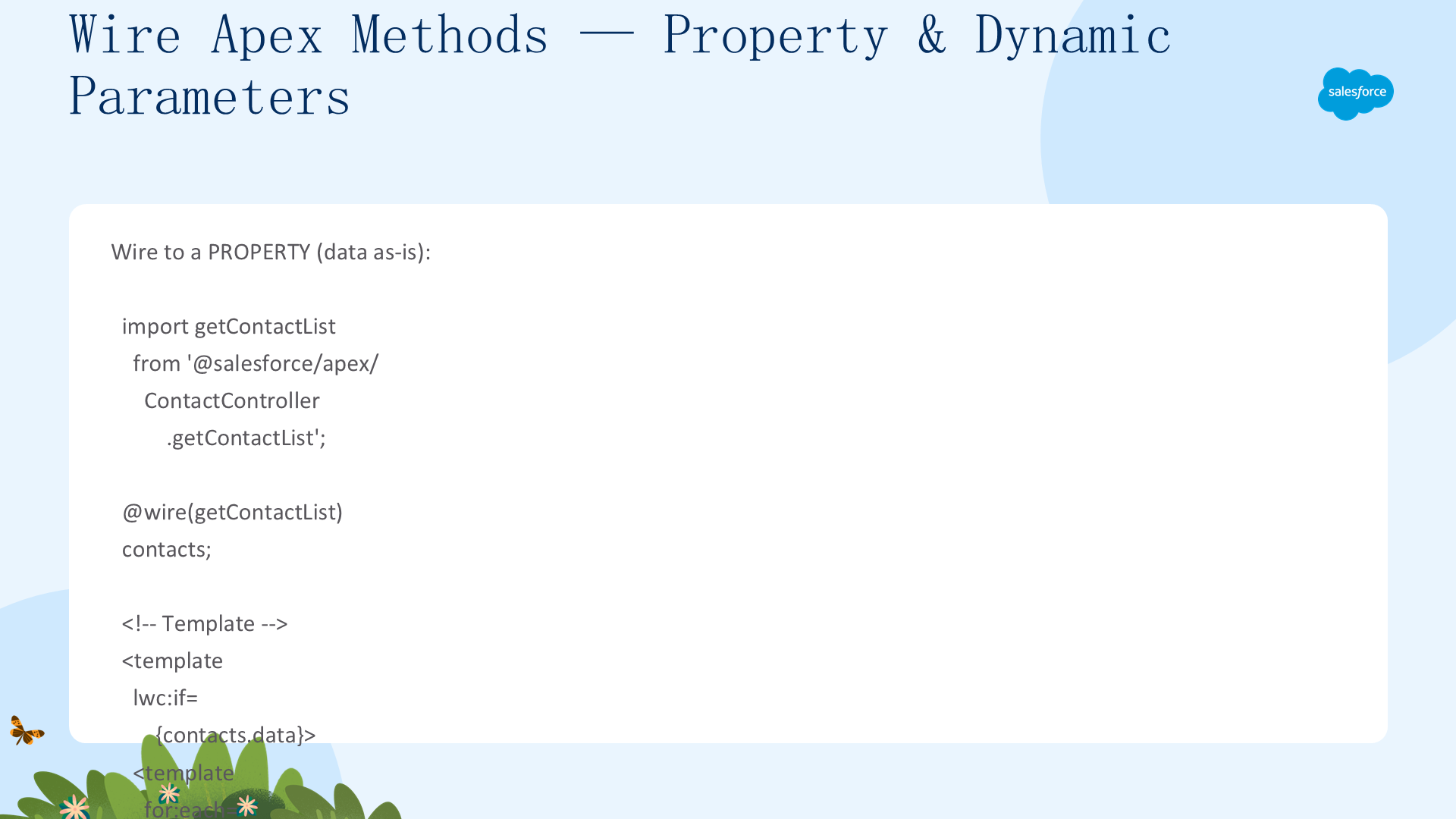
@wire 调用 Apex 要求 cacheable=true。语法:@wire(methodName, { paramObj }) propertyOrFunction。配置对象属性匹配 Apex 参数名——不是直接传值,是传对象。
// Wire 到属性——最简单
@wire(getContactList) contacts;  // contacts.data / contacts.error

// Wire 带动态参数——$ 前缀 = 响应式
searchKey = '';
@wire(findContacts, { searchKey: '$searchKey' }) contacts;
// searchKey 变化 → Apex 自动重新调用

// ⚠️ 防抖模式——避免频繁调用
handleKeyChange(event) {
  window.clearTimeout(this.delayTimeout);
  const searchKey = event.target.value;
  this.delayTimeout = setTimeout(() => { this.searchKey = searchKey; }, 300);
}
参数值为 null → 方法被调用;参数值为 undefined → 方法不被调用。不要重载 @AuraEnabled 方法——选择哪个重载是非确定性的。
Wire Apex —— 复杂参数与 Wire 到函数
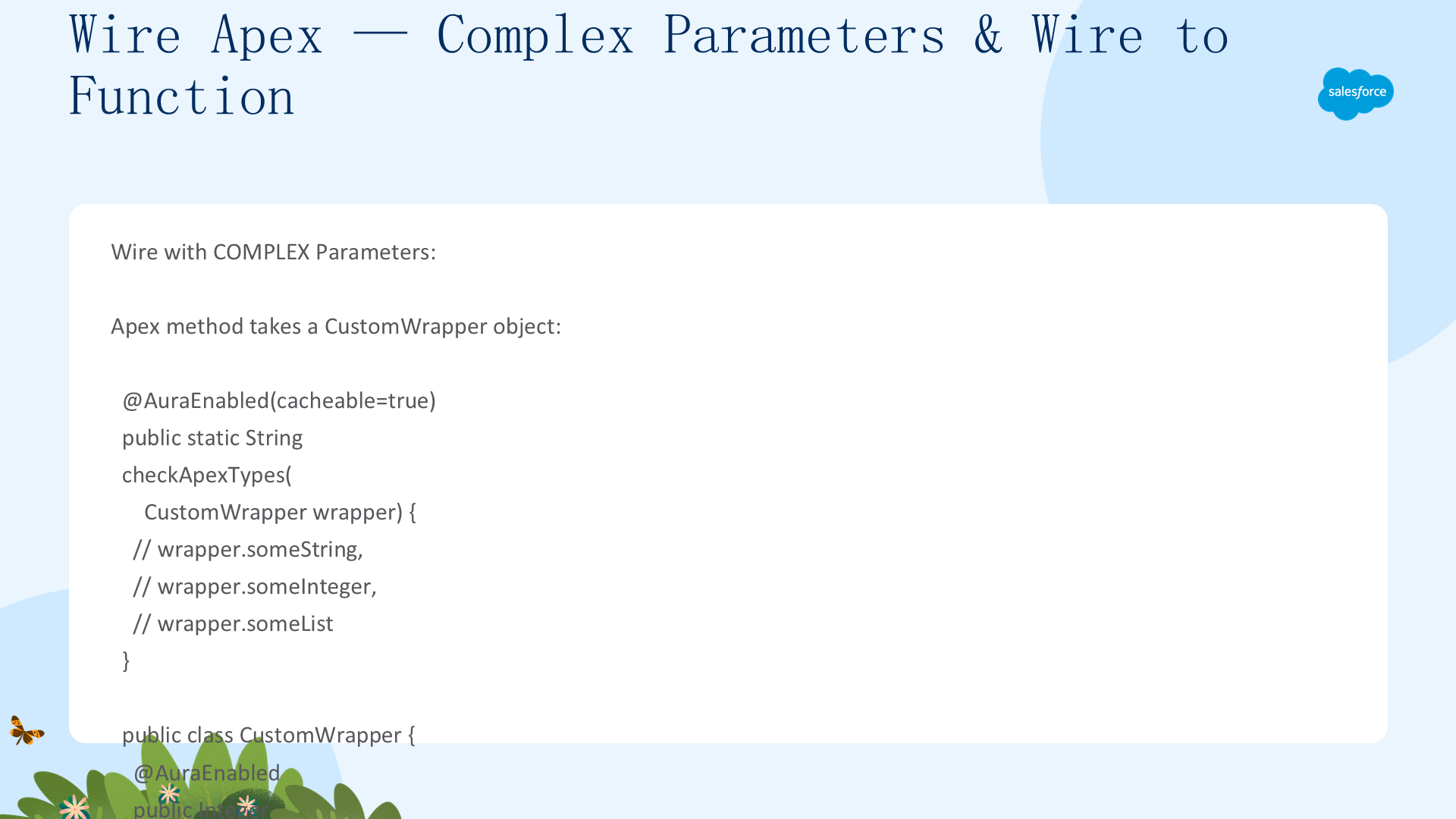
复杂参数:Apex 方法接受对象参数时,用 spread 运算符每次创建新对象(确保响应式检测到变化):
parameterObject = { someString: this.stringValue, someInteger: this.numberValue, someList: [] };
@wire(checkApexTypes, { wrapper: '$parameterObject' }) apexResponse;

handleStringChange(event) {
  this.parameterObject = { ...this.parameterObject, someString: event.target.value };
}
Wire 到函数:需要操作/转换数据时用——每次数据到达时调用:
@wire(getContactList)
wiredContacts({ error, data }) {
  if (data) { this.contacts = data; this.error = undefined; }
  else if (error) { this.error = error; this.contacts = undefined; }
}
// 模板中直接用 {contacts}——不需要 .data
多 Wire 串联:第一个 wire 的输出作为第二个 wire 的 $ 响应式输入——自动形成数据流链。
命令式调用 Apex
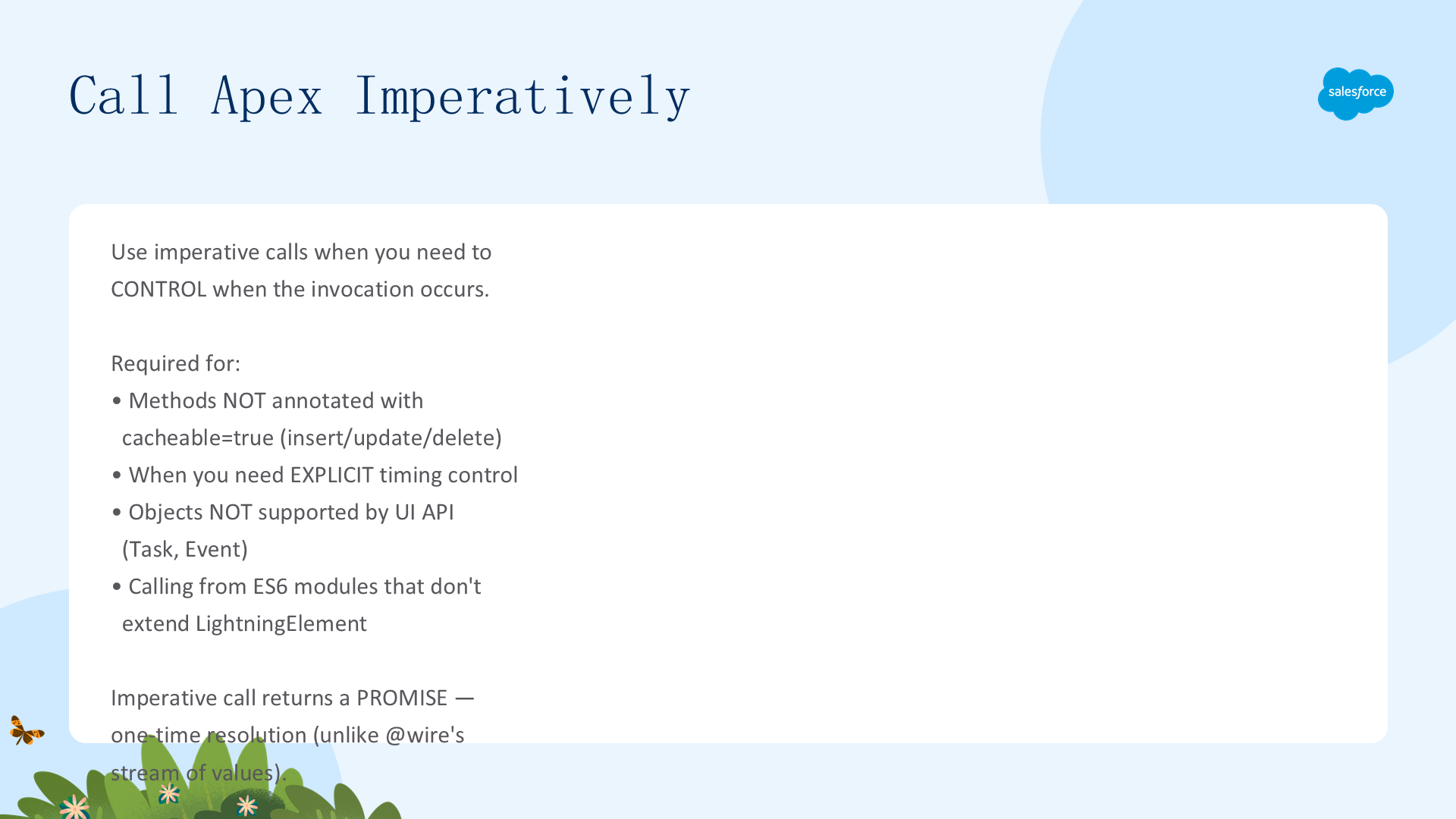
必须命令式调用的场景:方法未标 cacheable=true(含所有增删改操作)、需要控制调用时机(如按钮点击)、操作 UI API 不支持的对象(Task/Event)、从不继承 LightningElement 的 ES6 模块调用。
// 命令式调用——返回 Promise,单次响应(vs @wire 的流式)
async handleLoad() {
  try {
    this.contacts = await getContactList();
    this.error = undefined;
  } catch (error) { this.error = error; this.contacts = undefined; }
}

// 带参数——同样是对象形式(不是直接传值)
async handleSearch() {
  this.contacts = await findContacts({ searchKey: this.searchKey });
}

// ⚠️ Map 不支持——用普通对象代替
objVal = {}; objVal["one"] = "two";
await apexMethod({ theValues: this.objVal });

// 错误处理——async/await + try/catch 或 .then().catch()
getContactList()
  .then(result => { /* 处理结果 */ })
  .catch(error => { /* 处理 Apex 和 then 中的错误 */ });
批量处理与客户端缓存
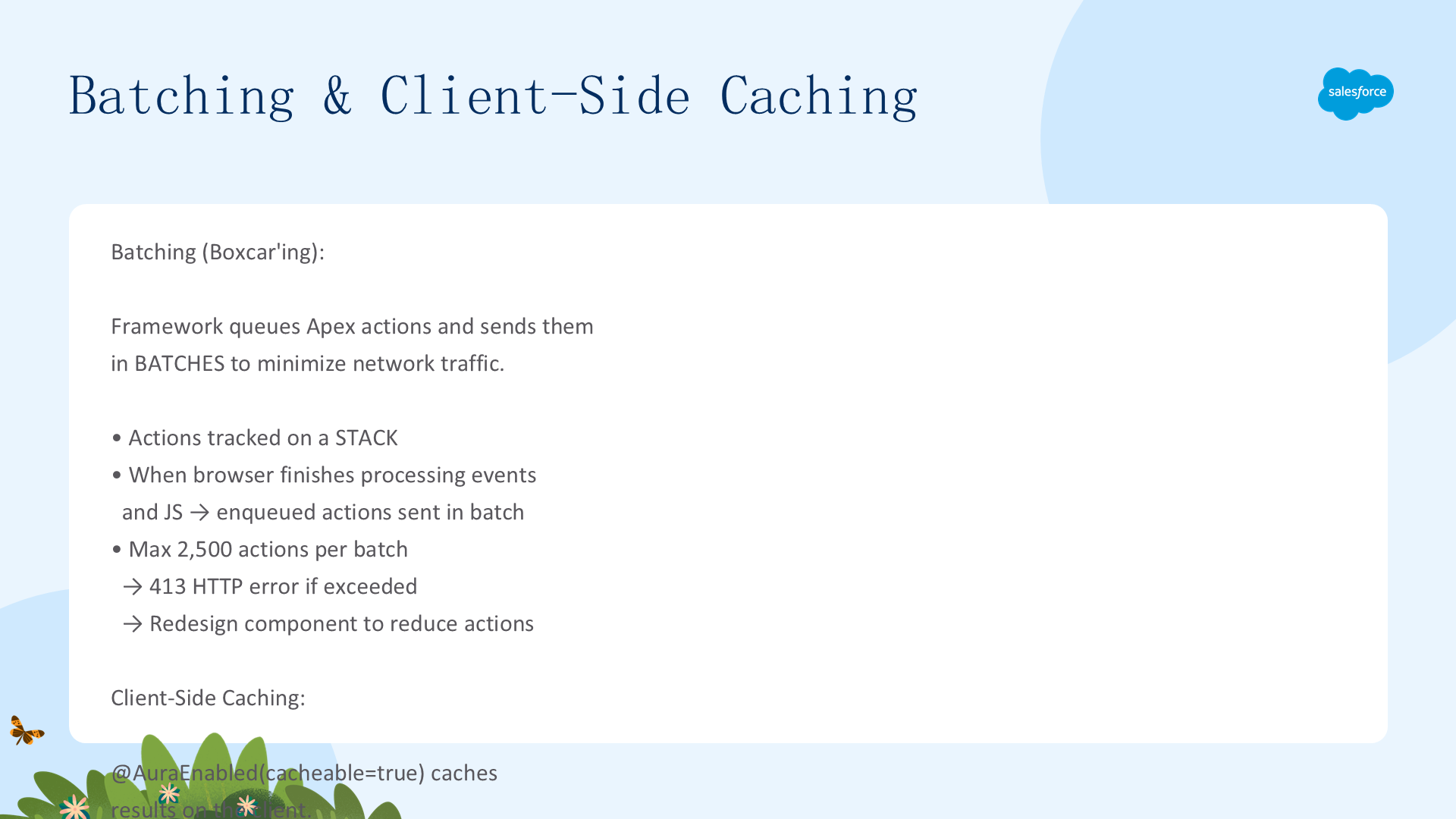
批量处理(Boxcar)
框架将 Apex 动作排队入栈→ 浏览器处理完事件后批量发送到服务器——减少网络请求。超过 2500 个动作返回 413 错误→重新设计组件。
客户端缓存(cacheable=true)
标注 @AuraEnabled(cacheable=true) → 结果缓存在客户端。先从缓存返回→服务器最新数据在后台更新。不假设缓存时长——平台优化可能改变。
Wire 刷新:refreshApex(wiredValue)——标记缓存为过期→重新请求服务器。仅必要时调用(有网络开销)。参数必须是 wire 之前 emit 的对象。Promise resolve 时 wire 数据已刷新。
命令式刷新:重新调用 Apex + notifyRecordUpdateAvailable(recordIds)——通知 LDS 记录已变更→刷新 LDS 缓存。
// 命令式 Apex 更新后刷新
await apexUpdateRecord(this.recordId);
await notifyRecordUpdateAvailable([{recordId: this.recordId}]);
@salesforce/schema 导入配合 Apex —— getSObjectValue
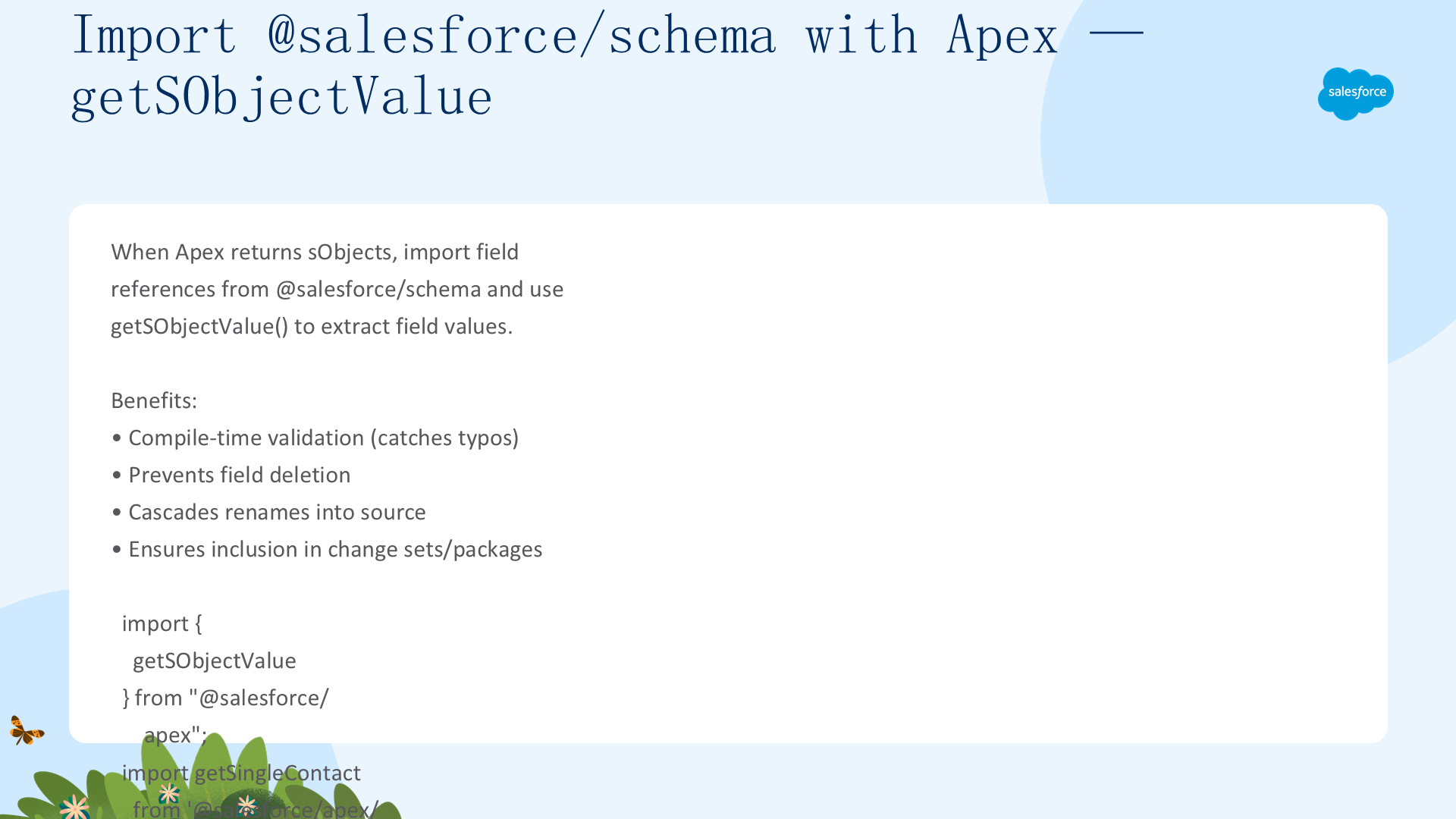
如果组件通过 Apex 获取对象数据并使用 @salesforce/schema 导入字段引用,用 getSObjectValue() 提取字段值——享受编译时验证和级联重命名保护:
import { getSObjectValue } from "@salesforce/apex";
import getSingleContact from "@salesforce/apex/ContactController.getSingleContact";
import NAME_FIELD from "@salesforce/schema/Contact.Name";
import TITLE_FIELD from "@salesforce/schema/Contact.Title";

@wire(getSingleContact) contact;

get name() { return this.contact.data ? getSObjectValue(this.contact.data, NAME_FIELD) : ""; }
// getSObjectValue(sObject, field) 支持最多3层关系字段
Continuations —— 长时间运行的回调
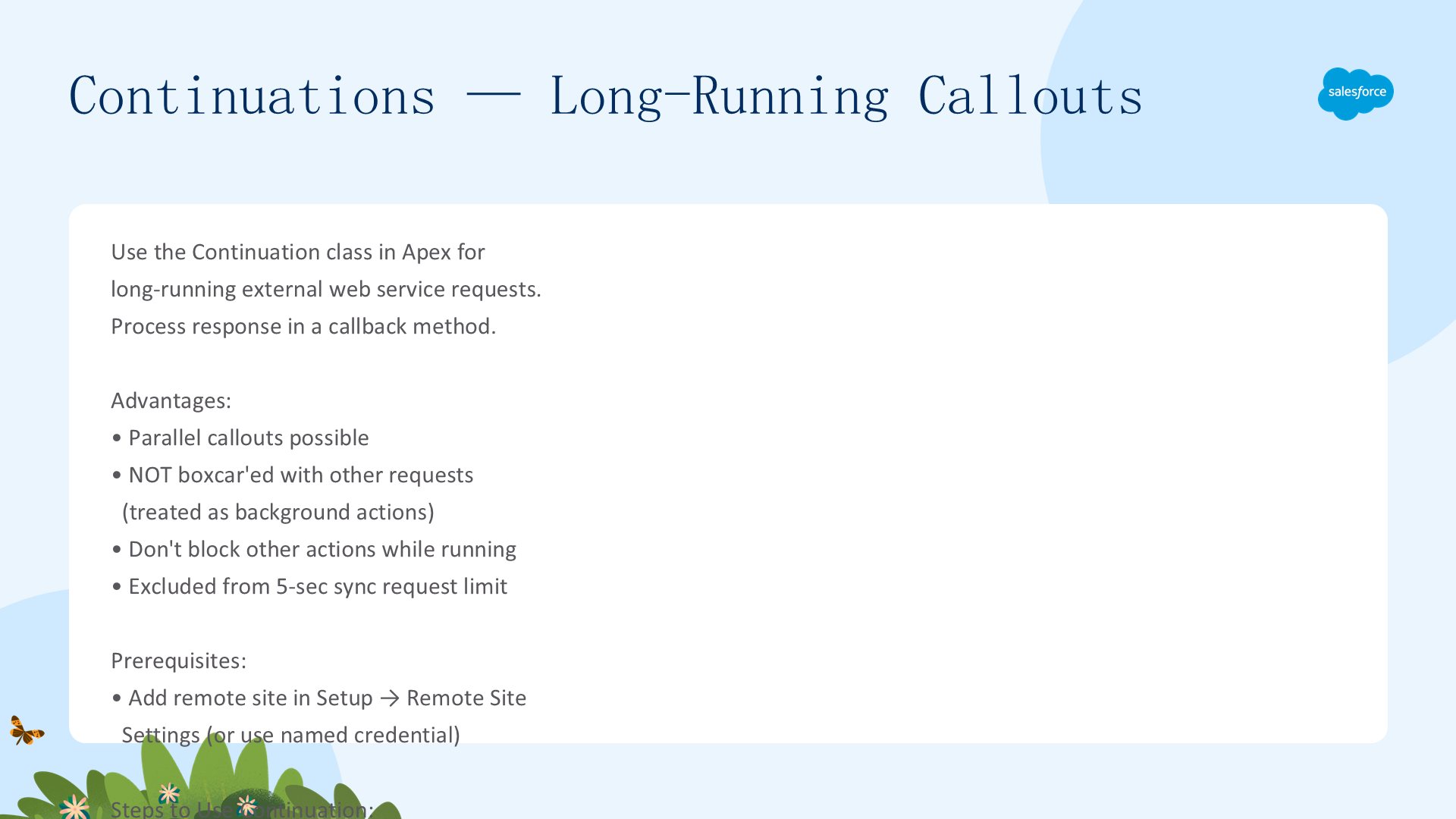
用 Apex Continuation 类进行长时间外部 Web 服务调用。优势:可并行回调、不阻塞其他动作(不计入 boxcar)、不占用 5 秒同步限制。
// Apex——返回 Continuation 对象
@AuraEnabled(continuation=true cacheable=true)
public static Object startRequest() {
  Continuation con = new Continuation(40);  // 超时秒数
  con.continuationMethod = 'processResponse';  // 回调方法
  con.state = 'Hello, World!';                // 传递状态
  HttpRequest req = new HttpRequest();
  req.setEndpoint(LONG_RUNNING_SERVICE_URL);
  con.addHttpRequest(req);                    // 最多3个回调
  return con;
}

// 回调方法——接收 labels[] + state
@AuraEnabled(cacheable=true)
public static Object processResponse(List labels, Object state) {
  HttpResponse response = Continuation.getResponse(labels[0]);
  return response.getBody();
}

// LWC 中导入——使用 @salesforce/apexContinuation
import startRequest from "@salesforce/apexContinuation/SampleContinuationClass.startRequest";
@wire(startRequest) wiredContinuation;  // wire 调用
await startRequest(); // 命令式调用 限制:每 continuation 最多 3 个回调;串行处理——前一 continuation 必须完成才能发起下一个;返回 Continuation 的方法不能执行 DML(回调方法中可以)。缓存规则:continuation 方法和回调方法都要设 cacheable=true 才能用 @wire 并缓存。
保护 Apex 类安全
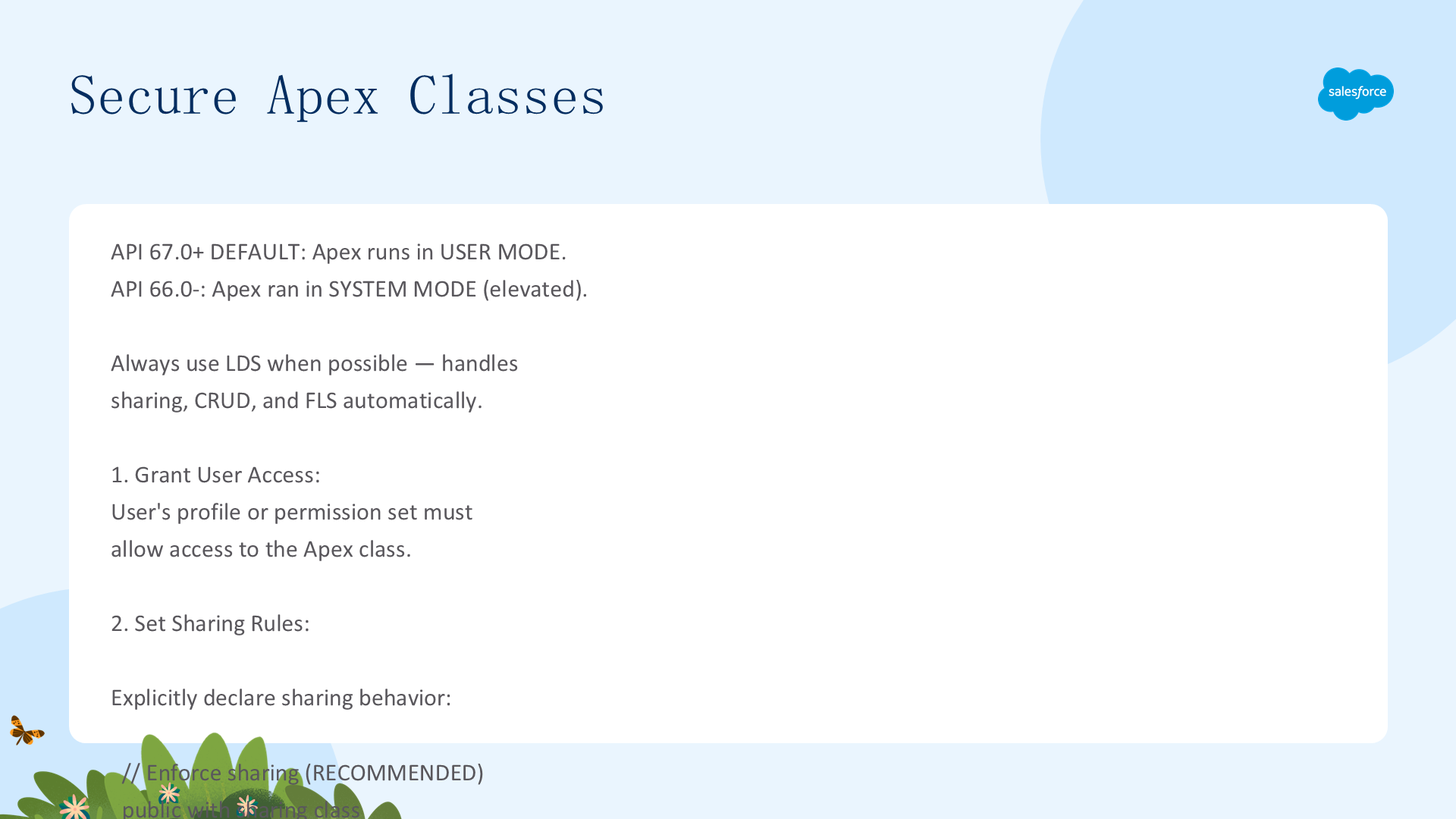
API v67.0+:Apex 默认以用户模式运行——当前用户权限和 FLS 被强制执行。API v66.0 及之前默认系统模式(需要手动编写安全代码)。
共享规则:显式声明 with sharing(推荐)或 without sharing。默认隐式 with sharing。
对象/字段权限三种方式:
- WITH USER_MODE(推荐——最简洁):
SELECT ... FROM ... WITH USER_MODE——强制执行 FLS 和对象权限。需系统模式时用WITH SYSTEM_MODE - stripInaccessible()(优雅降级):剥离用户无权访问的字段——可检测是否剥离并抛出自定义错误。适合不可访问时允许部分数据展示的场景
- DescribeResult 方法(旧版——不推荐):
isAccessible()/isCreateable()/isUpdateable()逐字段检查——大量样板代码
用户访问:用户需通过配置文件或权限集被授予 Apex 类访问权限。
处理 Apex 错误
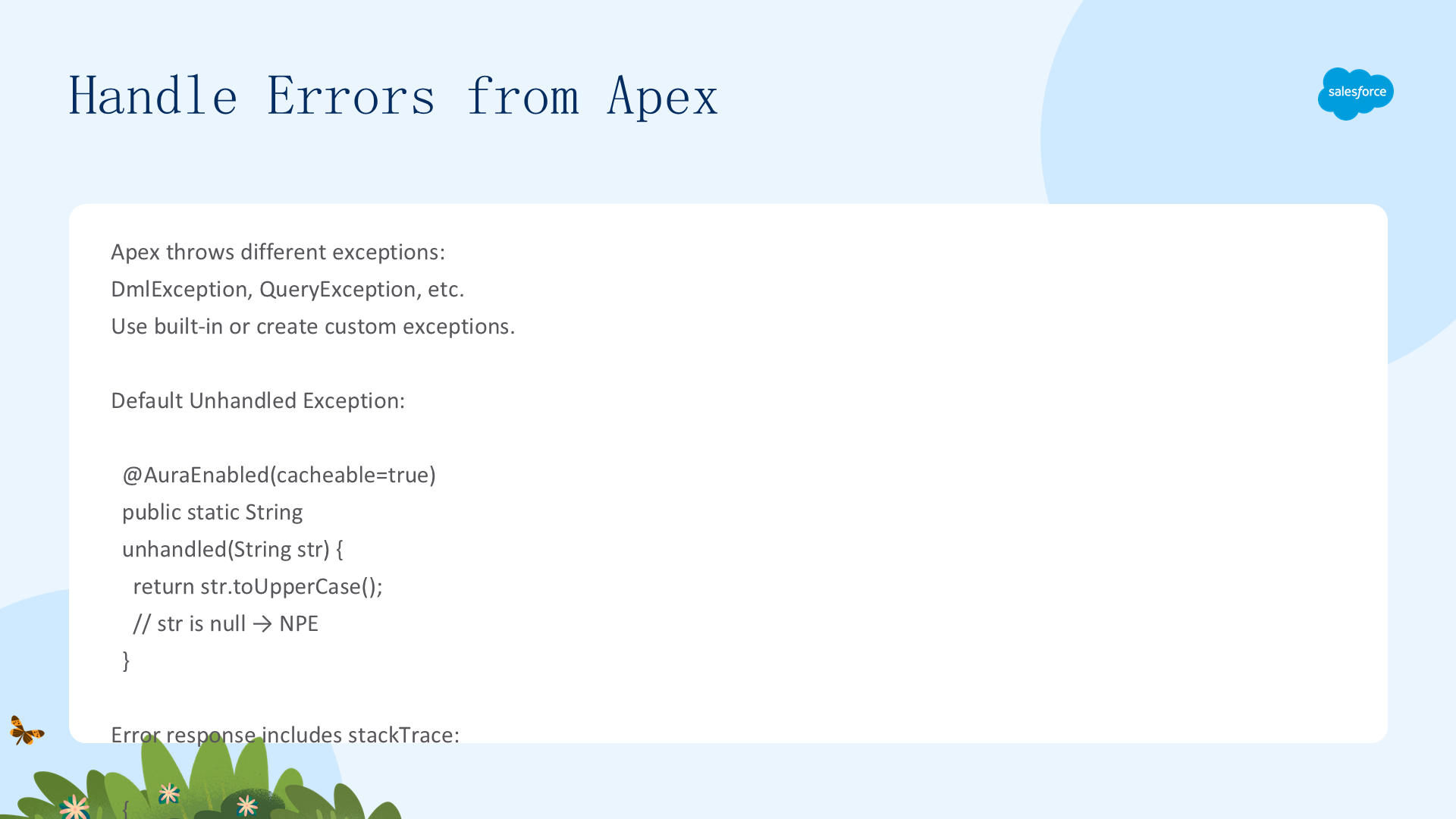
Apex 抛出异常时,可用 try-catch 在 Apex 中处理,否则直接抛给客户端。
三种错误处理策略:
- 默认未处理异常:返回完整堆栈——含类名和行号(
System.NullPointerException) - AuraHandledException(自定义消息——推荐):隐藏内部堆栈,返回自定义消息
catch(Exception e) { throw new AuraHandledException('Something went wrong: ' + e.getMessage()); }
// 返回:{ body: { message: "Something went wrong: ..." } }——无 stackTrace- 自定义异常类:定义
class MyException extends Exception {}——抛出时包含类名和堆栈
抑制异常:使用安全导航操作符 str?.toUpperCase()——返回 null 而非抛异常。
自定义错误对象:创建包装类定义错误结构(severity/errorMessage 等)——适合团队标准化。
最佳实践:分离不同模块到不同 try 块;只处理预期的错误类型(DmlException/QueryException);其余向上传播;不要把所有代码放在一个 try 块。
感谢阅读本指南。如需继续学习,请参阅下一章:使用 RefreshView API 刷新组件数据。