将 Apex 暴露为 SOAP 和 REST Web 服务
Apex SOAP Web 服务允许外部应用通过 SOAP 协议调用 Apex 方法;Apex callout 使 Apex 能够调用外部 Web/HTTP 服务。Apex REST 将类和方法暴露为 RESTful Web 服务。两种方式各有适用场景——SOAP 提供强类型 WSDL 契约,REST 提供轻量级 JSON/XML 访问。
SOAP:Webservice 方法与 WSDL 生成
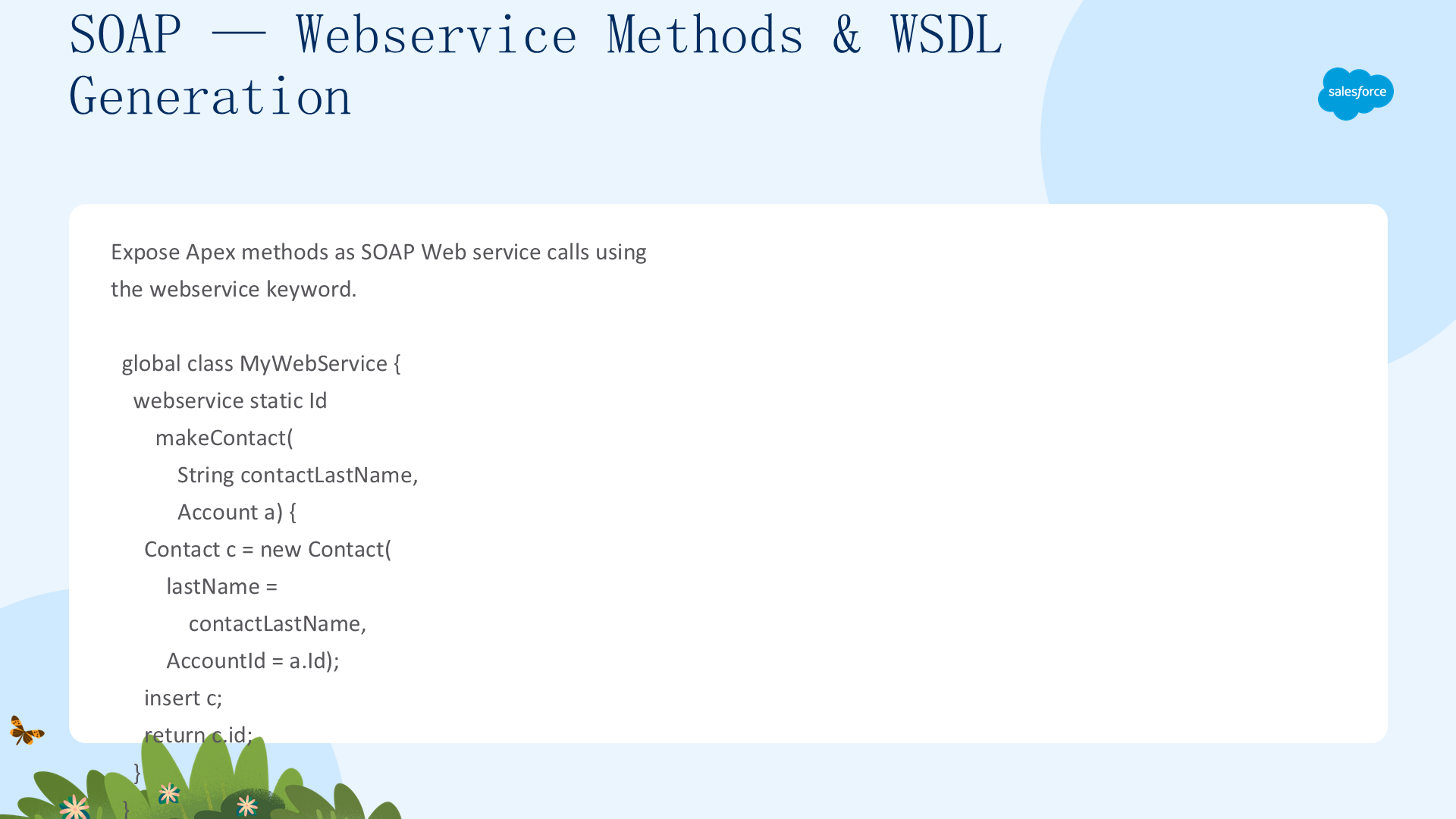
使用 webservice 关键字将 Apex 类方法暴露为自定义 SOAP Web 服务调用。外部应用通过生成 WSDL 集成——从类的详情页面点击 Generate WSDL。webservice 方法始终使用系统上下文——当前用户凭据不被使用(API 67.0+ 中 Apex REST 在用户模式下运行,这是两者的重要安全区别)。
global class MyWebService {
    webservice static Id makeContact(String contactLastName, Account a) {
        Contact c = new Contact(lastName = contactLastName, AccountId = a.Id);
        insert c;
        return c.id;
    }
}

// 带 webservice 成员变量的完整示例
global class SpecialAccounts {
    global class AccountInfo {
        webservice String AcctName;
        webservice Integer AcctNumber;
    }
    webservice static Account createAccount(AccountInfo info) {
        Account acct = new Account();
        acct.Name = info.AcctName;
        acct.AccountNumber = String.valueOf(info.AcctNumber);
        insert acct;
        return acct;
    }
    webservice static Id[] createAccounts(Account parent, Account child, Account grandChild) {
        insert parent; child.parentId = parent.Id; insert child;
        grandChild.parentId = child.Id; insert grandChild;
        return new Id[]{parent.Id, child.Id, grandChild.Id};
    }
}
生成 WSDL:Setup → Apex Classes → 点击包含 webservice 方法的类名 → Generate WSDL。外部应用使用 WSDL 生成客户端代理类,通过 SOAP 调用 Apex 方法。
SOAP:安全与数据暴露
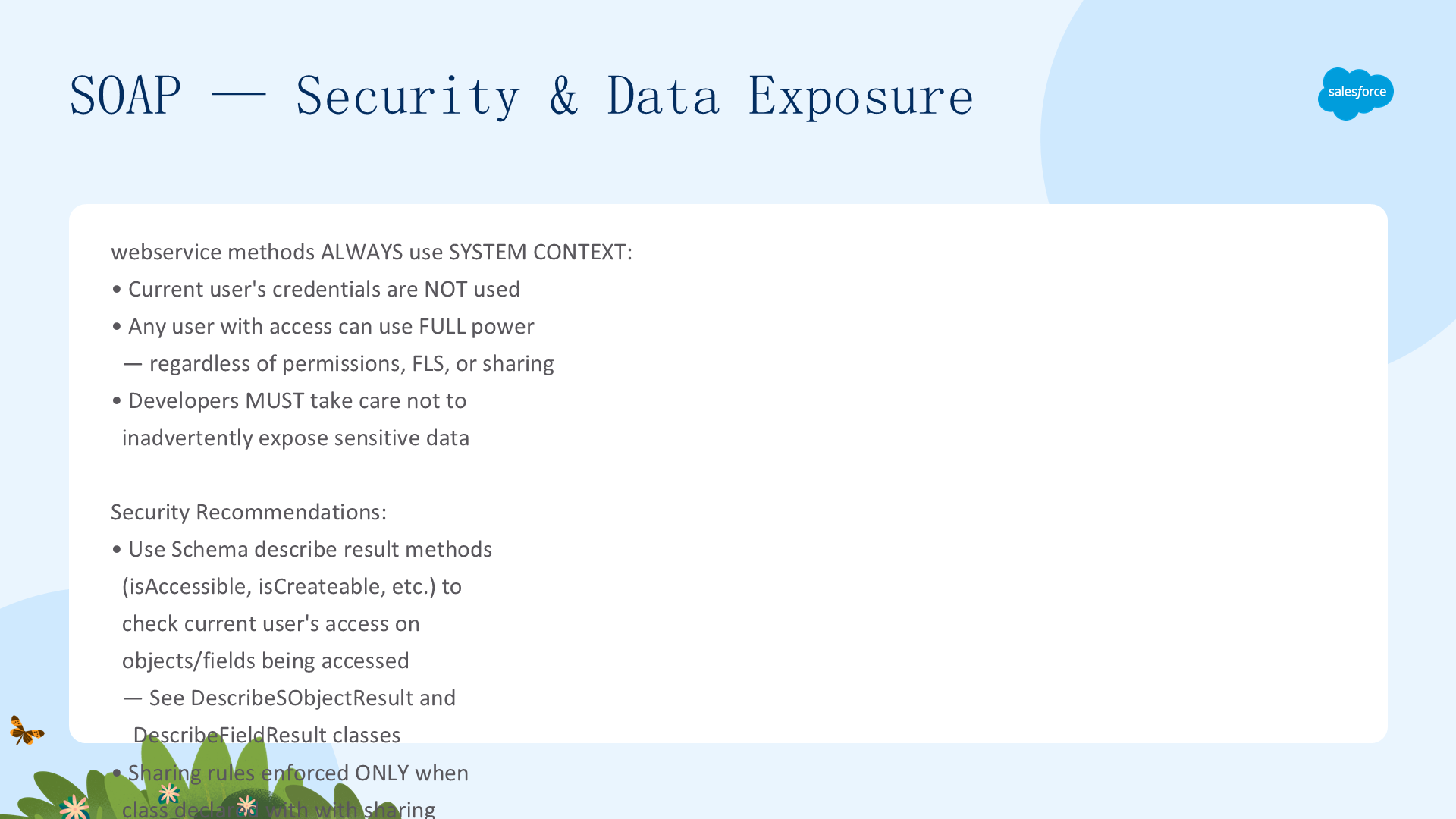
关键安全注意——webservice 方法默认不执行对象权限和字段级安全!调用始终使用系统上下文——任何有权限访问这些方法的用户都可以使用其全部能力,无论权限、字段级安全或共享规则如何。开发者必须格外小心确保不无意中暴露敏感数据。
安全建议:
- 使用
Schema.DescribeSObjectResult和Schema.DescribeFieldResult的访问控制方法检查当前用户的访问级别 - 共享规则(记录级访问)仅在类声明为
with sharing时强制执行——包括包含 webservice 方法的类。webservice 方法默认不强制执行共享规则 - 外部应用调用限制:密码过期或临时的用户进行 API 登录后,后续调用返回 INVALID_OPERATION_WITH_EXPIRED_PASSWORD 错误——需重置密码
- AppExchange 包具有 Restricted 访问权限时,Salesforce 拒绝其 Web 服务和 executeanonymous 请求
- API 15.0+ 中赋值超长 String 值会产生运行时错误
SOAP:webservice 关键字规则与限制
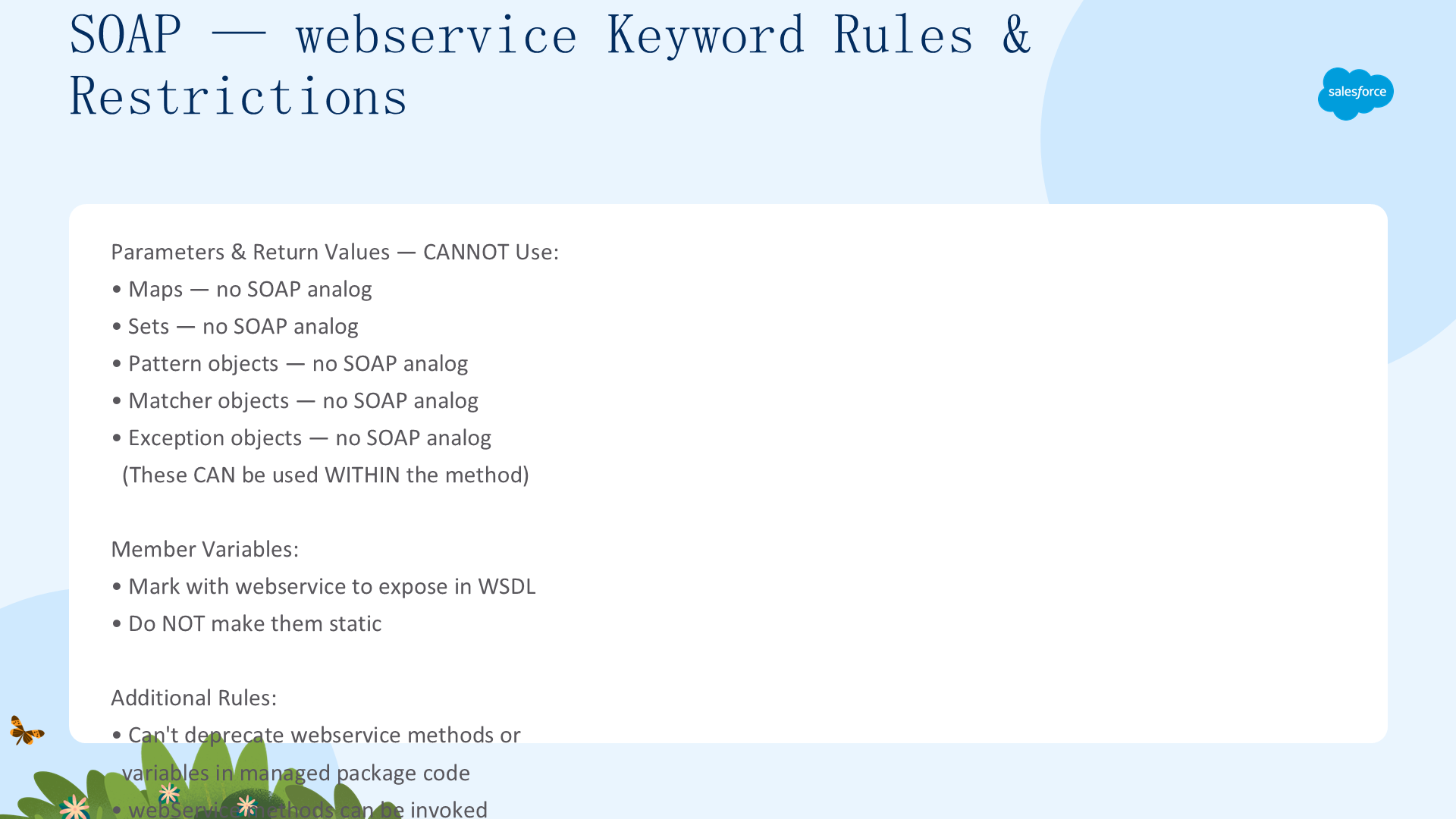
webservice 关键字的使用规则:
- 只能用于顶级方法和外部类方法——不能用于定义类、内部类方法、接口或接口方法、触发器
- 包含 webservice 方法的类必须声明为 global——如果方法或内部类声明为 global,外部顶级类也必须为 global
- webservice 方法固有地是 global——任何有权限访问类的 Apex 代码都可使用。可将 webservice 视为比 global 更高访问级别的修饰符
- webservice 方法必须声明为 static。成员变量不能是 static
- 不能作为参数或返回值的类型:Map、Set、Pattern 对象、Matcher 对象、Exception 对象(可在方法内部使用)
- 系统定义的枚举不能用于 Web 服务方法
- 托管包代码中不能弃用 webservice 方法或变量
- 使用 webservice 关键字标记要暴露的成员变量——这些成员变量不能声明为 static
SOAP:重载 Web 服务方法
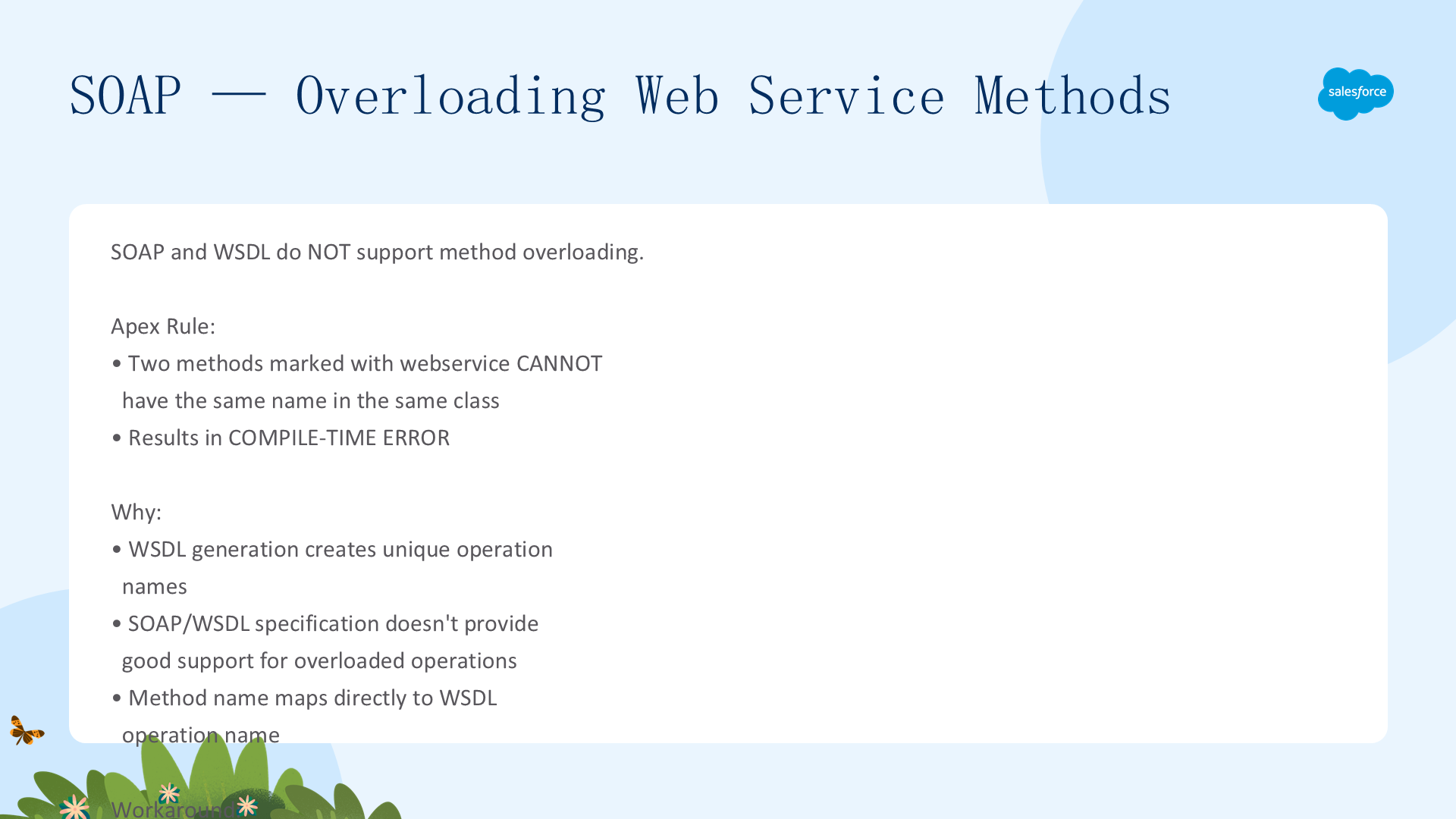
SOAP 和 WSDL 不很好地支持方法重载。因此,Apex 不允许同一类中有两个标记为 webservice 的同名方法——会产生编译时错误。每个 webservice 方法必须有唯一名称。这也是为什么推荐使用 Apex REST 进行新集成——REST 设计更灵活且天然适合 HTTP 方法语义(GET/POST/PUT/DELETE/PATCH 每个类每种方法只能有一个)。
Apex REST:RestContext 与基本用法
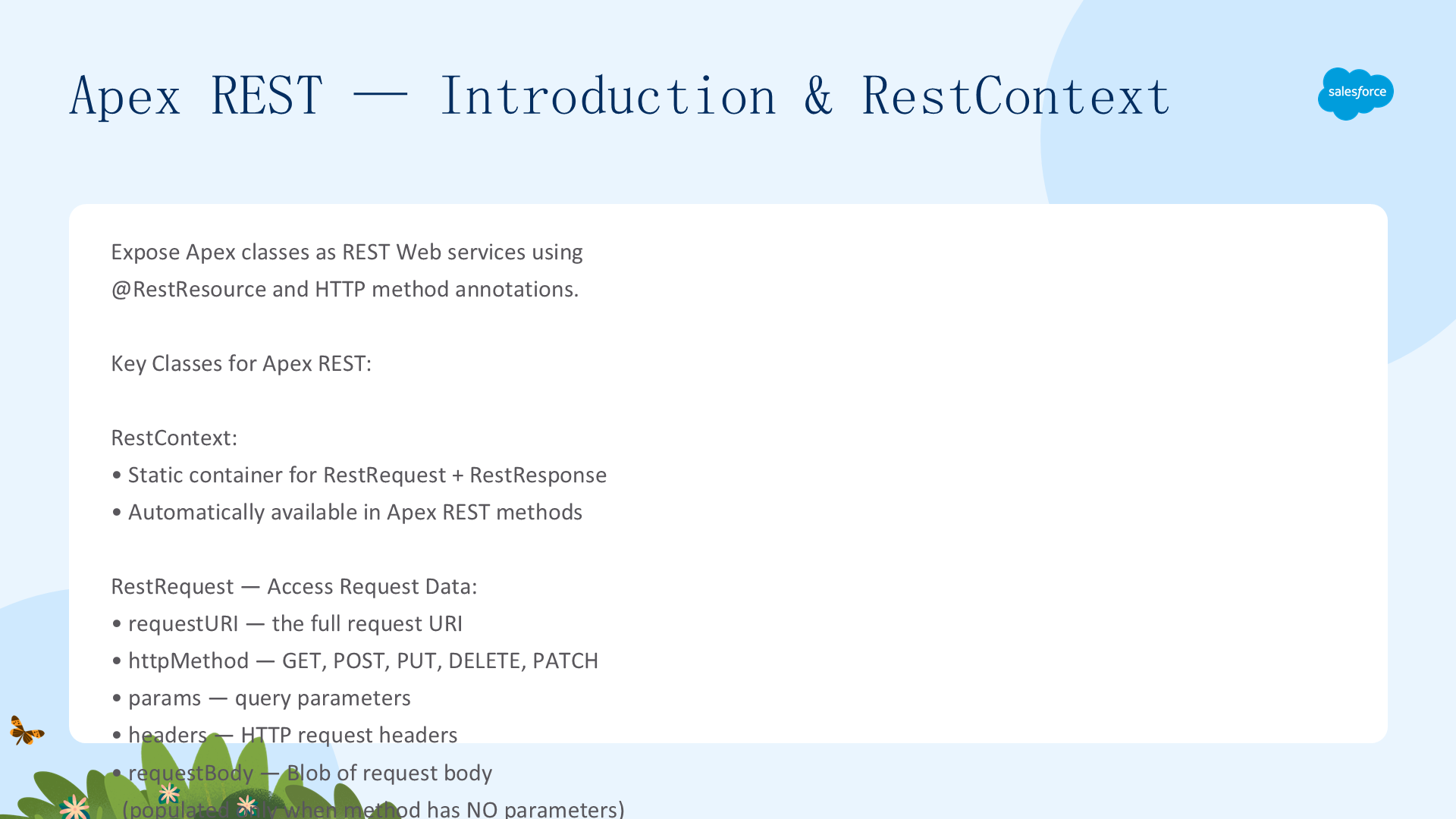
Apex REST 将类和方法暴露为 RESTful Web 服务——外部应用通过 REST 架构访问。使用 @RestResource(urlMapping='/yourPath') 注解标记类。URL 格式:https://instance.salesforce.com/services/apexrest/yourPath。关键类:RestContext(静态容器——包含 RestRequest 和 RestResponse 对象)、RestRequest(请求数据——requestBody、params、headers、httpMethod、requestURI)、RestResponse(响应——responseBody、statusCode、addHeader)。
认证方式:OAuth 2.0 和 Session ID。调用计入组织的 API Governor Limit。所有标准 Apex Governor Limit 适用(同步模式下请求/响应最大 6MB,异步 12MB)。托管包中的 Apex REST 方法需要在 URL 中包含命名空间:/services/apexrest/packageNamespace/MyMethod/。
@RestResource(urlMapping='/AccountService/*')
global with sharing class AccountRESTService {
    @HttpGet
    global static Account getAccountById() {
        RestRequest req = RestContext.request;
        String accountId = req.requestURI.substring(req.requestURI.lastIndexOf('/') + 1);
        return [SELECT Id, Name, Phone FROM Account WHERE Id = :accountId WITH USER_MODE];
    }
}
Apex REST:注解与方法
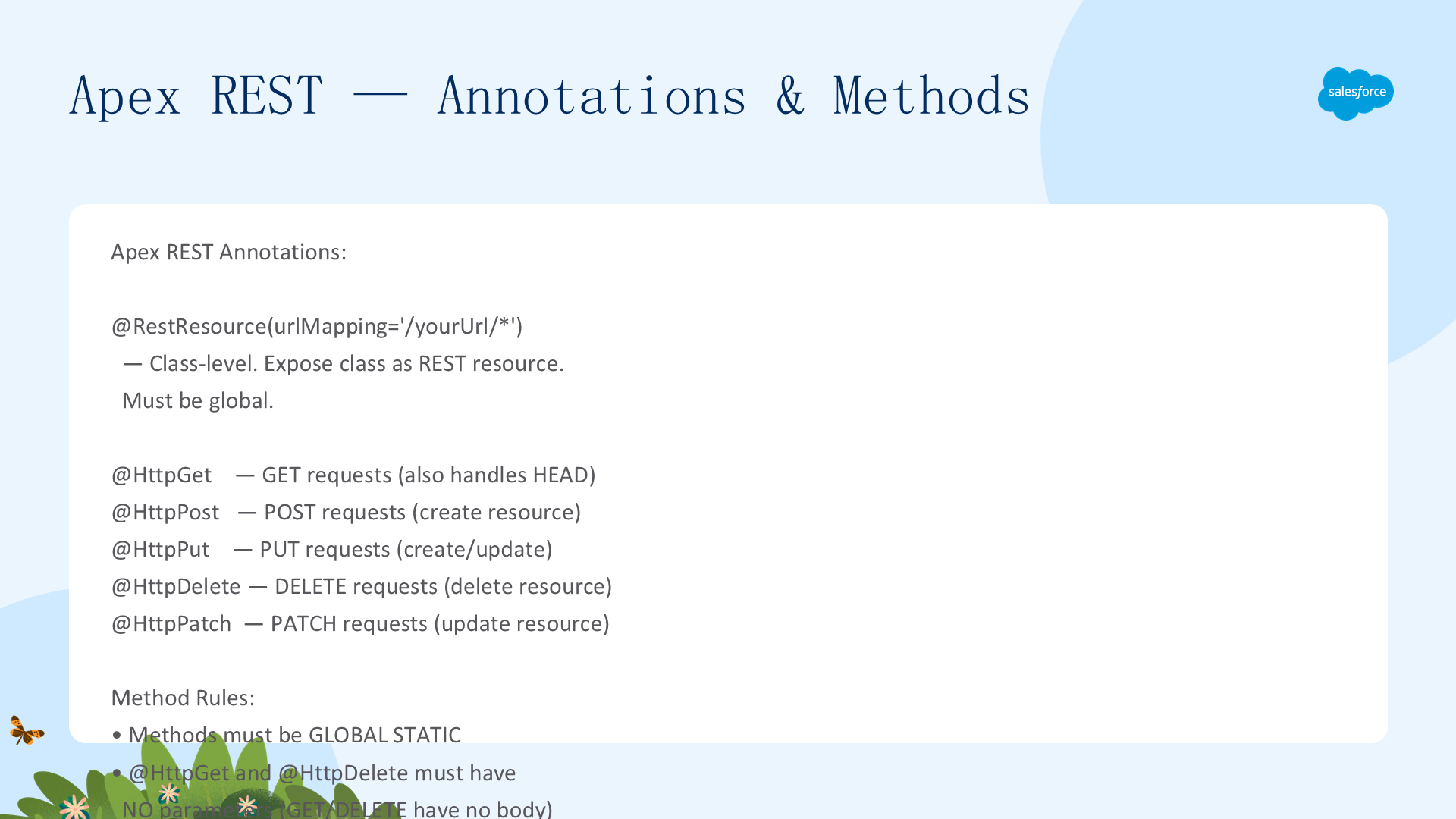
REST 注解:@RestResource(urlMapping='/yourUrl') 标记类;@HttpGet / @HttpPost / @HttpPut / @HttpDelete / @HttpPatch 标记方法。Apex REST 支持 JSON 和 XML 两种表示格式——默认使用 JSON(由 Content-Type 头部指示)。
方法参数的序列化规则:
- 如果 Apex 方法无参数,HTTP 请求体被复制到
RestRequest.requestBody属性(Blob) - 如果方法有参数,Apex REST 尝试将数据反序列化到这些参数中——数据不会出现在 requestBody 中
- 非 void 返回类型的方法——返回值被序列化到
RestResponse.responseBody。null 值字段不被序列化 - @HttpGet 和 @HttpDelete 方法必须无参数——因为 GET/DELETE 请求无请求体
- 一个 @RestResource 类中每种 HTTP 方法只能有一个方法(不能有两个 @HttpGet)
参数和返回值允许的类型:Apex 原始类型(不含 sObject 和 Blob)、sObject、原始类型或 sObject 的 List/Map(仅支持 String 键的 Map)、包含上述类型成员变量的用户定义类型。不支持:Connect in Apex 对象的 XML 序列化、multipart/form-data Content-Type。
Apex REST:用户定义类型
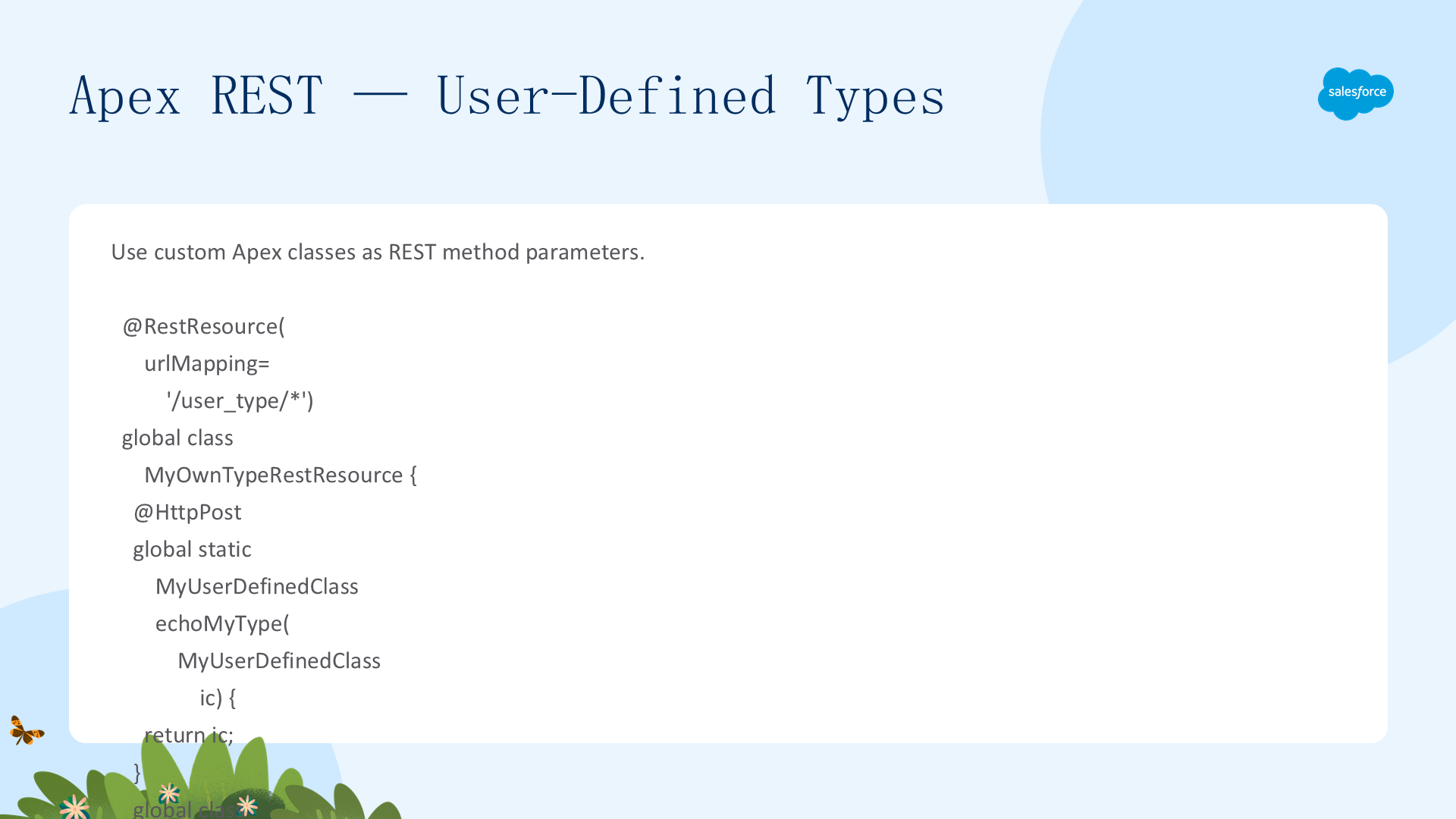
Apex REST 将请求数据反序列化到用户定义类型的 public/private/global 类成员变量中——除非变量声明为 static 或 transient。参数名称重要(顺序不重要)。
@RestResource(urlMapping='/user_defined_type_example/*')
global with sharing class MyOwnTypeRestResource {
    @HttpPost
    global static MyUserDefinedClass echoMyType(MyUserDefinedClass ic) {
        return ic;
    }
    global class MyUserDefinedClass {
        global String string1;           // 被序列化
        global String string2 { get; set; }  // 被序列化
        private String privateString;    // 也被序列化
        global transient String transientString;  // 不被序列化!
    }
}重要注意:避免用户定义类型中的循环引用(类型之间互相依赖)——编译通过但在运行时会检测到循环,返回 HTTP 400 错误。同时 XML 不支持 List、Map 或集合的集合(如 List<List<String>>)——仅 JSON 支持这些类型。
Apex REST:请求与响应数据规则
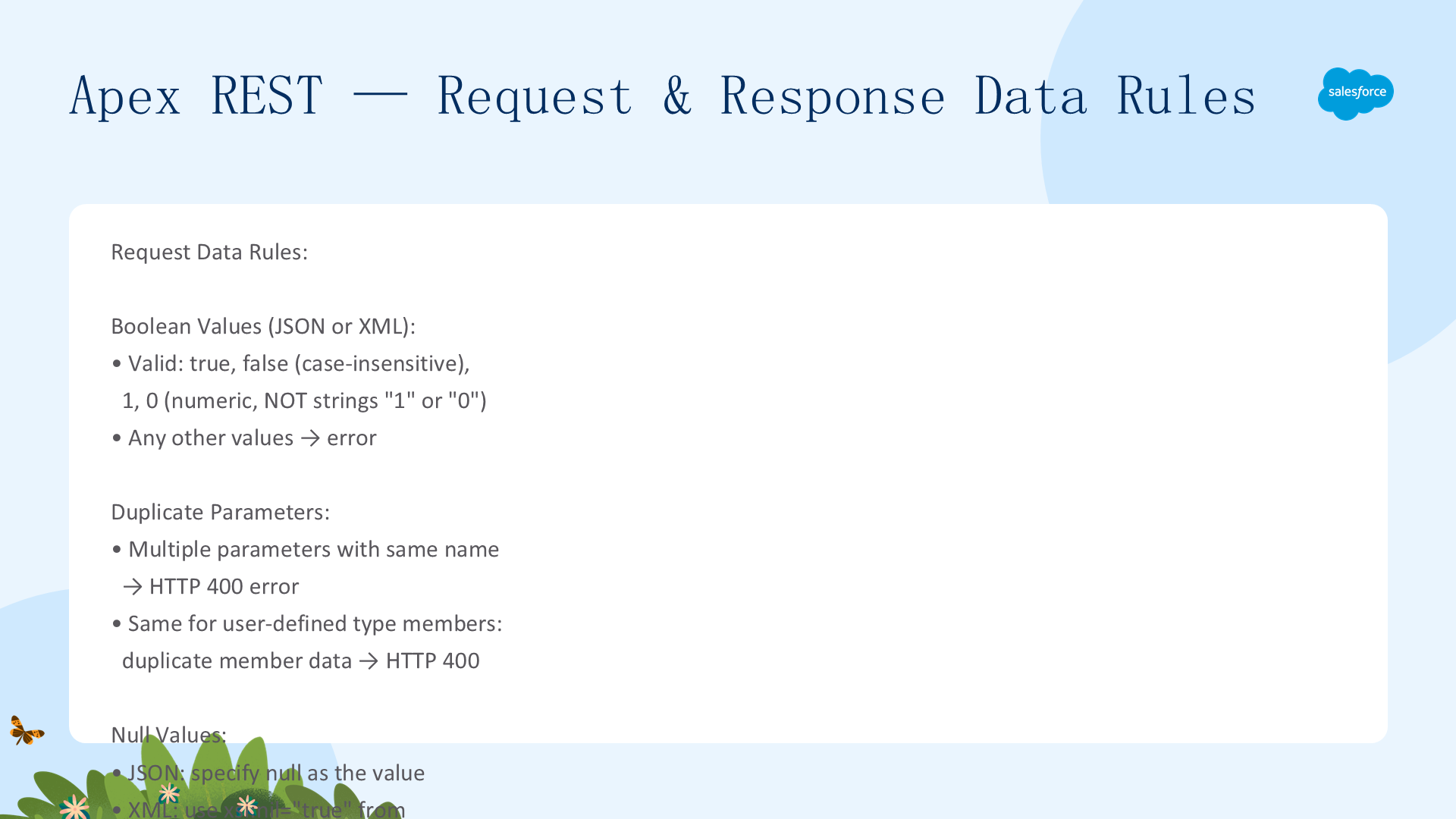
请求数据规则:Boolean 参数的有效值:true、false(不区分大小写)、1、0(数字值)——其他值导致错误。JSON/XML 中包含多个同名参数导致 HTTP 400 错误。null 值可以省略参数或指定 null(JSON: null,XML: nil 属性)。XML 请求必须包含引用任何 Apex 命名空间的 XML 命名空间声明。
URL 映射冲突:URLpattern 和 URLpattern/* 匹配相同的 URL——解析到先保存的类。
HTTP 状态码:200=成功(GET/PATCH 非 void)、204=成功(PATCH void)、400=未处理异常/参数错误/循环引用、403=无权访问类、404=URL 未映射/命名空间类未找到、405=无对应 HTTP 方法、406=不支持的返回类型/Content-Type、415=不支持的参数类型、500=未处理 Apex 异常。
堆溢出:序列化过程中超出堆限制返回 HTTP 200 并附加部分 JSON 错误。返回 sObject 集合时缓冲 JSON 序列化可能导致延迟错误——使用 RestResponse 手动设置 statusCode 和 responseBody 获得更精确的控制。
Apex REST:数据暴露与安全
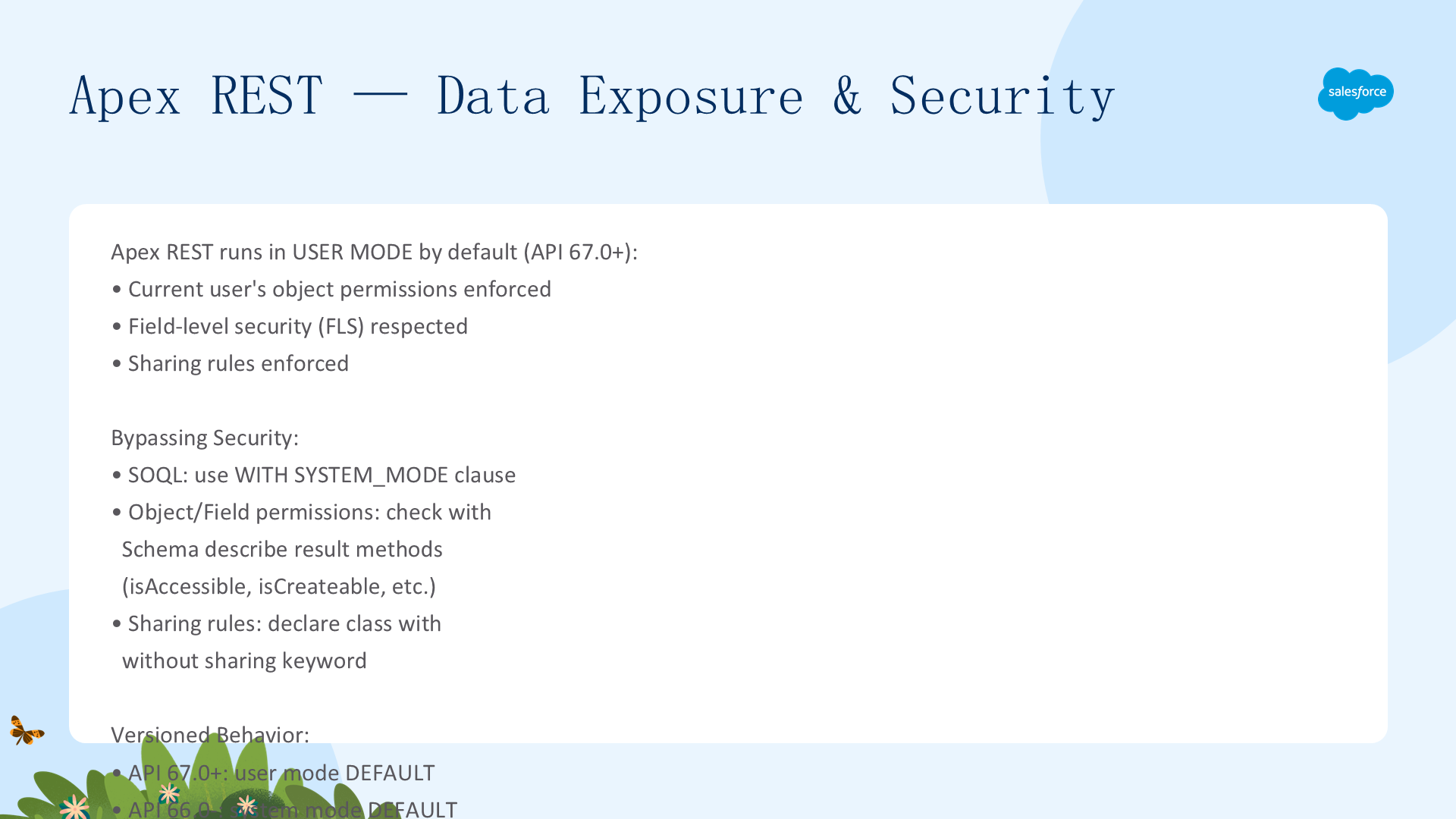
Apex REST vs SOAP——关键安全区别:自定义 Apex REST Web 服务方法默认在用户模式下运行(API 67.0+)——当前用户的对象权限、字段级安全和共享规则被强制执行。API 66.0 及更早版本中系统模式是默认的。相比之下,webservice (SOAP) 方法始终使用系统上下文。
要绕过对象/字段级安全,SOQL SELECT 中使用 WITH SYSTEM_MODE 子句。要绕过共享规则,将包含 REST 方法的类显式声明为 without sharing。无显式共享声明的类在 API 67.0+ 中以 with sharing 运行。推荐使用 describe 结果方法检查当前用户的访问级别。
Apex REST:基础 CRUD 代码示例
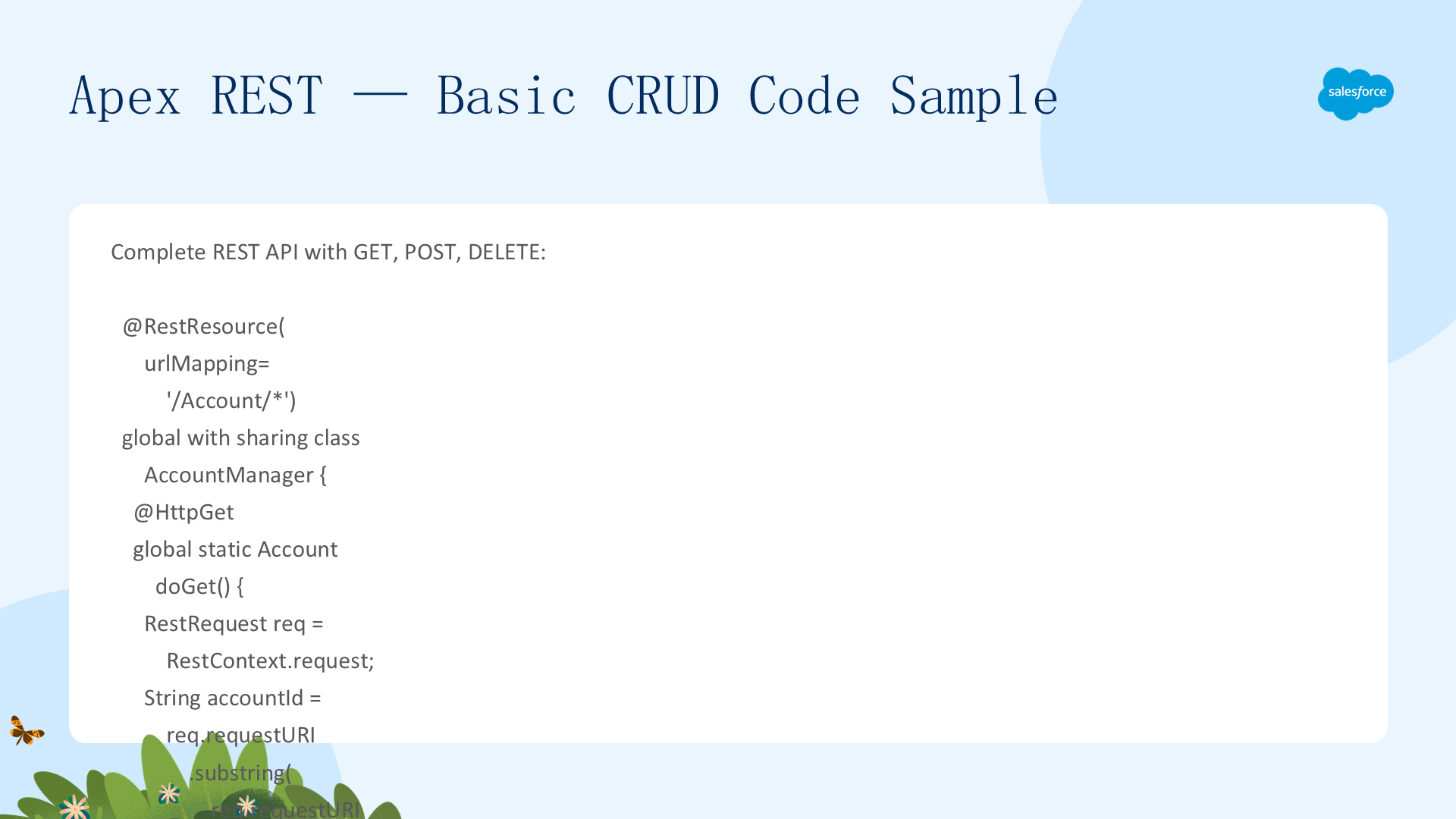
完整的 REST CRUD 示例——使用单个 @RestResource 类处理 HTTP GET(检索)、DELETE(删除)和 PUT(更新)操作:
@RestResource(urlMapping='/Account/*')
global with sharing class AccountREST {
    @HttpGet
    global static Account doGet() {
        RestRequest req = RestContext.request;
        String id = req.requestURI.substringAfterLast('/');
        return [SELECT Id, Name, Phone, Website FROM Account WHERE Id = :id WITH USER_MODE];
    }
    @HttpDelete
    global static void doDelete() {
        String id = RestContext.request.requestURI.substringAfterLast('/');
        delete as user [SELECT Id FROM Account WHERE Id = :id];
    }
    @HttpPut
    global static Id doPut(String Name, String Phone, String Website) {
        String id = RestContext.request.requestURI.substringAfterLast('/');
        Account a = [SELECT Id FROM Account WHERE Id = :id];
        a.Name = Name; a.Phone = Phone; a.Website = Website;
        update as user a;
        return a.Id;
    }
}
// cURL 示例:
// GET:  curl -H "Authorization: Bearer sessionId" "https://instance/services/apexrest/Account/accId"
// DELETE: curl -X DELETE -H "Authorization: Bearer sessionId" "https://instance/services/apexrest/Account/accId"
Apex REST:使用 RestRequest 上传文件
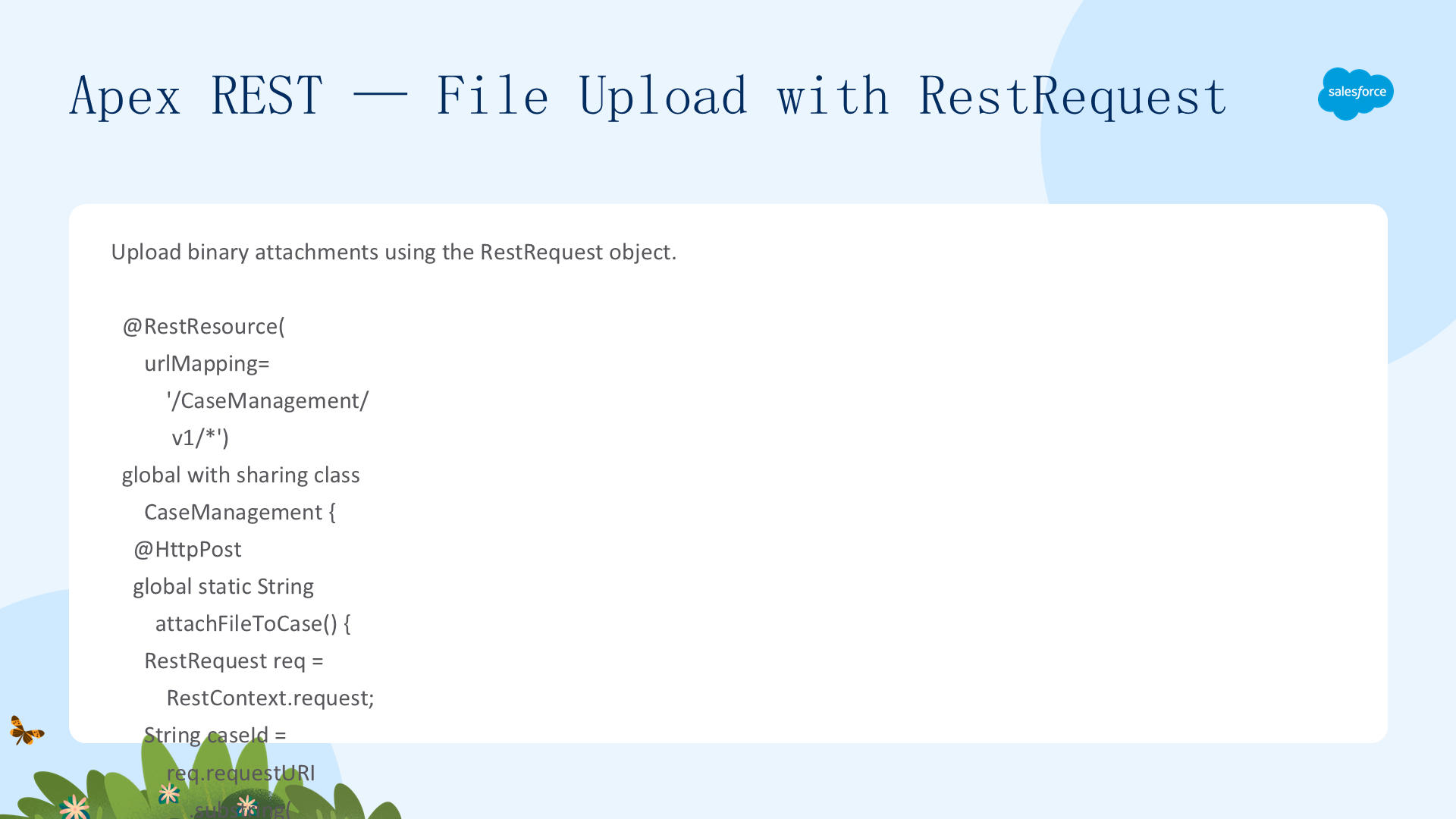
使用 @HttpPost 方法和 RestRequest.requestBody 处理文件上传——二进制文件数据存储在 RestRequest 对象中,服务类访问其中的二进制数据:
@RestResource(urlMapping='/CaseManagement/v1/*')
global with sharing class CaseManagementREST {
    @HttpPost
    global static Id createCaseAttachment() {
        RestRequest req = RestContext.request;
        String caseId = req.requestURI.substringAfterLast('/');
        Blob fileBody = req.requestBody;

        Attachment att = new Attachment();
        att.ParentId = caseId;
        att.Body = fileBody;
        att.Name = 'Uploaded File';
        att.ContentType = req.headers.get('Content-Type');
        insert as user att;
        return att.Id;
    }
}
// cURL 上传:
// curl -H "Authorization: Bearer sessionId" -H "Content-Type: image/jpeg" --data-binary @file "https://domain/services/apexrest/CaseManagement/v1/caseId"
选择 SOAP(强类型 WSDL/系统上下文/企业集成)还是 REST(轻量级 JSON/用户模式安全/移动友好/注解驱动)取决于你的集成需求和安全模型。对于新项目,Apex REST 通常是更灵活和安全的选择。