Connect in Apex 特性
本章深入 Connect in Apex 的核心特性:Action Links(将 Feed 按钮与 API/网页/文件下载集成)、Feed 与 Feed Element 能力模型、Experience Cloud 站点中的 ConnectApi 访问以及访客用户权限。
使用 Action Links
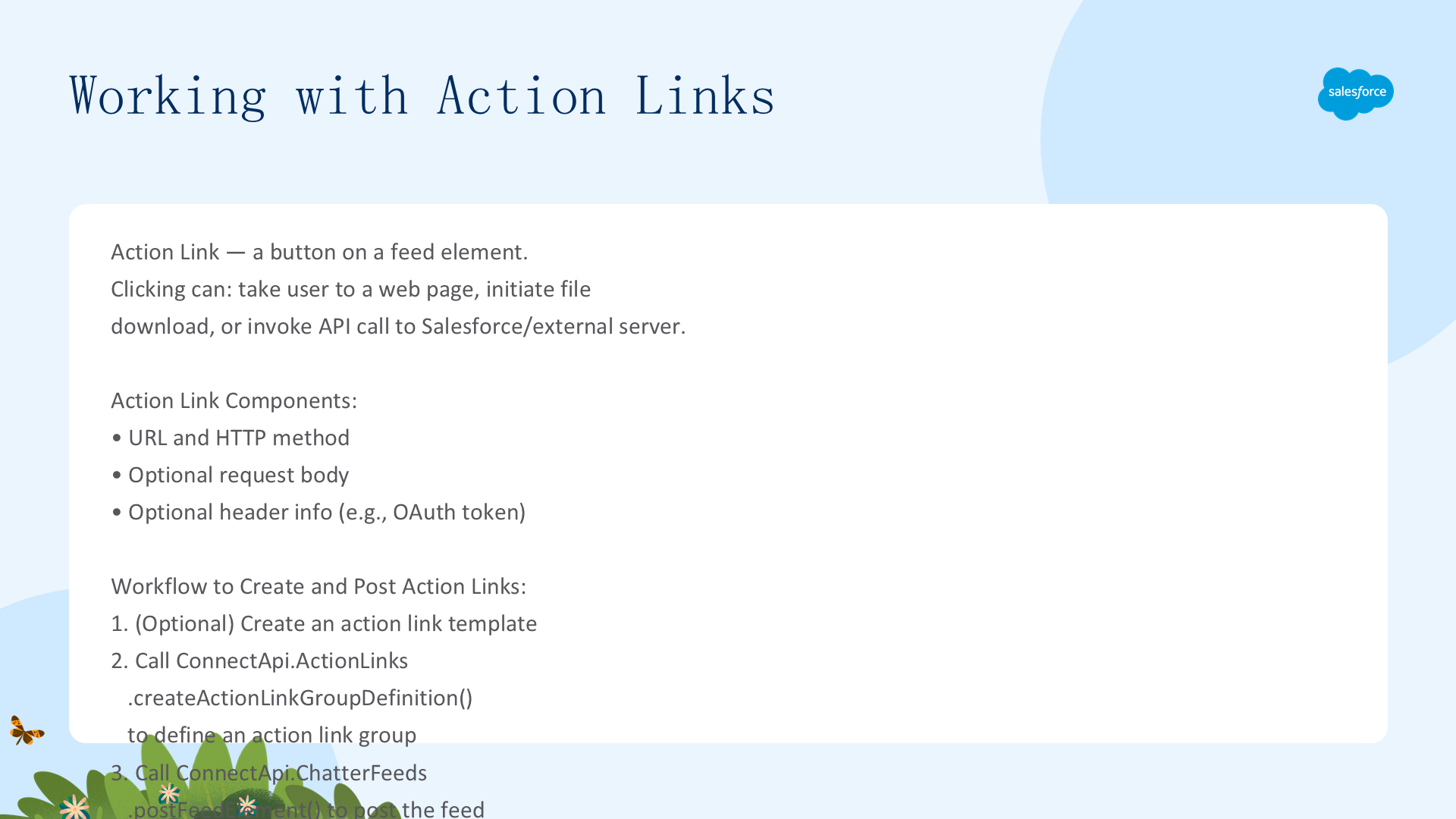
Action Link 是 Feed 元素上的按钮——点击可将用户带到网页、启动文件下载或调用 Salesforce/外部服务器 API。包含 URL、HTTP 方法、请求体和头部(如 OAuth 令牌用于认证)。创建流程:(1) 可选创建 action link 模板;(2) 调用 ConnectApi.ActionLinks.createActionLinkGroupDefinition(communityId, actionLinkGroup) 定义至少包含一个 Action Link 的组;(3) 调用 ConnectApi.ChatterFeeds.postFeedElement 发布关联了 Action Link 组的 Feed 元素。最多关联 10 个 Action Link 组。
四种 Action Link 类型(actionType 属性):
- Api:同步调用 actionUrl 的 API——基于 HTTP 状态码设置 SuccessfulStatus/FailedStatus
- ApiAsync:异步调用 API——保持 PendingStatus 直到第三方 POST 到
/connect/action-links/actionLinkId设置最终状态 - Download:从 actionUrl 下载文件
- Ui:将用户带到 actionUrl 的网页
认证与安全:actionUrl 必须以 https:// 开头或为相对 URL。Salesforce 自动认证以 /services/apexrest 开头的相对 URL 和模板中的相对 URL。API 详情加密存储(actionURL/headers/requestBody)。模板中的敏感信息应使用绑定变量(实例化时加密存储——不要在模板中存储敏感信息)。expirationDate 后 Action Links 不可执行。excludeUserId 排除特定用户——userId 指定唯一可执行用户(不能同时指定)。
上下文变量({!xxx}):传递执行用户和上下文信息到 HTTP 请求——{!actionLinkId} {!actionLinkGroupId} {!communityId} {!communityUrl} {!orgId} {!userId}。可用于 actionUrl、headers 和 requestBody。
错误诊断:ConnectApi.ActionLinks.getActionLinkDiagnosticInfo(communityId, actionLinkId) 返回执行 Api Action Links 的状态码和错误——仅在用户可访问时返回。标签本地化——labelKey 属性使用预定义的本地化标签集。模板中可设置自定义 Label(设置 Label Key 为 None——但自定义标签不本地化)。
示例用例——从 Feed 启动视频聊天:创建模板包含 {!Bindings.roomId} 绑定变量和 {!userId} 上下文变量。用户点击 OK 时 Apex 生成唯一 roomId → 实例化 Action Link 组 → 关联 Feed 并发布。被邀请者点击 Join 时 Salesforce 替换上下文变量——Action Link URL 打开包含该用户 ID 的视频聊天室。
Feed 与 Feed 元素能力模型
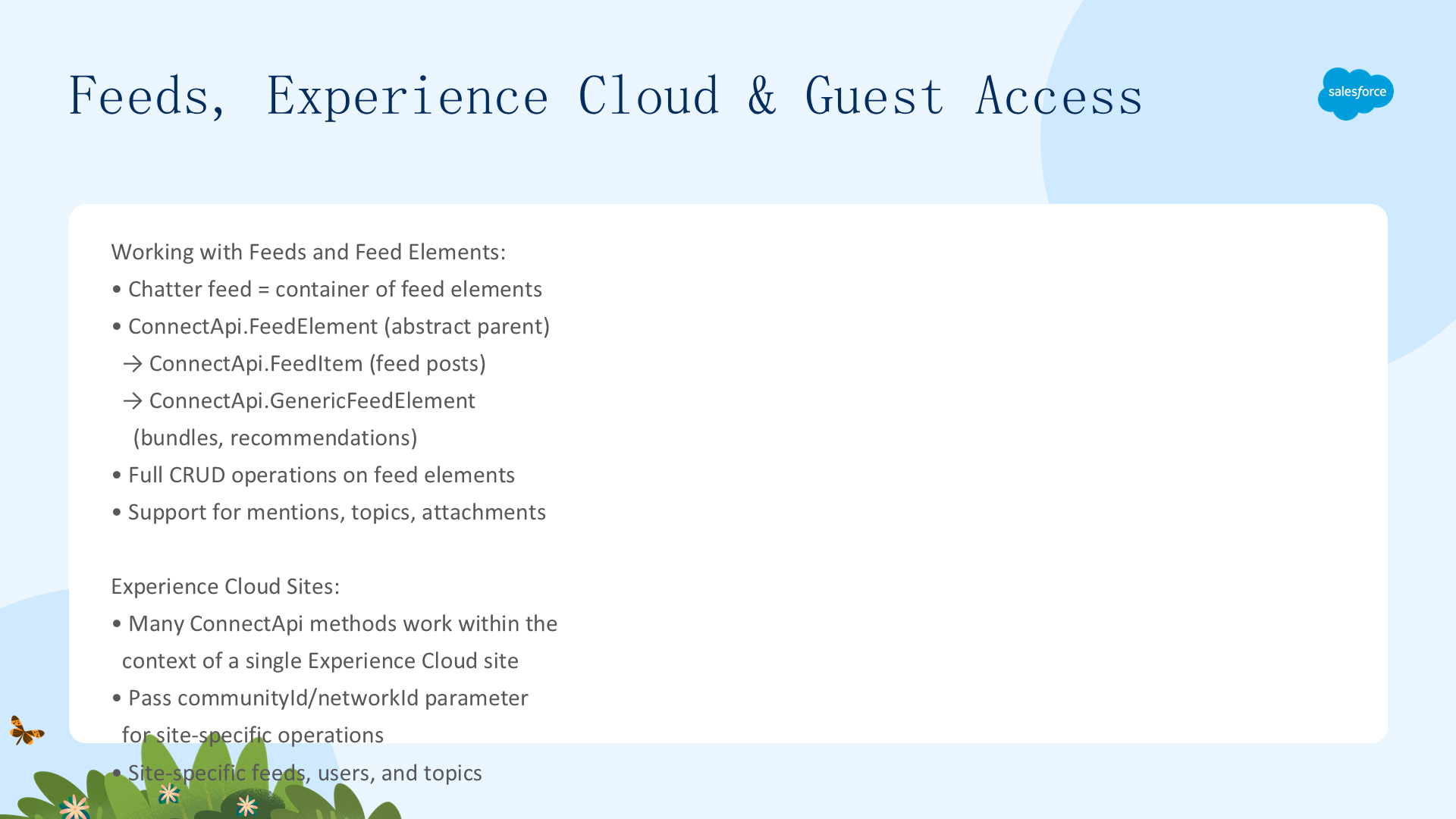
Chatter Feed 是 Feed 元素的容器。ConnectApi.FeedElement(抽象类)→ ConnectApi.FeedItem(Feed 帖子)+ ConnectApi.GenericFeedElement(Bundle 和推荐)。能力(Capability)模型:不要检查 Feed 元素类型判断可用功能——检查 ConnectApi.FeedElement.capabilities 属性中的能力。能力属性存在即表示该功能可用(即使尚无数据)。发布时通过 ConnectApi.FeedElementInput.capabilities 指定特性。
Feed Item 布局结构(Salesforce UI):(1) Actor(创建者照片/图标);(2) Header(上下文——取决于发布者和发布位置)+ Timestamp(relativeCreatedDate——两天内显示为相对时间如 "17m ago");(3) Body(可能为 null——使用 header.text 作为默认渲染);(4) Auxiliary Body(capabilities 的可视化表示)。Salesforce UI 使用单一布局显示所有 Feed 项——内容变化但布局一致。
Bundle(通用 Feed 元素)布局:Header("用户名 updated this record")+ Timestamp + Auxiliary Body(capabilities.bundle.changes——显示前两个字段变更的 fieldName/oldValue/newValue,超过两个显示 Show All Updates 链接)。Bundle 仅存在于记录 Feed 中——将 Feed 追踪的变更聚合到干净、有组织的视图中。
使用 postFeedElement 发布——最简单高效的方式(不需要像 postFeedItem 那样传递 FeedType):postFeedElement(communityId, subjectId, feedElementType, text)——纯文本;postFeedElement(communityId, feedElement, fileUpload)——富文本+附件(API 35.0 及更早);postFeedElement(communityId, feedElement)——富文本+已上传文件+Action Link 组+分享+评论(API 36.0+)。subjectId 决定 Feed 显示位置:'me'=自己、用户 ID=其他用户、组 ID=组、记录 ID=记录。返回的 parent 属性类型取决于 subjectId。
Feed 类型(ConnectApi.FeedType 枚举——Favorites 除外):Bookmarks/Company/DirectMessages/Draft/Files/Filter/Groups/Home/Landing/Moderation/Mute/News/PendingReview/People/Record(含组——组是记录)/Streams(最多 25 个 Feed 启用实体的组合)/To/Topics/UserProfile。每种 FeedType 对应不同的 getFeedElementsFromFeed 方法重载签名——Records 类型可用 group ID 作为 subjectId 获取组 Feed。Filter feed 使用 keyPrefix(对象 ID 前三字符)过滤。Favorites 使用 getFeedElements 单独调用。
Experience Cloud 站点与访客访问
communityId 参数:许多 ConnectApi 方法以 communityId 为首个参数。无数字体验:使用 'internal' 或 null。有数字体验:'internal'/null=默认站点上下文;指定 ID=特定站点(URL 中包含)。siteId 参数需要数字体验已启用。URL 格式:指定 ID → /connect/communities/communityId/resource;internal → /connect/communities/internal/resource;null → /chatter/resource 或 /connect/resource。
访客用户可用方法(需启用站点公开访问):ChatterFeeds(getComment/getFeedElement/getFeedElementsFromFeed/searchFeedElements 等只读方法)、ChatterGroups(getGroup/getGroups/getMembers/searchGroups)、ChatterUsers(getUser/getUsers/getFollowers/searchUsers)、CommerceCart/Catalog/Search/Promotions/StorePricing(完整购物方法)、ManagedContent/ManagedTopics、Topics、Knowledge、Personalization、Recommendations、Search、Sites 等。所有 Connect in Apex 方法在调用用户上下文中执行——访客用户只能访问其有权限的数据。
Action Links、Feed 能力模型和 Experience Cloud 集成构成了 Connect in Apex 的核心——从简单的 Feed 发布到复杂的企业集成,ConnectApi 提供了统一、一致的编程体验。