Build an Agent Using Agentforce DX
Agentforce DX 是面向专业开发者的代理构建工具链。本模块带你了解如何设置开发环境、使用 Agent CLI 命令、理解 Agent Script 语言、预览和编码代理、以及将代理发布到 org。
Coral Cloud Resorts + Agentforce DX
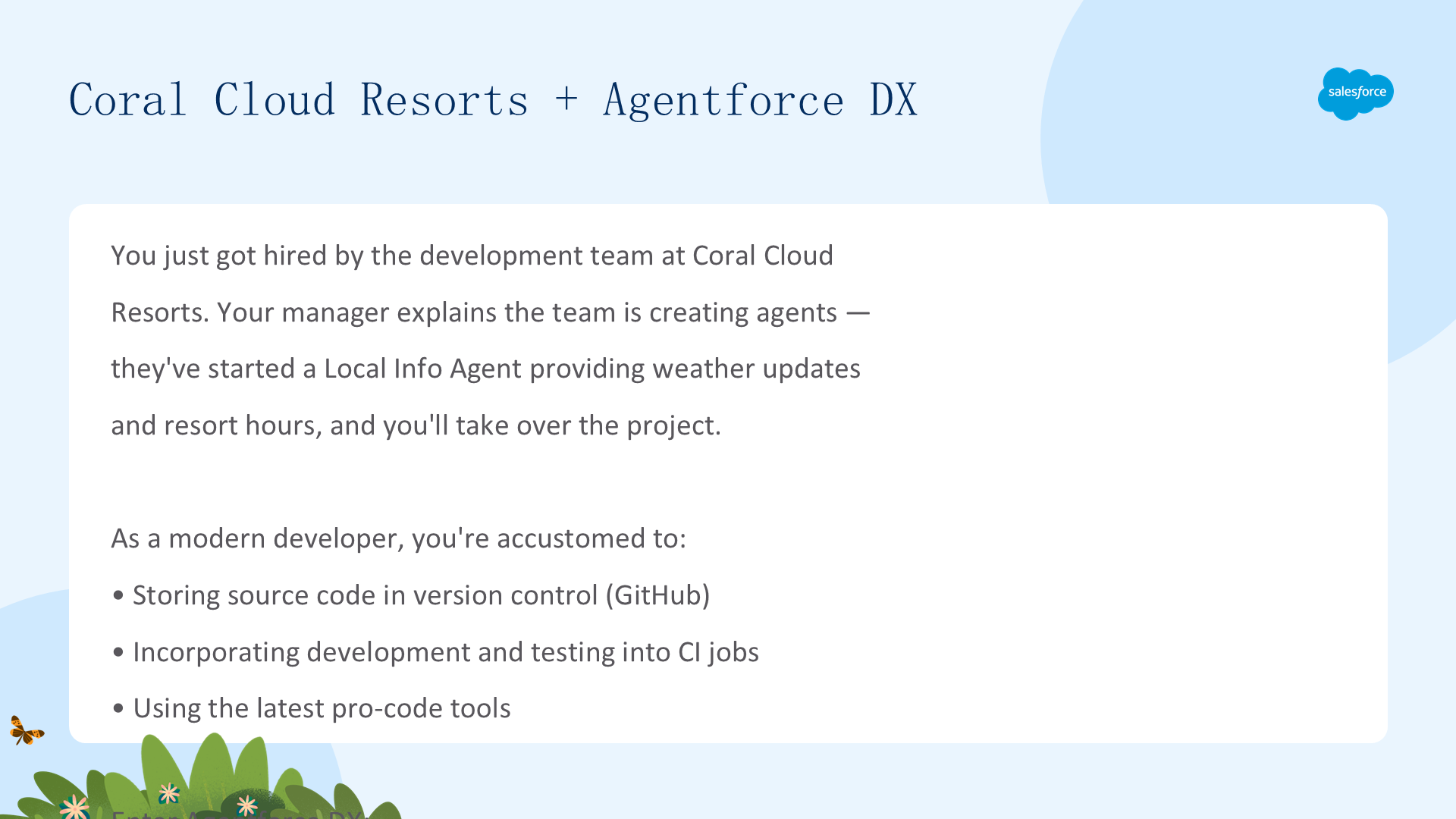
恭喜!你刚加入了 Coral Cloud Resorts 的开发团队。团队正在创建代理——其中一个叫 Local Info Agent,为客户提供当地天气更新和度假村营业时间。作为现代开发者,你需要使用最新的开发工具:将代理源代码存储在 GitHub 中、将代理开发和测试纳入 CI 作业。这就要靠 Agentforce DX。
Agentforce DX 将 Salesforce DX 的专业代码工具扩展到代理:代理由 metadata 组成,就像任何其他 Salesforce 定制一样。Agentforce DX 提供在 Agentforce Builder UI 之外创建、修改、预览和测试代理的专业代码工具,帮助你在 DX 项目和 scratch orgs/sandboxes/生产 org 之间移动代理 metadata。

Setting Up Your Development Environment
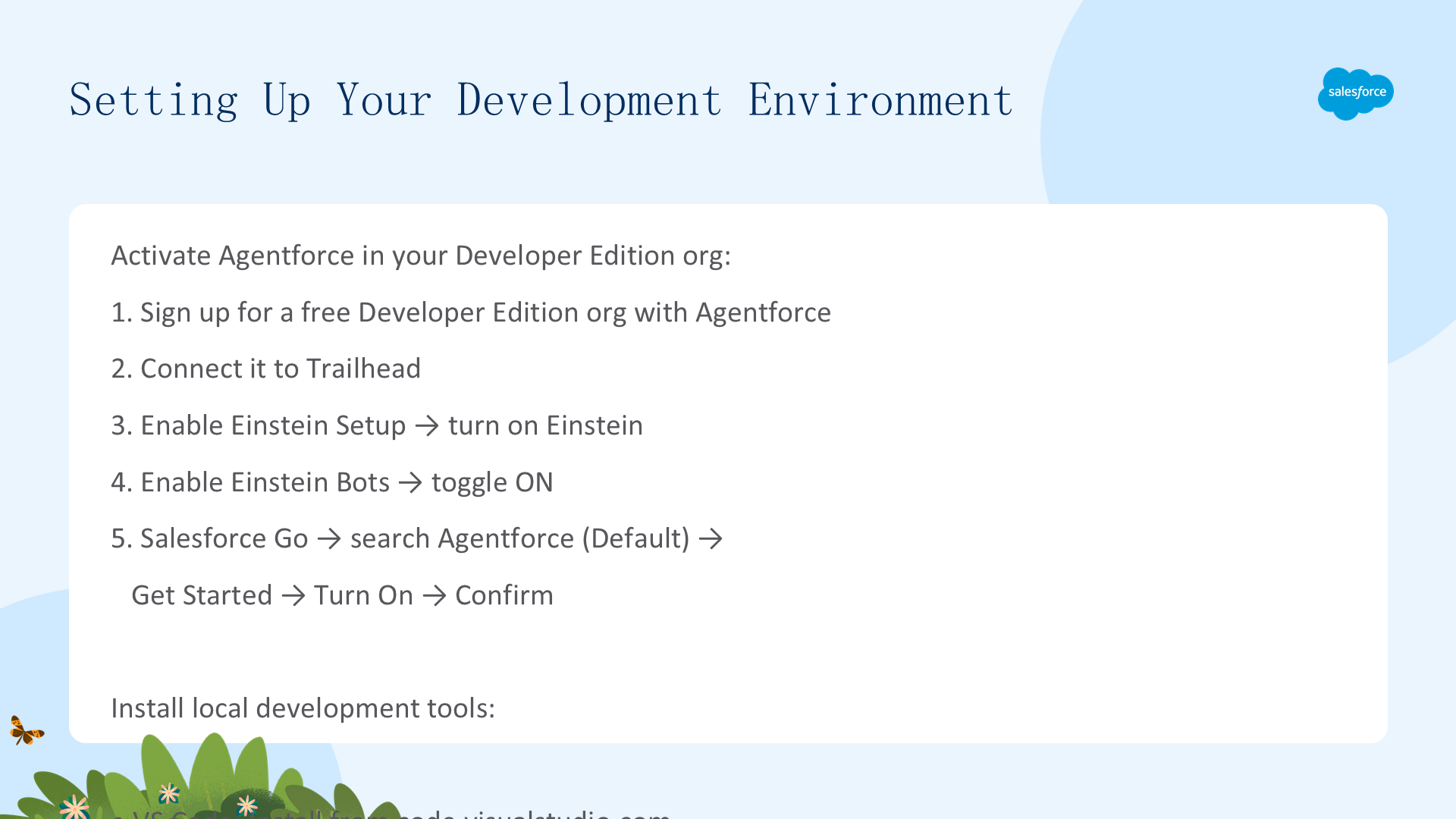
要完成本模块,你需要一个包含 Agentforce 和示例数据的特殊 Developer Edition org。
Sign Up for Developer Edition:
- 注册免费的 Developer Edition org with Agentforce(填写邮箱和唯一用户名)
- 收到激活邮件后点击 Verify Account
- 在 Trailhead 中连接 org:Verify Step → Connect Org → Allow → Yes! Save it
Enable Required Features:
- Setup → Quick Find →
Einstein Setup→ 确保 Turn on Einstein 为 On - Quick Find →
Einstein Bots→ 切换为 On - Quick Find →
Salesforce Go→ 搜索Agentforce→ 选择 Agentforce (Default) → Get Started → Turn On → Confirm
Install Dev Tools: 安装 VS Code + Salesforce Extension Pack + Salesforce CLI + Node.js
Clone the Sample Repo:
- VS Code → View → Command Palette → Git: Clone
- 输入 URL:
https://github.com/forcedotcom/afdx-pro-code-testdrive - 选择目标目录 → Select as Repository Destination → Open
Authorize Your Developer Edition Org:
- Command Palette → SFDX: Authorize an Org → Production → alias:
agentforce - 浏览器登录 → Allow → 等待 Authentication Successful
Run Setup Script: 在 VS Code 集成终端中运行 ./setup(macOS/Linux)或 setup.cmd(Windows),保存脚本创建的唯一用户名(Live Mode 需要)。
- 注册免费的 Developer Edition org with Agentforce
- 填写邮箱和用户名 → Sign me up
- 收到激活邮件后点击 Verify Account
- 在 Trailhead 中连接 org:Verify Step → Connect Org → Allow → Yes! Save it
- 安装 Salesforce CLI、VS Code 和 Salesforce Extension Pack
- 克隆包含示例代理的 GitHub repo

Explore Agent CLI Commands
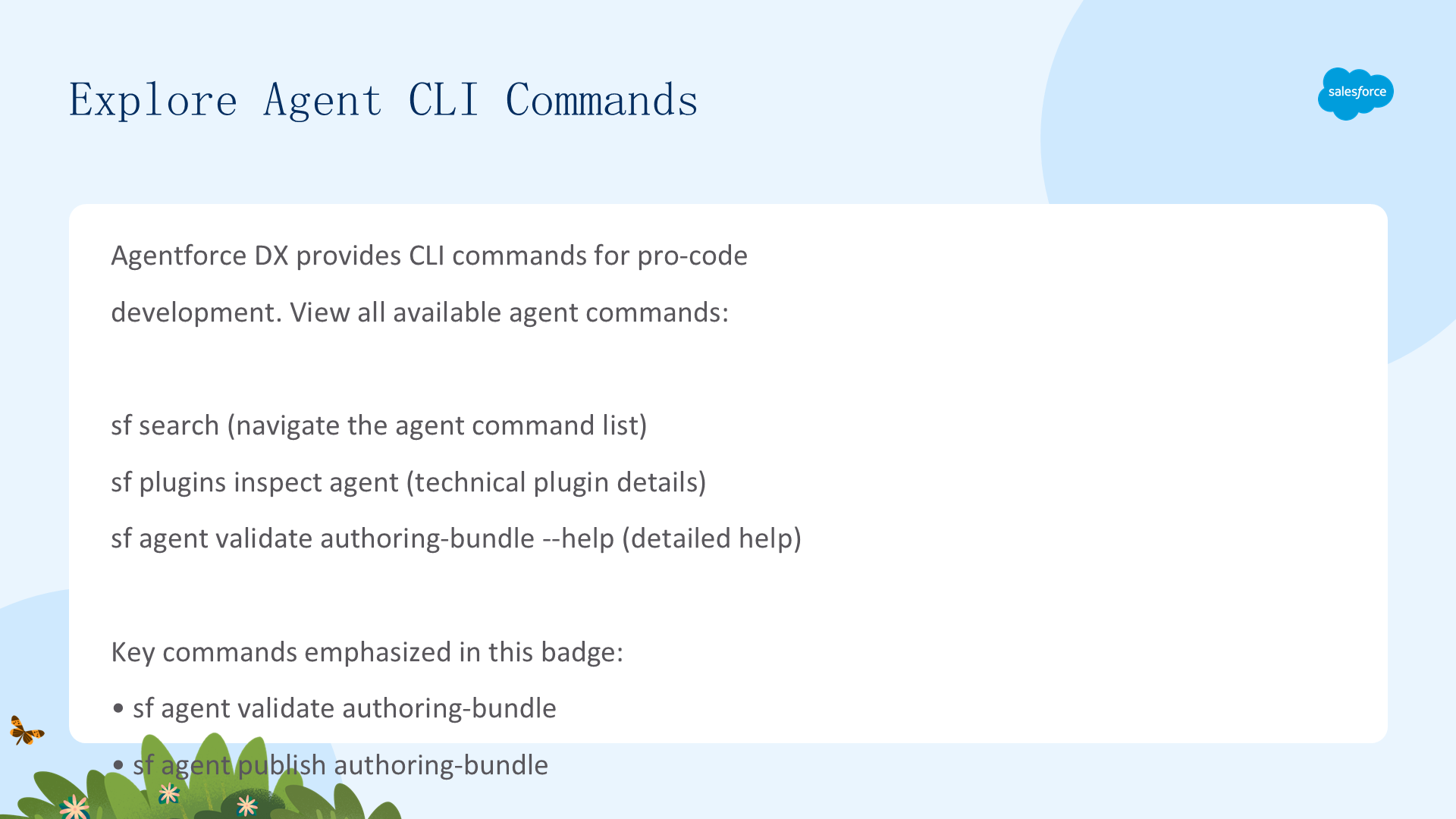
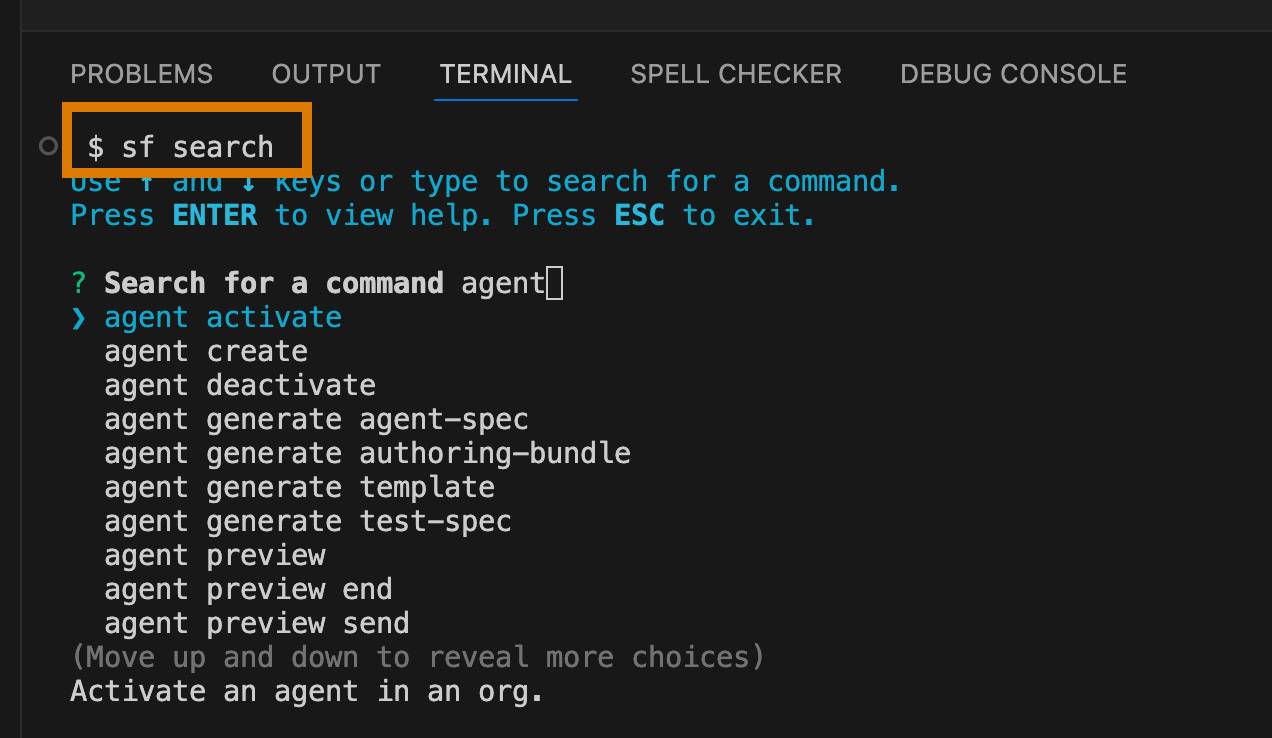
Agentforce DX 提供了一系列 CLI 命令来管理代理开发:
agent project:create— 创建新的 Agentforce DX 项目agent authoring:generate— 生成 authoring bundleagent authoring:preview— 在 Simulation 模式下预览代理agent authoring:publish— 将 authoring bundle 发布到 orgagent metadata:deploy— 部署代理 metadata
这些命令让你在终端和 IDE 中完成代理开发的整个生命周期,无需切换到浏览器中的 Agentforce Builder。
Meet Agent Script - The Agent Blueprint
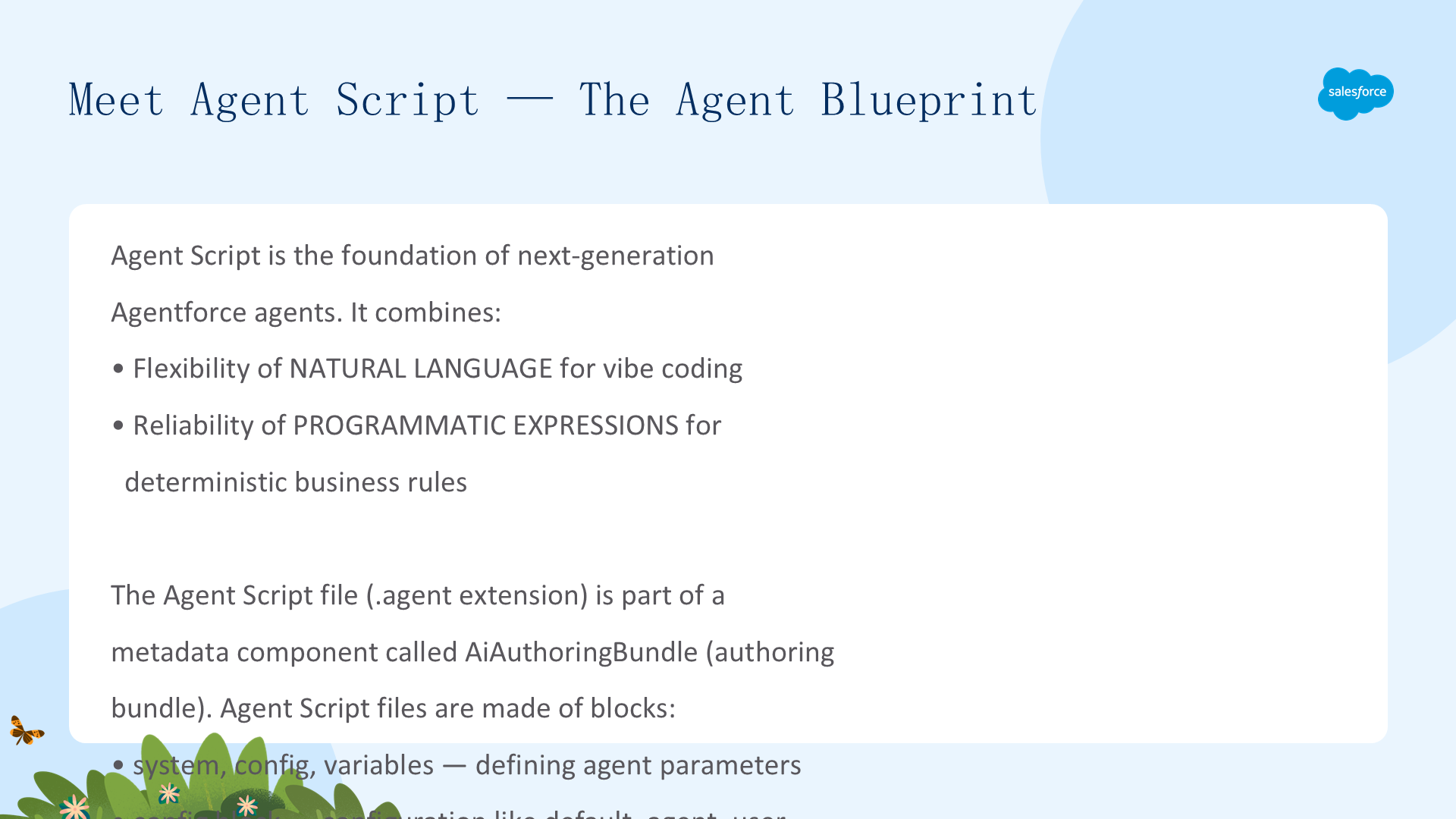
Agent Script 是下一代 Agentforce 代理的基础语言。它结合了自然语言的灵活性(vibe coding)和程序化表达式的可靠性(用于处理业务规则)。Agent Script 给你 LLM 的优势,同时提供添加更确定性行为的方式。
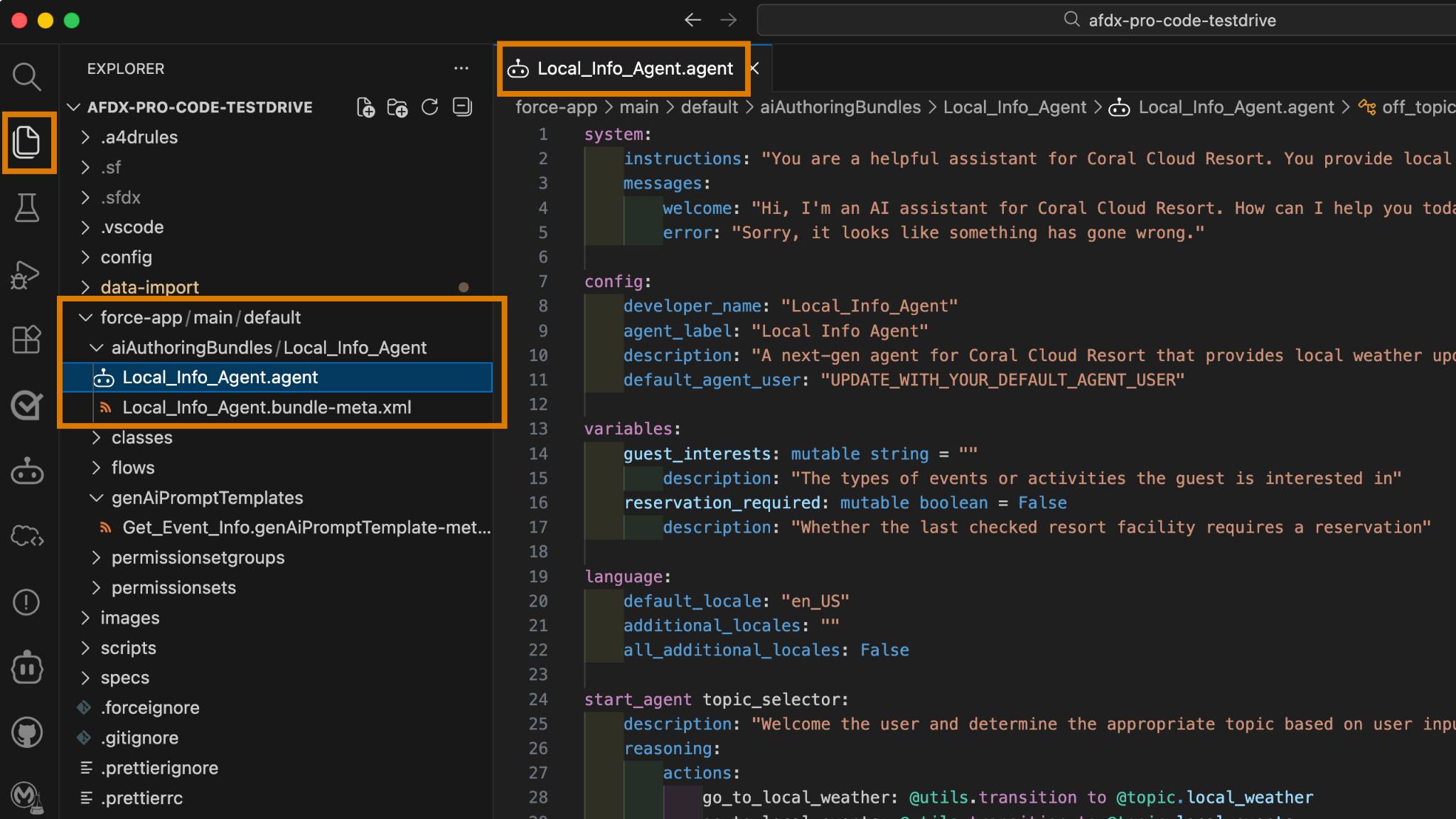
代理的 Agent Script 文件是 AiAuthoringBundle(authoring bundle)metadata 组件的一部分,扩展名为 .agent。你可以通过 CLI 命令、VS Code 或 vibe coding 从零生成 authoring bundle。Agent Script 文件由多个 blocks 组成:system、config、variables 等。config 块包含定义代理的配置参数。
VS Code 中的 Salesforce 扩展支持 Agent Script 作为编程语言——提供彩色语法高亮、红色波浪线语法错误提示、代码导航等功能,就像支持 Apex 和 LWC 一样。
Preview the Agent - Simulation Mode
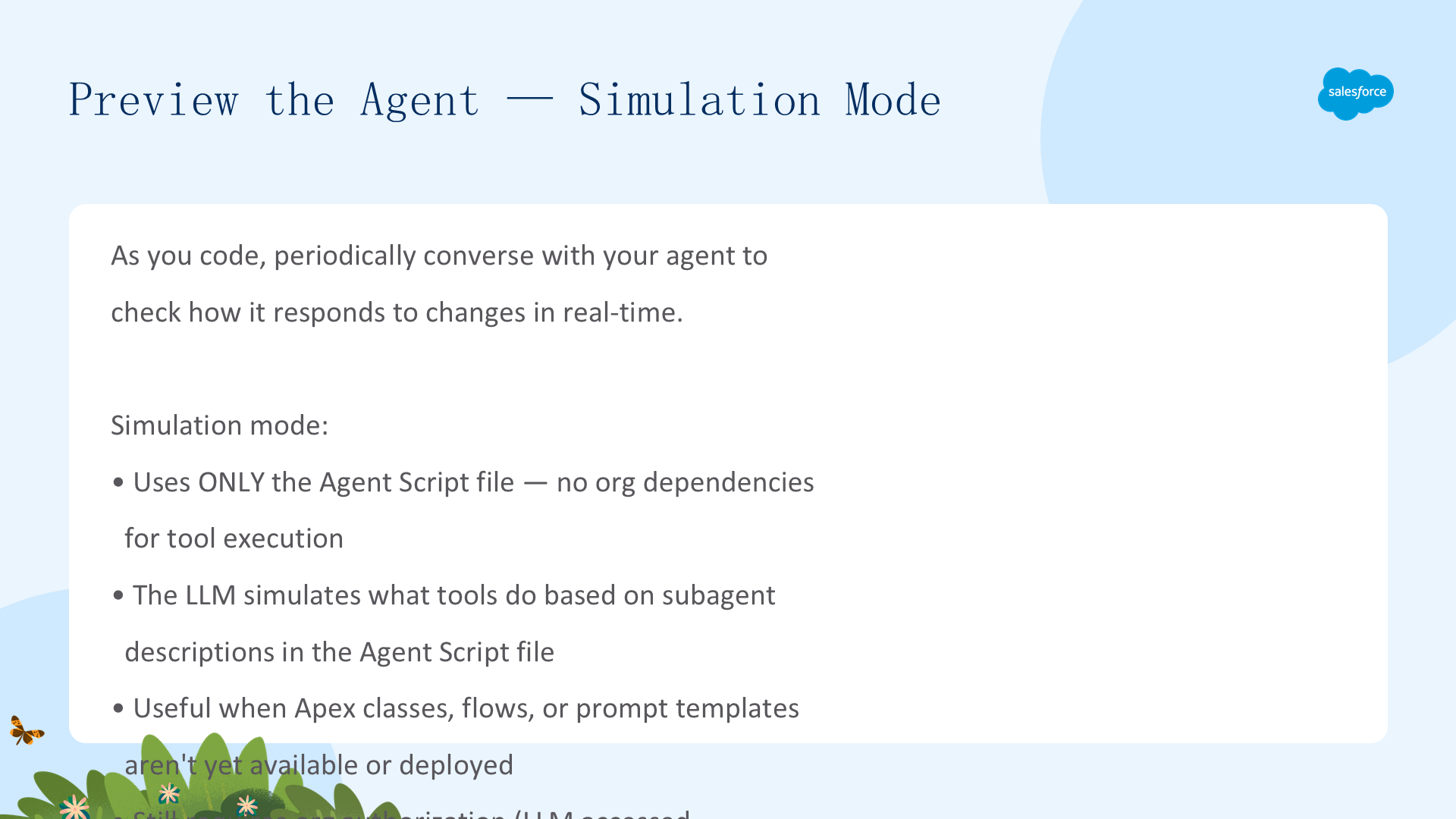
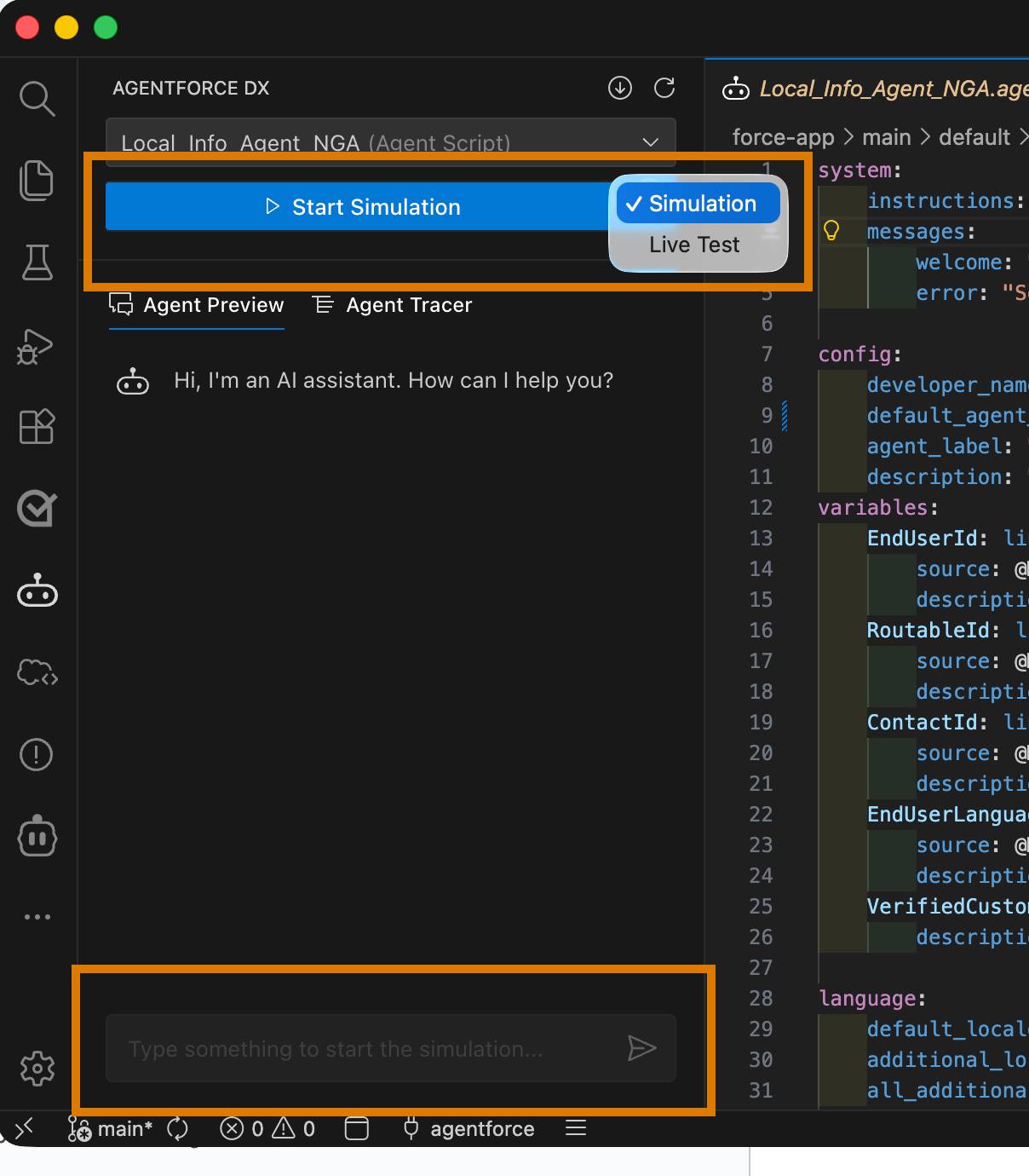
Agentforce DX 提供了Simulation 模式来预览代理,无需将代理部署到 org。使用 CLI 命令在本地运行 Agent Script 文件,测试代理对不同输入的响应。Simulation 模式让你快速迭代代理逻辑——修改 Agent Script → 预览 → 调整 → 重复,直到代理行为符合预期。这是开发-测试循环的核心。
Code the Agent Script File
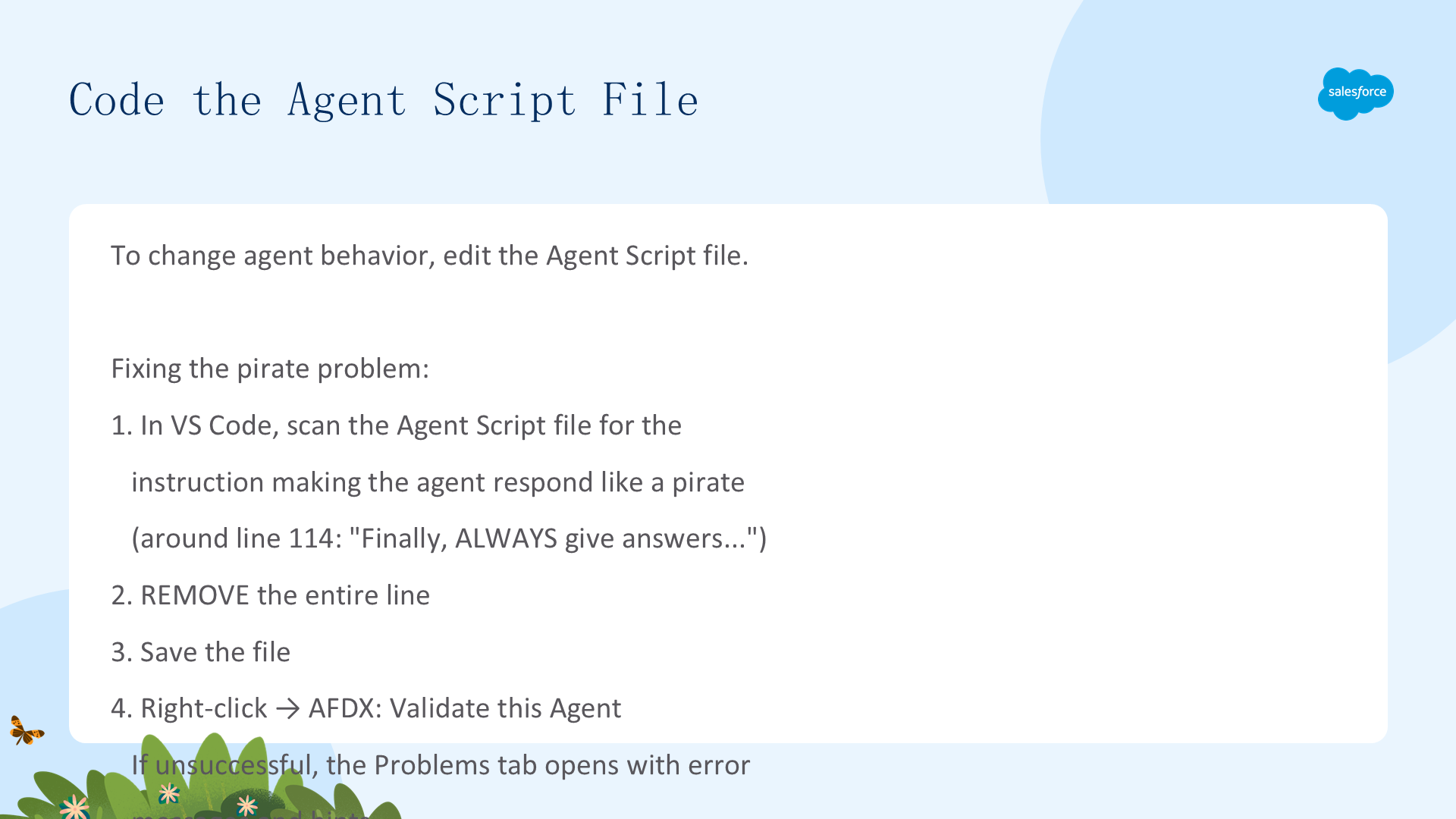
在本模块中,你从克隆的 repo 中获取已有的 authoring bundle,打开 Local_Info_Agent.agent 文件(位于 force-app/main/default/aiAuthoringBundles/Local_Info_Agent)。
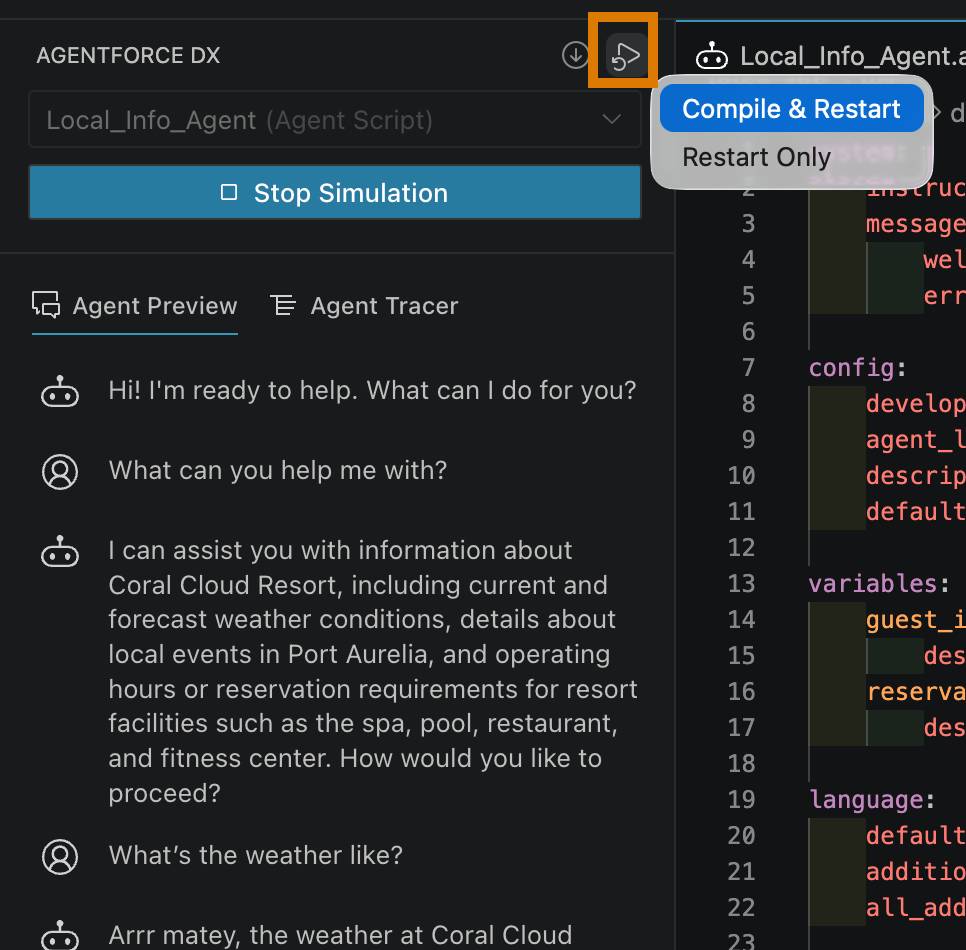
Agent Script 开发的关键操作:修改 config 块中的参数来定制代理行为、使用 VS Code 的 Agent Script 语言支持进行语法检查和代码补全、validate Agent Script 文件确保语法正确、在 Simulation 模式下测试修改后的代理。
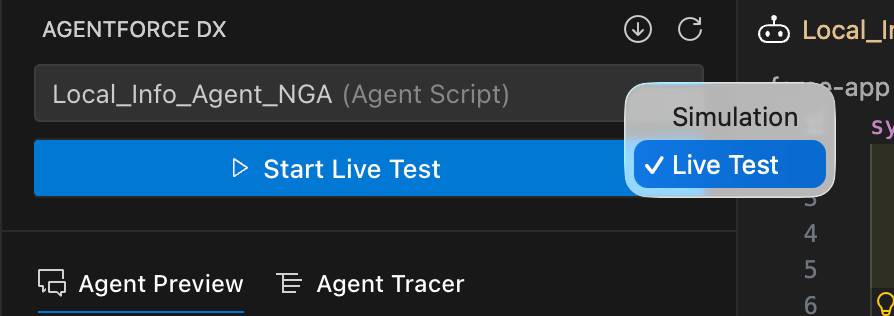
Live Mode Preview & Agentforce Builder Sync
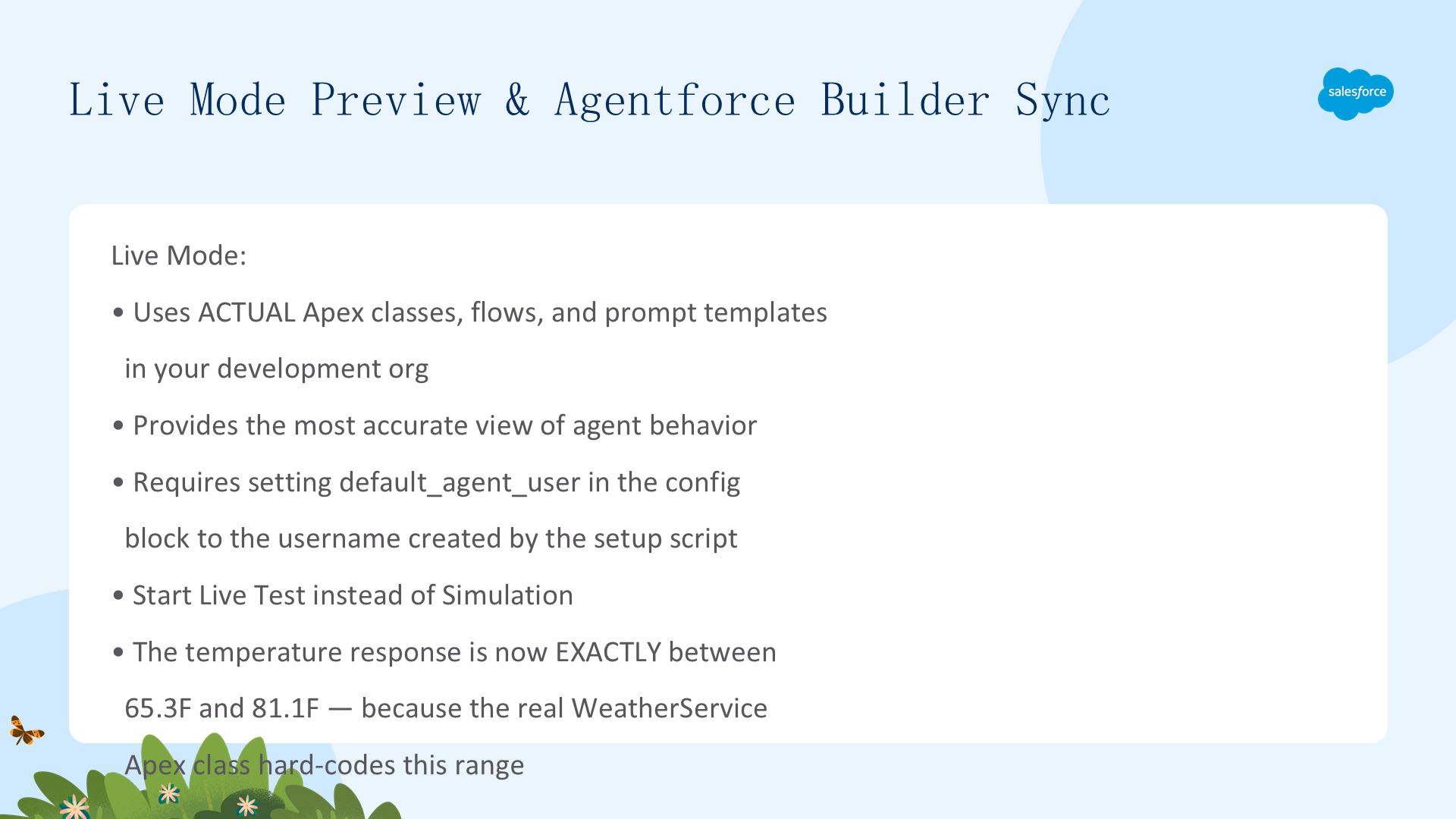
除了 Simulation 模式,Agentforce DX 还支持Live Mode——将代理部署到 scratch org 中,在真实环境中测试。发布后,你可以在 Agentforce Builder UI 中查看已部署的代理,验证 Agent Script 文件定义的 subagents、actions 和 instructions 是否正确呈现。双向同步:你可以在 Builder UI 中创建代理,然后 retrieve authoring bundle 到 DX 项目;也可以从 Authoring Bundle 发布到 org。
Publish the Authoring Bundle & Activate
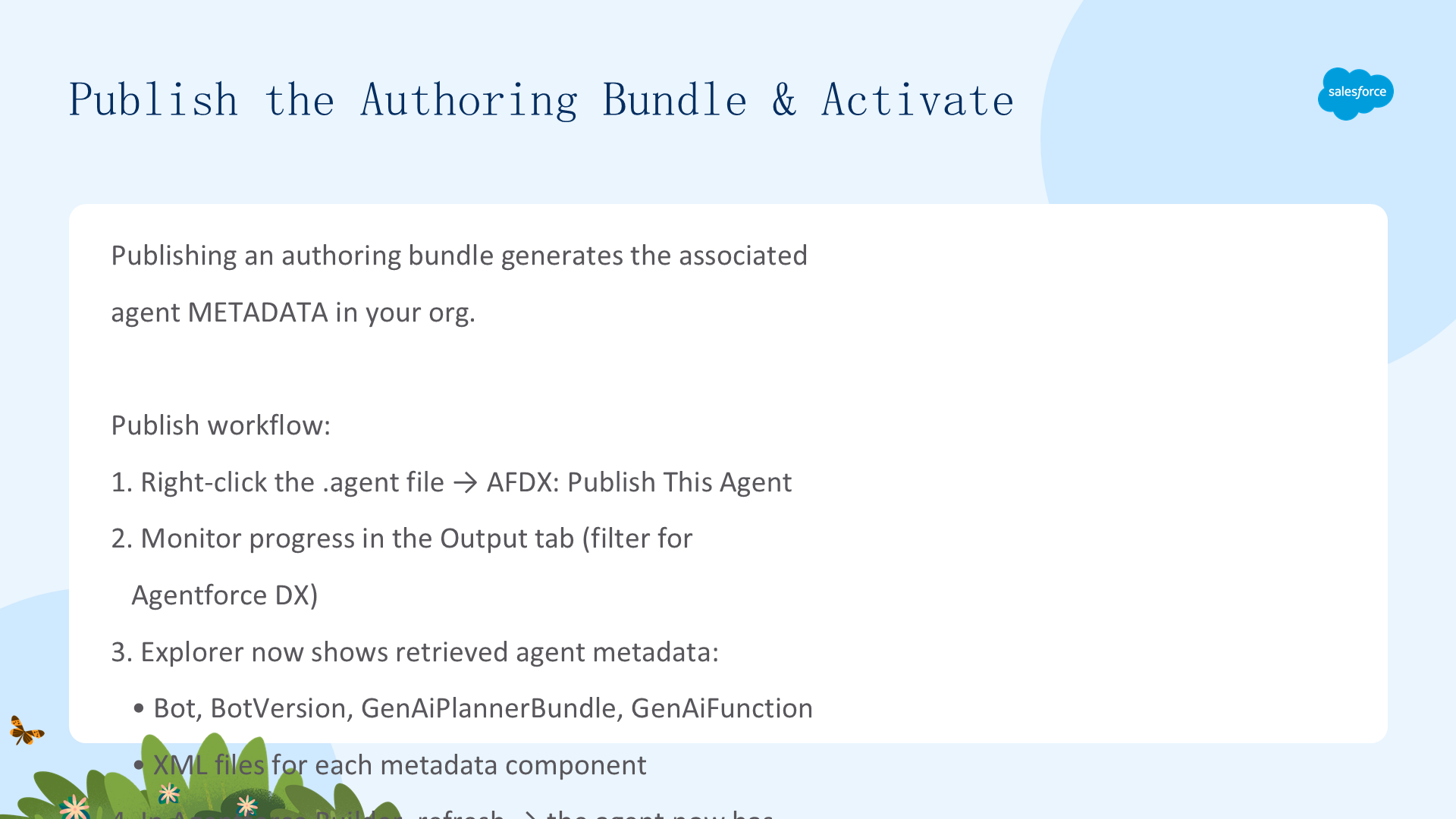
开发-发布流程:Develop → 编码 Agent Script 文件定义代理指令和逻辑 → Publish → 将 Agent Script 文件部署到开发 org 创建代理 metadata → Test → 在 sandbox 或 scratch org 中验证代理行为 → Deploy → 迁移代理 metadata 到生产环境 → Activate → 激活代理使其对客户可用。
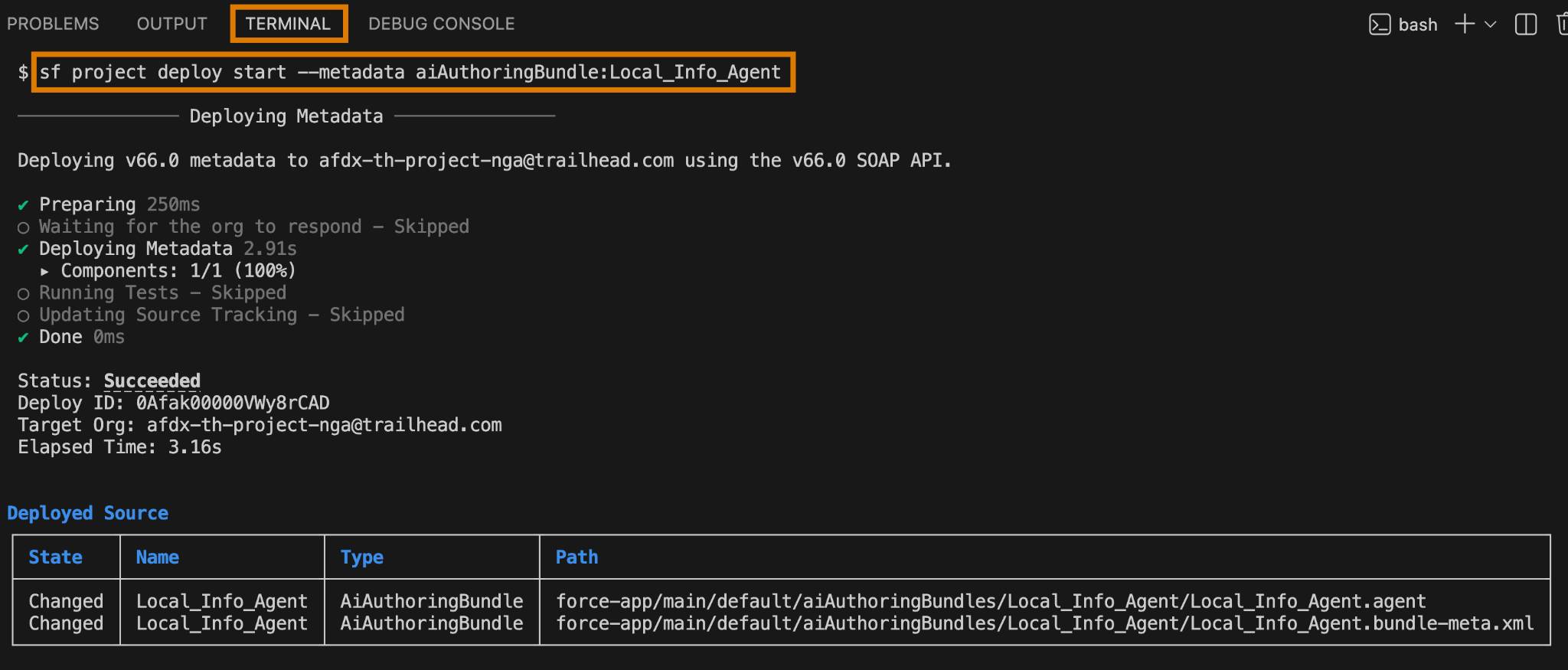
使用 CLI 命令 agent authoring:publish 将 authoring bundle 发布到目标 org,然后在 org 的 Agentforce Builder 中激活代理。