一、启用 Agentforce Pipeline Management
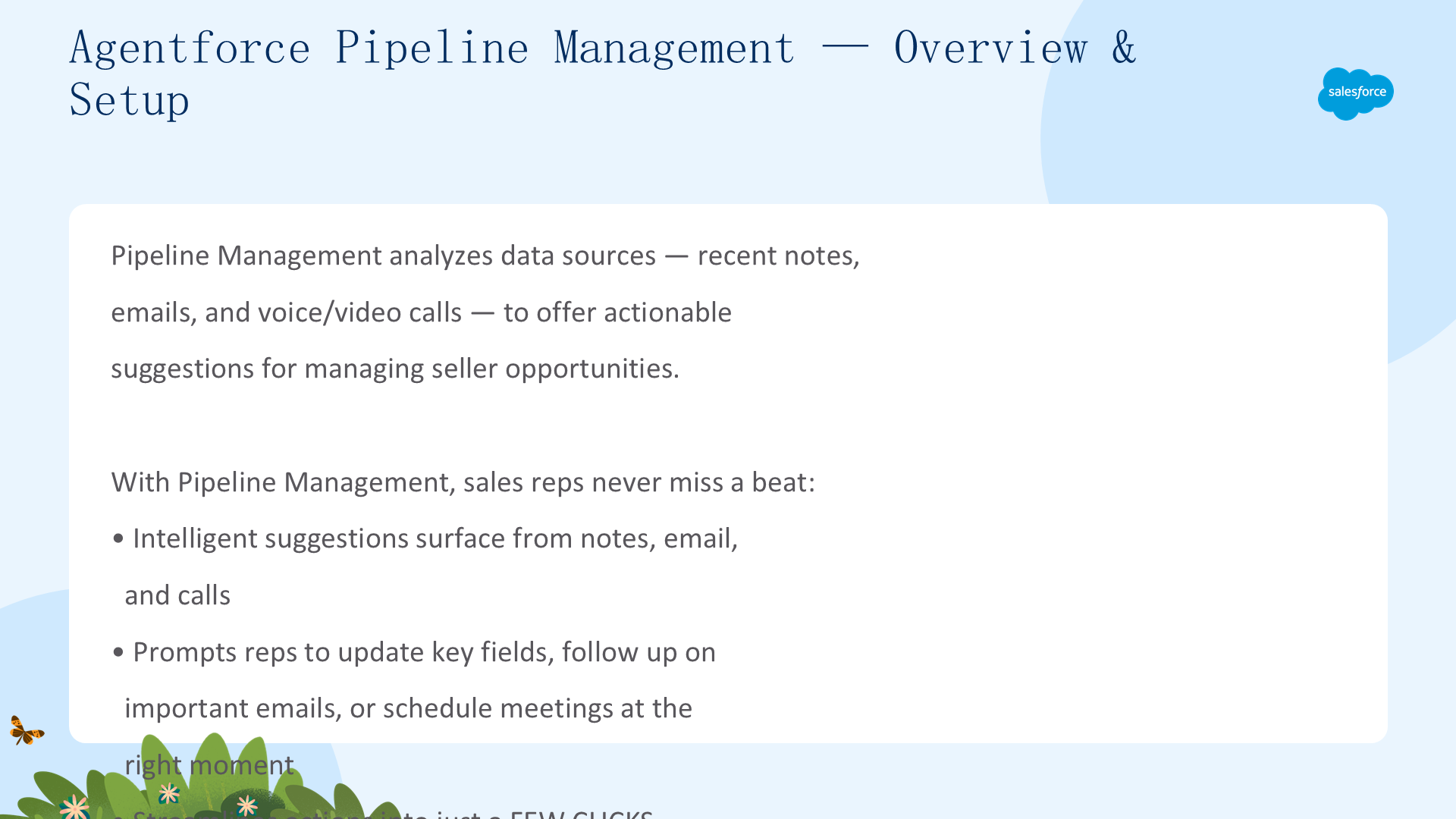
欢迎来到 Sales Pipeline Management with Agents。Pipeline Management 是 Agentforce Sales 的一部分,它分析最近的笔记、邮件和语音/视频通话,为销售人员提供可操作的建议——提示更新关键字段、跟进重要邮件或在恰当时机安排会议。所有操作简化为几次点击,推动交易前进,释放销售代表时间做更高价值的收入驱动工作。
概述与环境设置
- 注册 Pipeline Management Agent Developer Edition org 并连接到 Trailhead
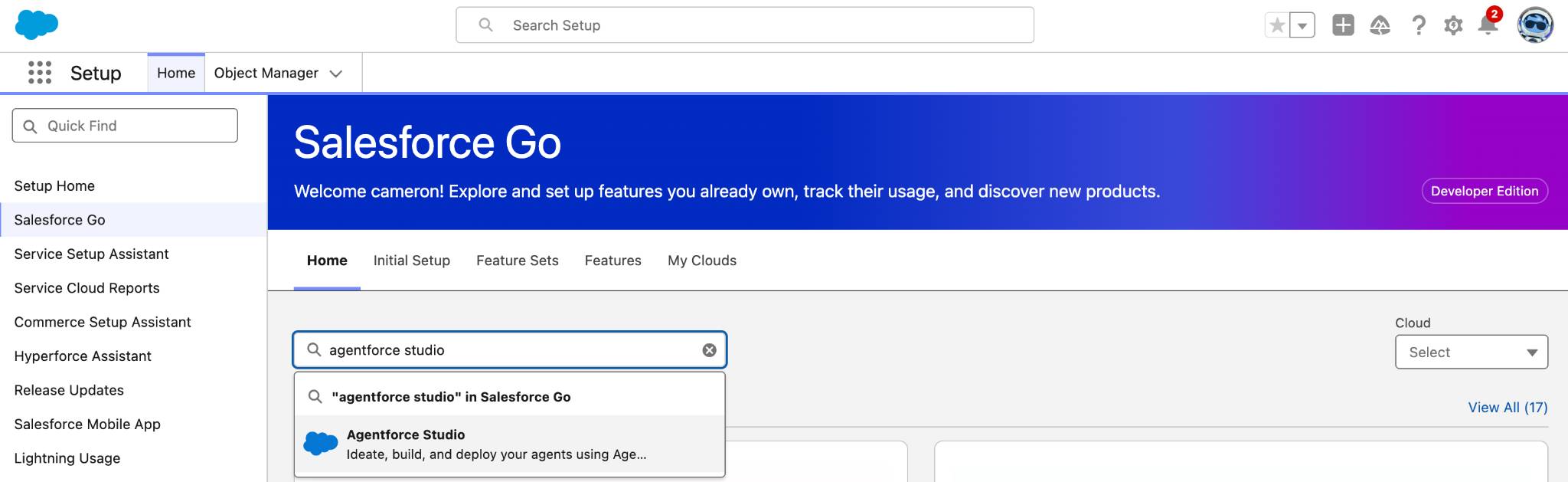
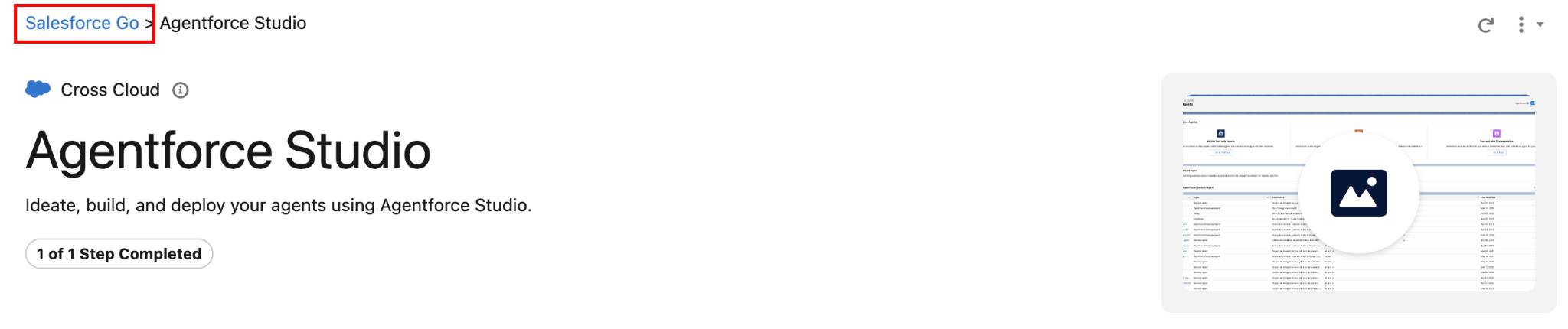
- Setup → Salesforce Go → 启用 Agentforce Studio(Turn On → Confirm)
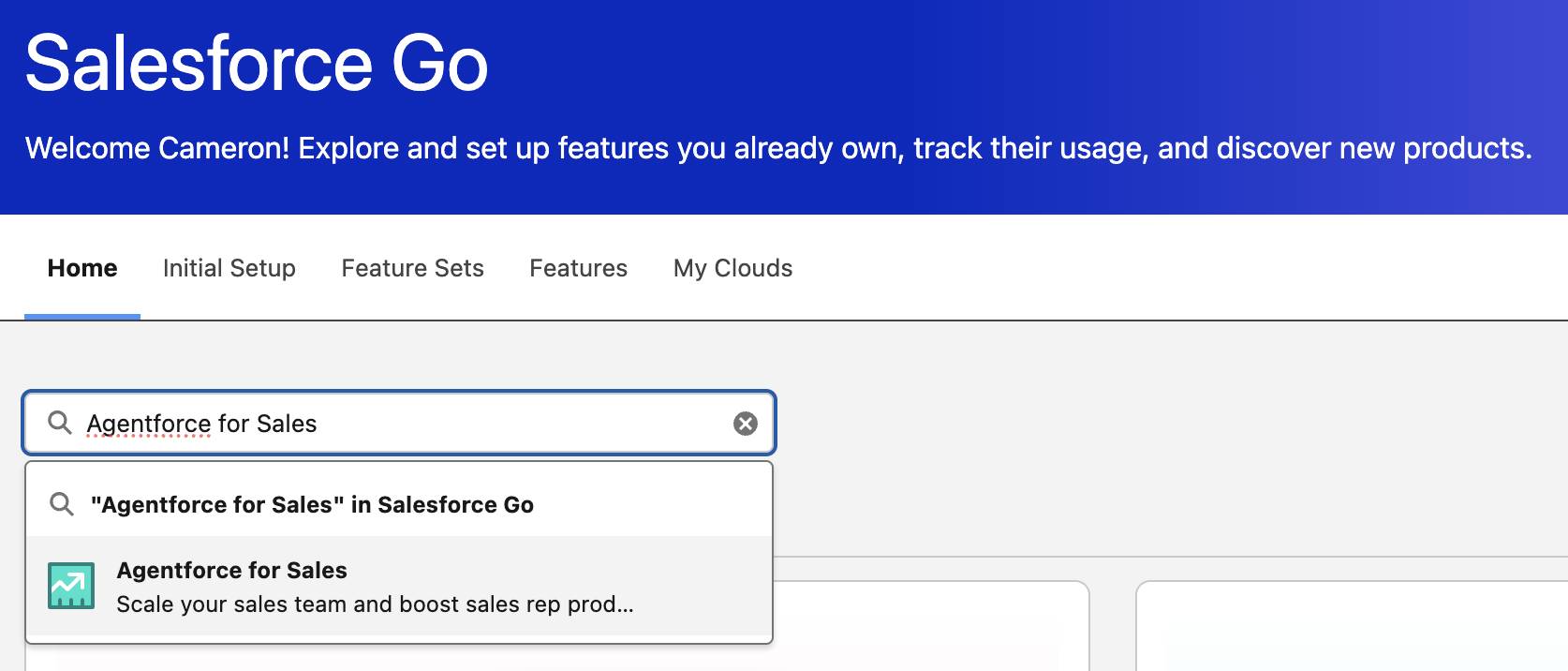
- Salesforce Go → 搜索 Agentforce for Sales → 展开 Pipeline Management → Toggle ON → Confirm

配置 Flows、页面布局与时区
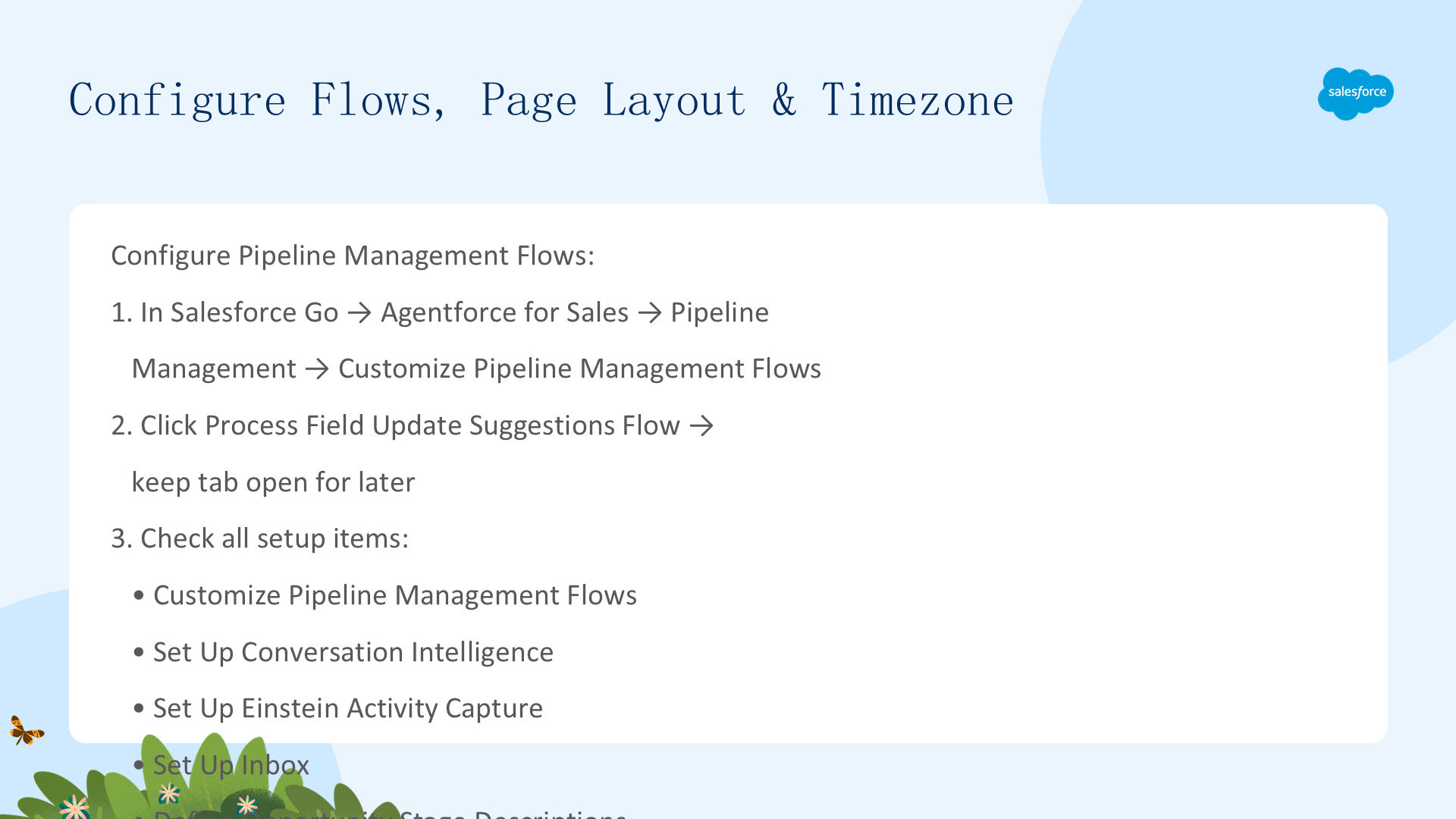
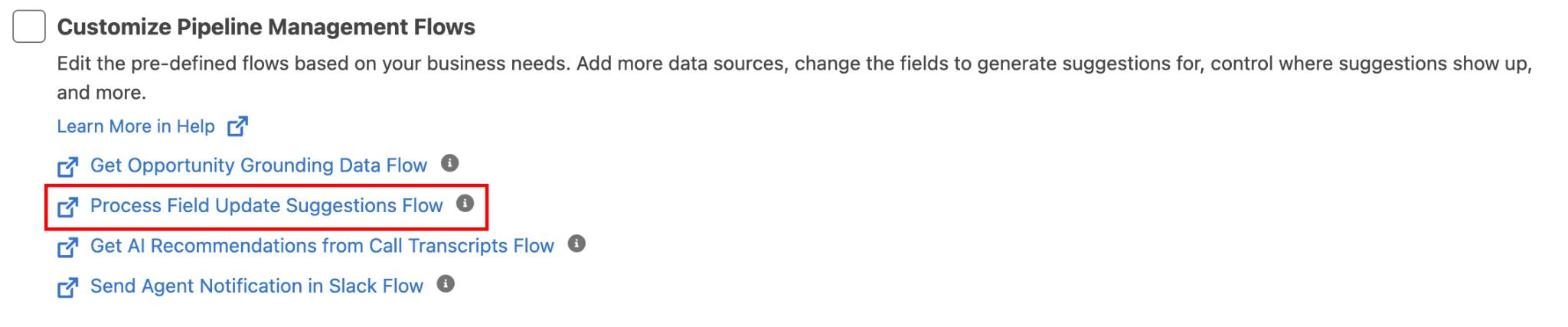
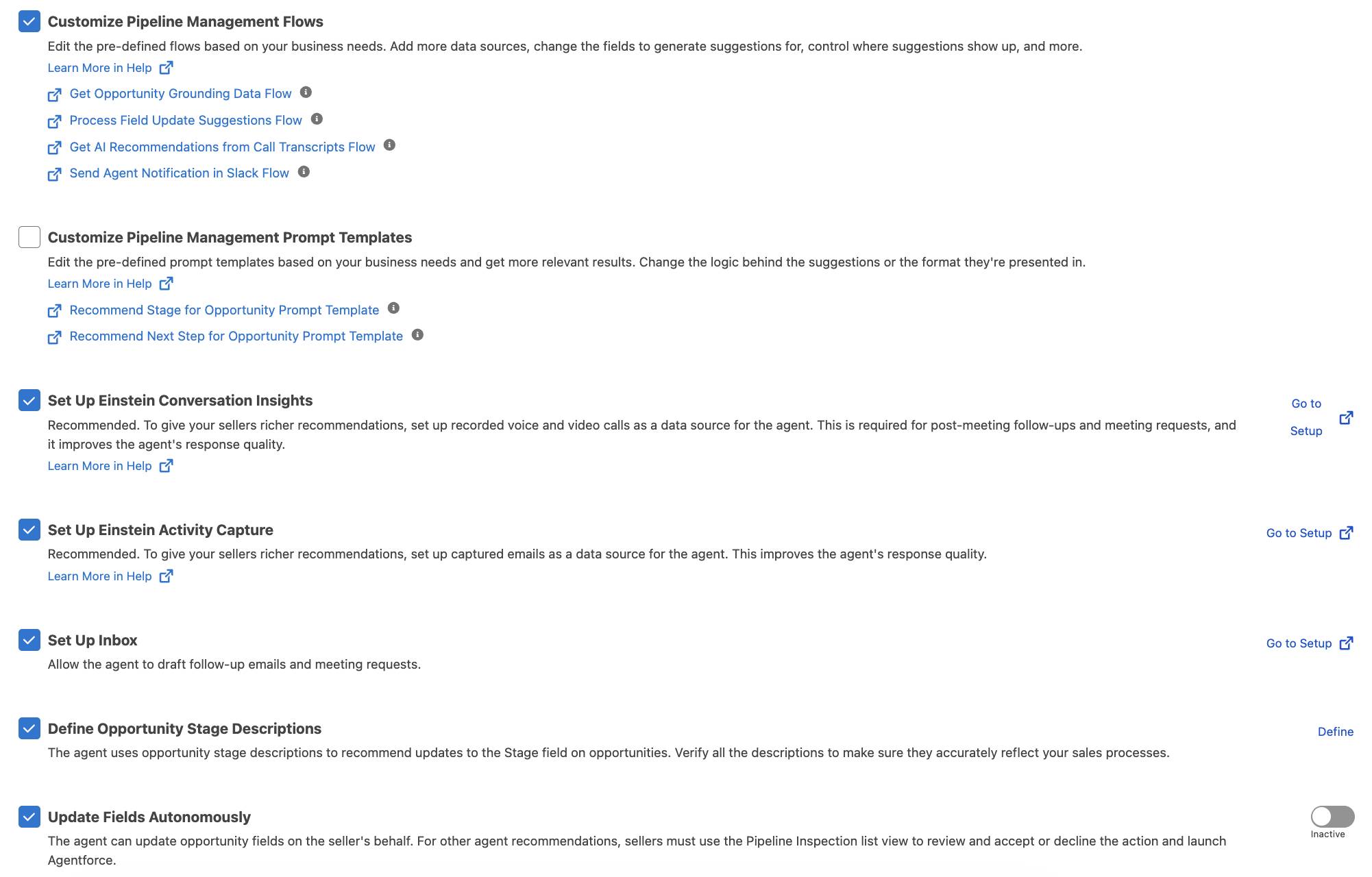
- Agentforce for Sales → Pipeline Management → Customize Pipeline Management Flows → 点击 Process Field Update Suggestions Flow(保持标签页打开供后续使用)
- 检查所有六项设置:Customize Flows、Set Up Conversation Intelligence、Einstein Activity Capture、Inbox、Define Stage Descriptions、Update Fields Autonomously
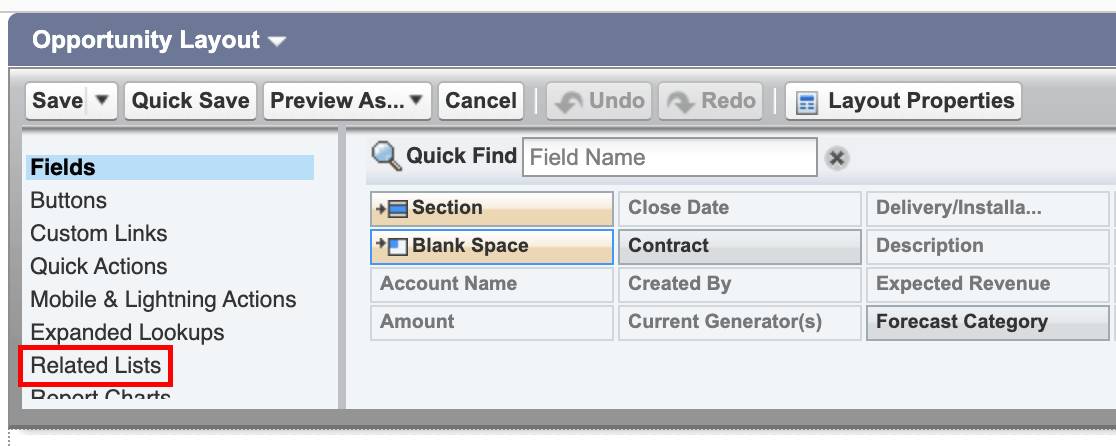
- 添加 Notes 到 Opportunity 页面:Object Manager → Opportunity → Page Layouts → Opportunity Layout → Related Lists → 拖入 Notes → Save → Yes 覆盖自定义设置
- 更新时区:Company Information → Default Time Zone + Users → 编辑您的用户 → 设置时区(确保 Flow 启动时间与本地时间对齐)

二、测试您的 Agent
创建 Notes 并触发 Agent
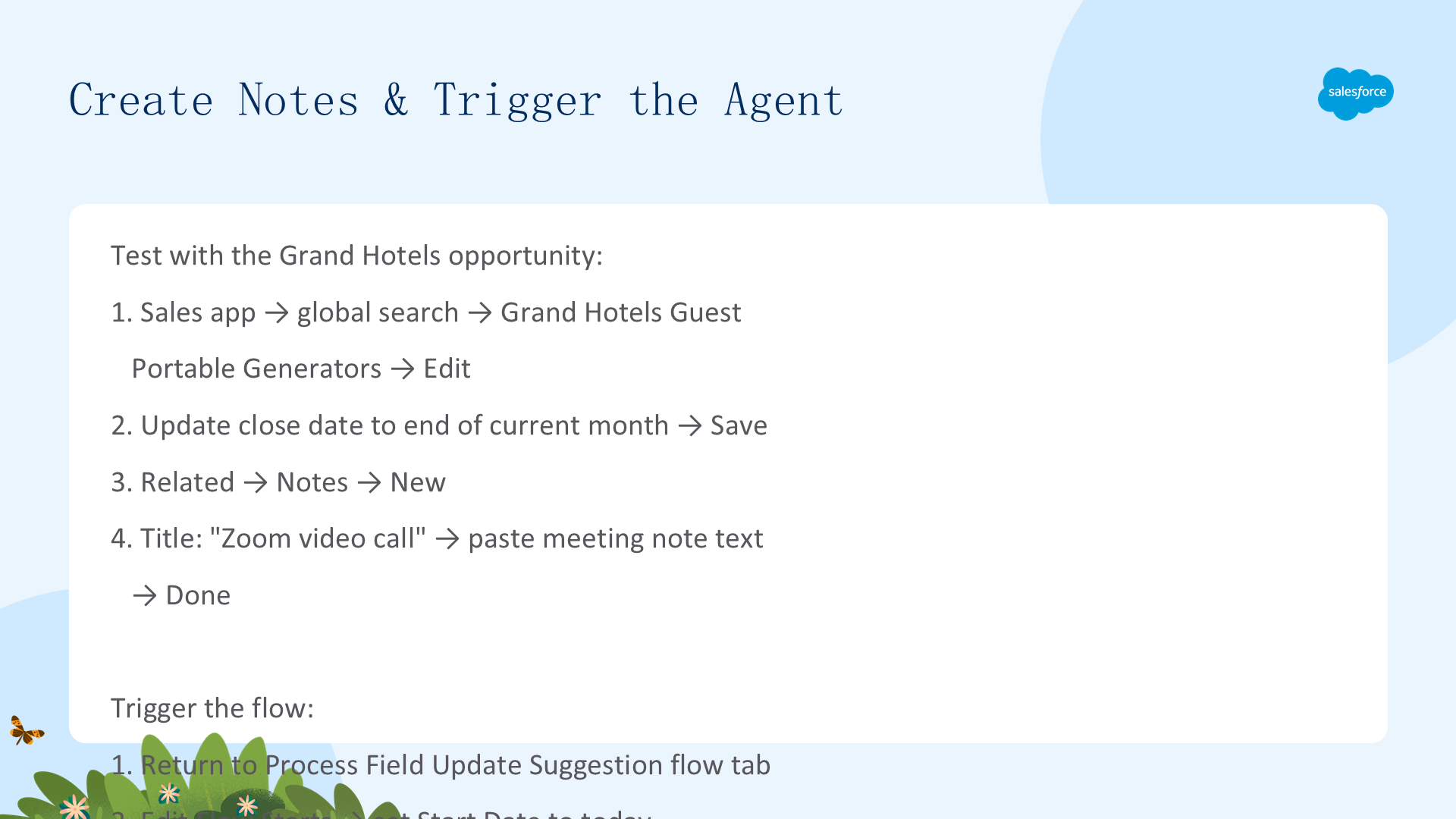
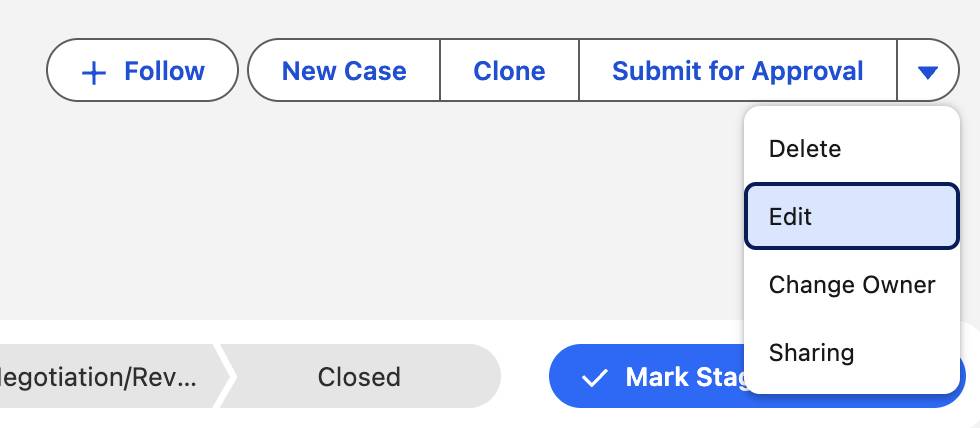
- Sales app → 全局搜索 Grand Hotels Guest Portable Generators → Edit → 将 Close Date 更新为当月最后一天 → Save
- Related → Notes → New → Title: "Zoom video call" → 粘贴会议笔记文本 → Done
- 返回 Process Field Update Suggestion Flow 标签页 → Edit Flow Starts → Start Date=今天, Start Time=2 分钟后
- Save As New Flow → Label: "Testing Zoom Call" → Save → Activate
🔹 查看 Agent 建议
- 返回 Opportunities → Inspection 子选项卡 → Agent Activity 列
- 悬停在笔记条目上 → 点击 Review → Agent 基于笔记内容显示智能建议
- 点击 Next Step 区域的 Update 应用建议的更新
Agent 分析了笔记并呈现了相关操作——更新字段、建议下一步,全部来自一条简单的会议笔记。销售代表不会错过任何节拍。
测试自主更新
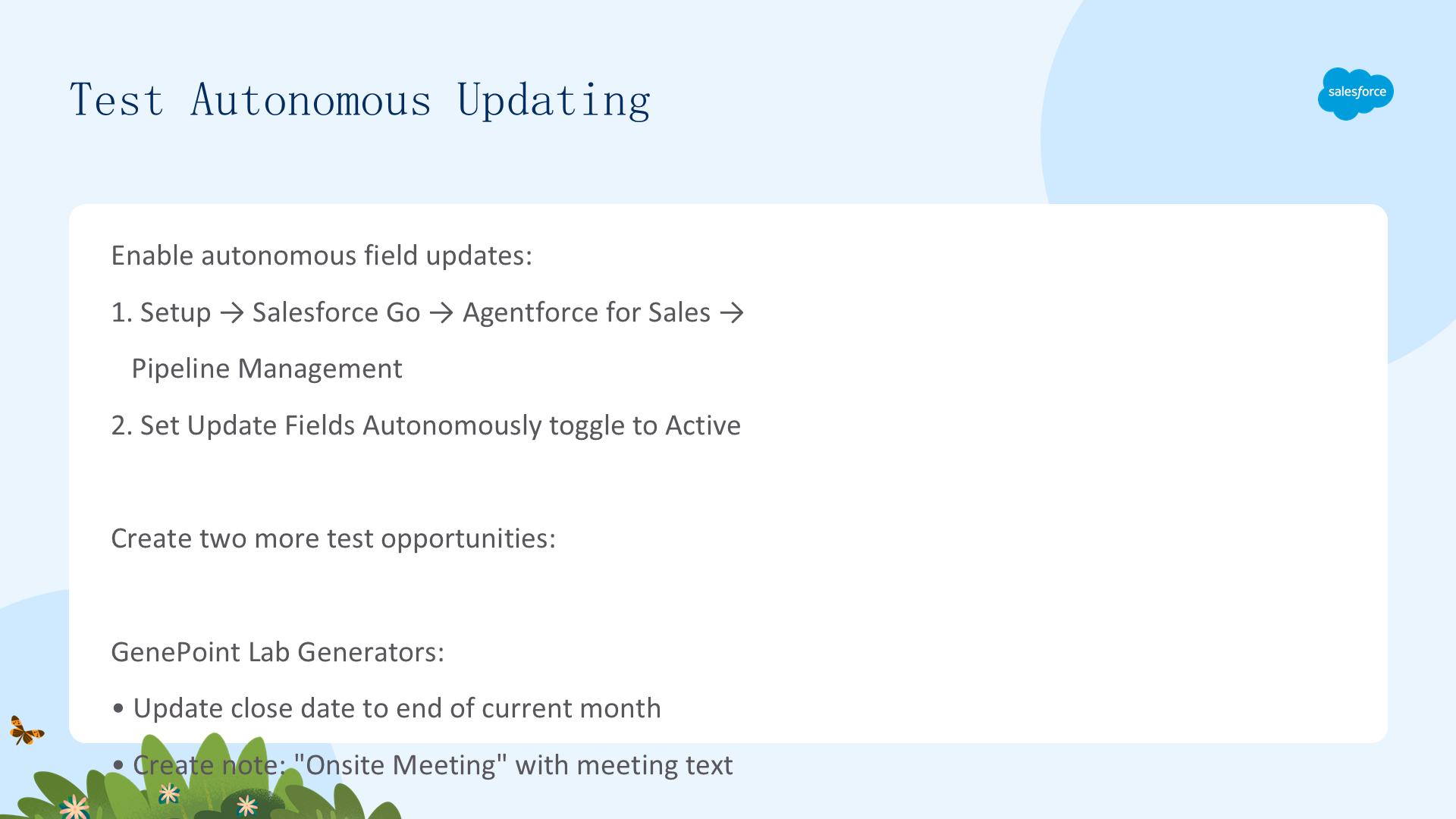
- Setup → Agentforce for Sales → Pipeline Management → 将 Update Fields Autonomously 设为 Active
- 创建两个测试 Opportunity:
- GenePoint Lab Generators:更新 Close Date → 创建 Note "Onsite Meeting"
- Edge Emergency Generator:更新 Close Date → 创建 Note "Subject Request for Proposal & Pricing — Urgent Next Steps"
- 返回 Process Field Update Suggestion Flow → Edit Flow Starts → 今天+2分钟 → Save as New Version → Activate
- Opportunities → Inspection → Agent Activity 列 → 悬停 "Stage Updated" 或 "Next Step Updated" → Review
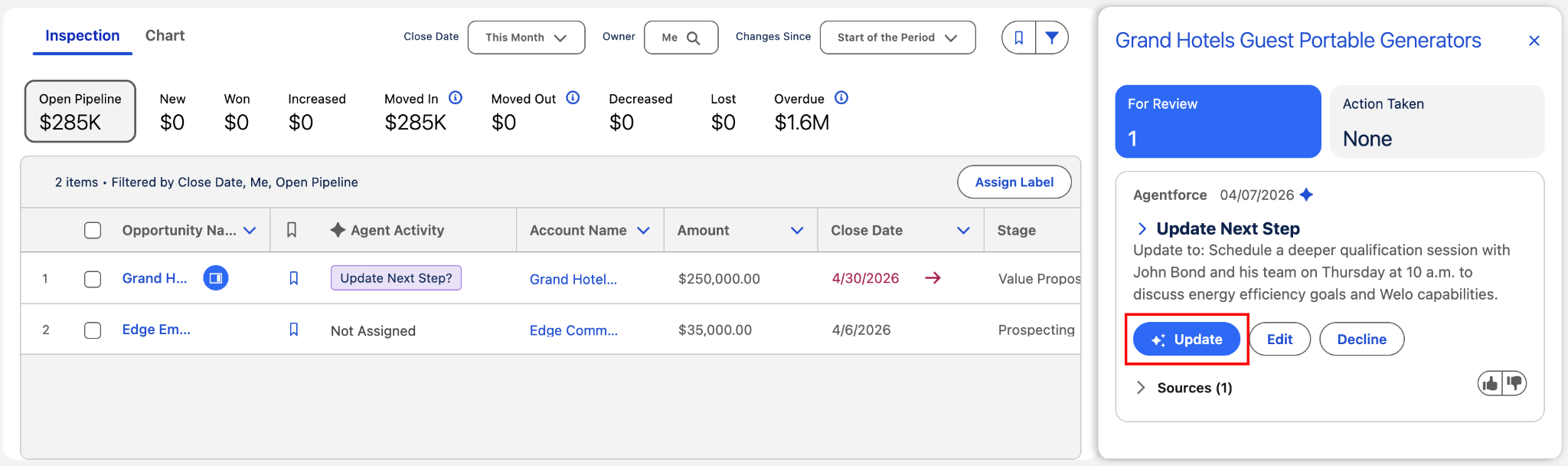
Agent 自动更新了 Opportunity 的阶段和下一步——基于笔记内容,无需人工审查。自主模式将 Pipeline Management 从"建议工具"升级为"自动执行引擎"。
资源
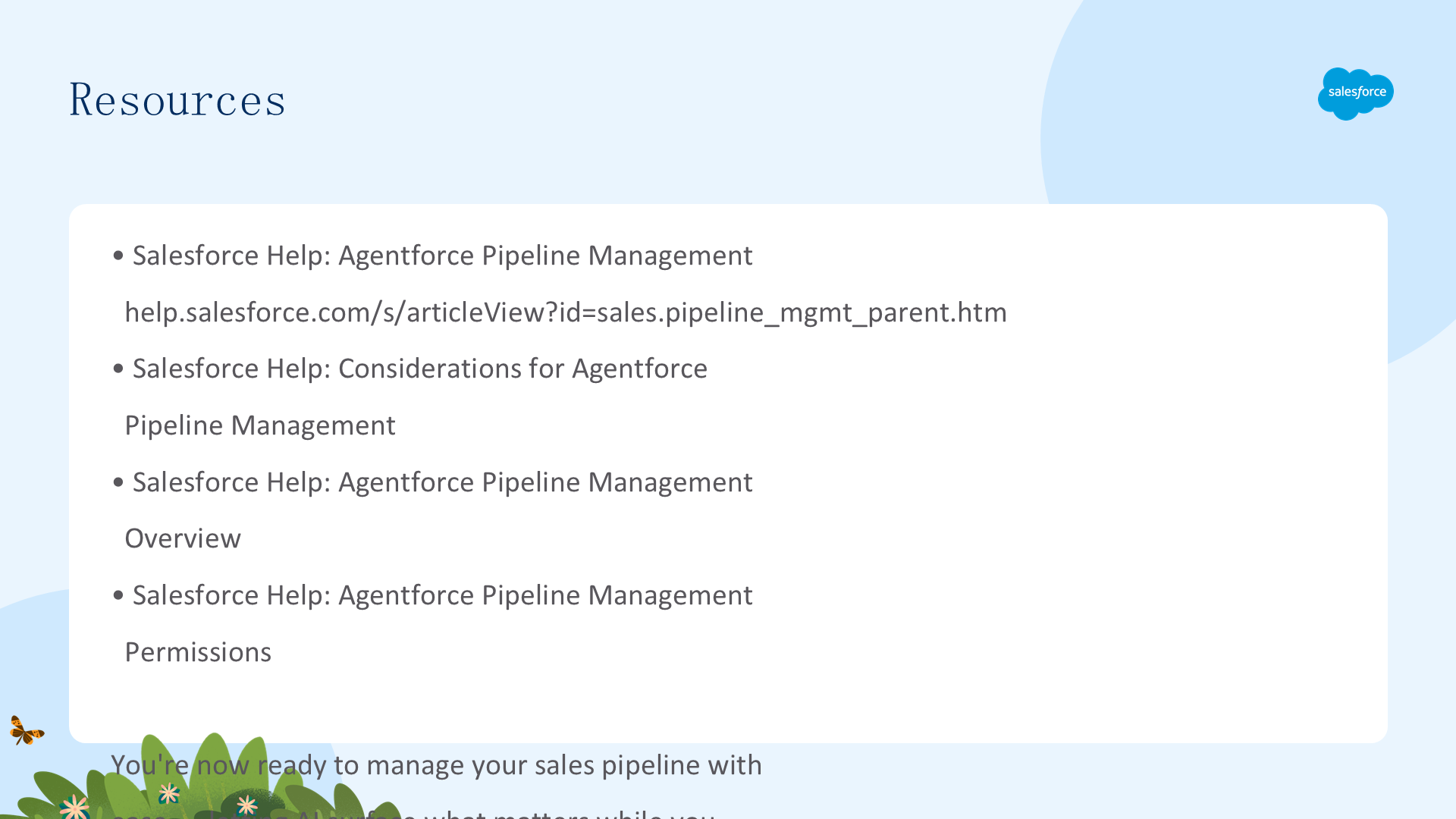
核心流程:启用 Pipeline Management → 配置 Flows → 添加 Notes 到页面 → 创建测试笔记 → 触发 Flow → 查看 Agent 智能建议 → 启用自主更新。Pipeline Management 将销售代表的日常笔记、邮件和通话转化为可操作的管道情报。