Agentforce Sales Coach Setup and Customization
学习目标
- 改进带有动态资源的提示模板
- 使用 AI Models 编辑器配置代理模型
- 更新代理使用的 Flow
- 定制服务代理的 Subagents 和 Actions
Sales Coach 的价值主张
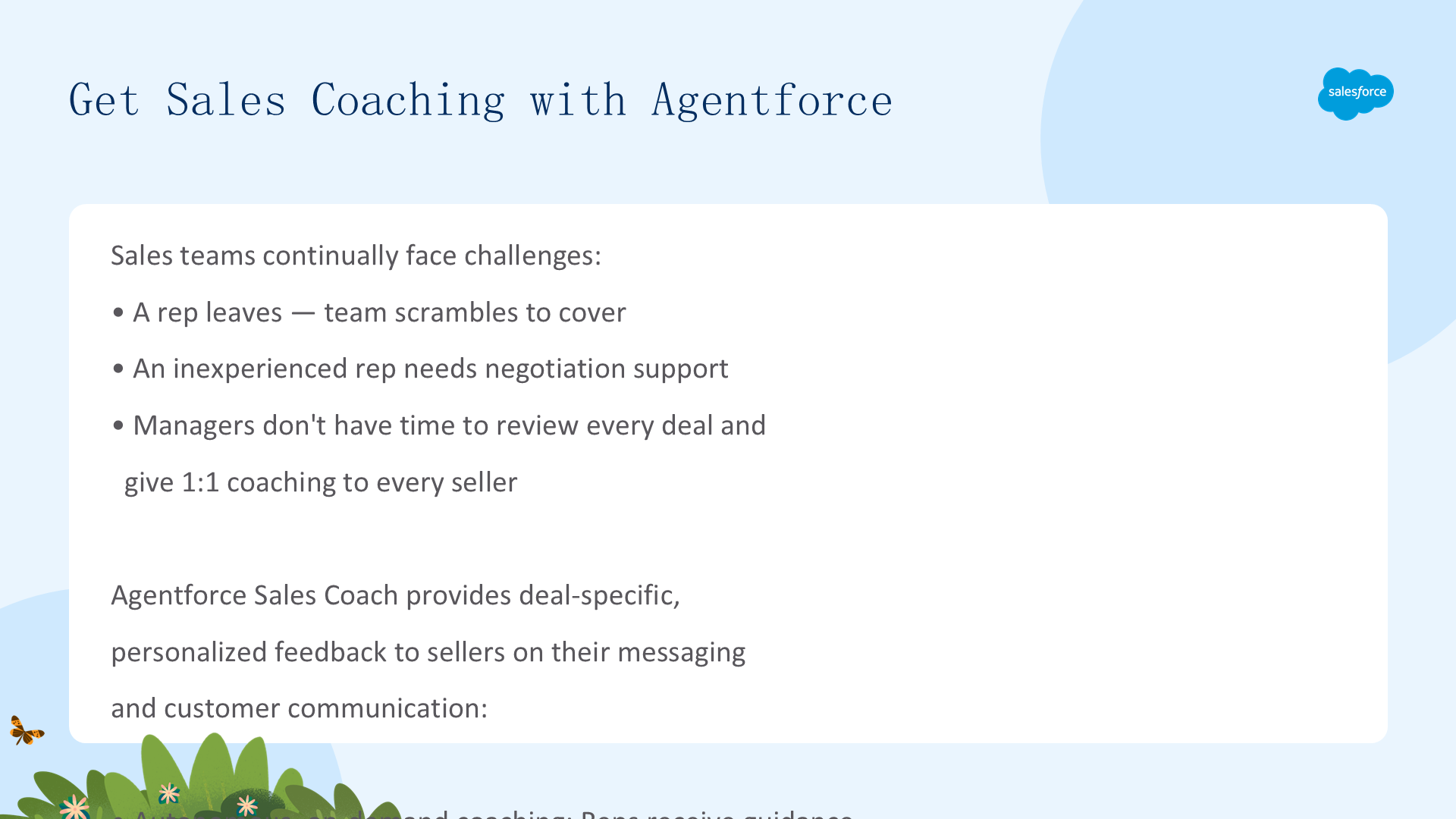
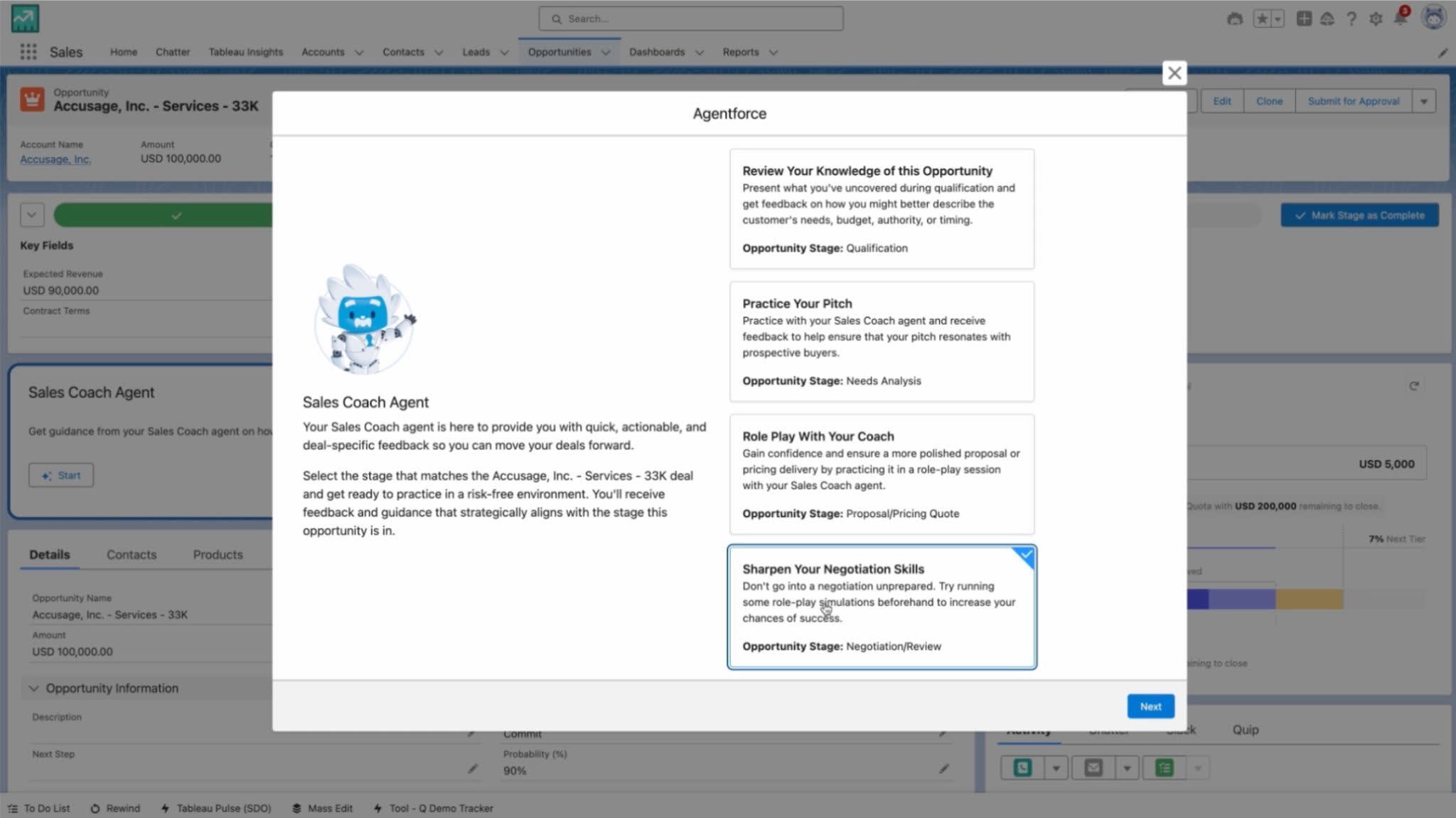
Sales Coach 解决销售团队的根本指导缺口:代表得到自主、按需指导、会议前的销售演示练习(基于交易和当前阶段的定制反馈)、AI 驱动角色扮演(与模拟客户/买家练习艰难对话)以及针对具体交易的个性化反馈。经理在规模上受益 — 每个代表都有专用教练而不消耗经理时间。Sales Coach 帮助代表在打电话之前就解决疑问和异议。
Sales Coach 包含的组件
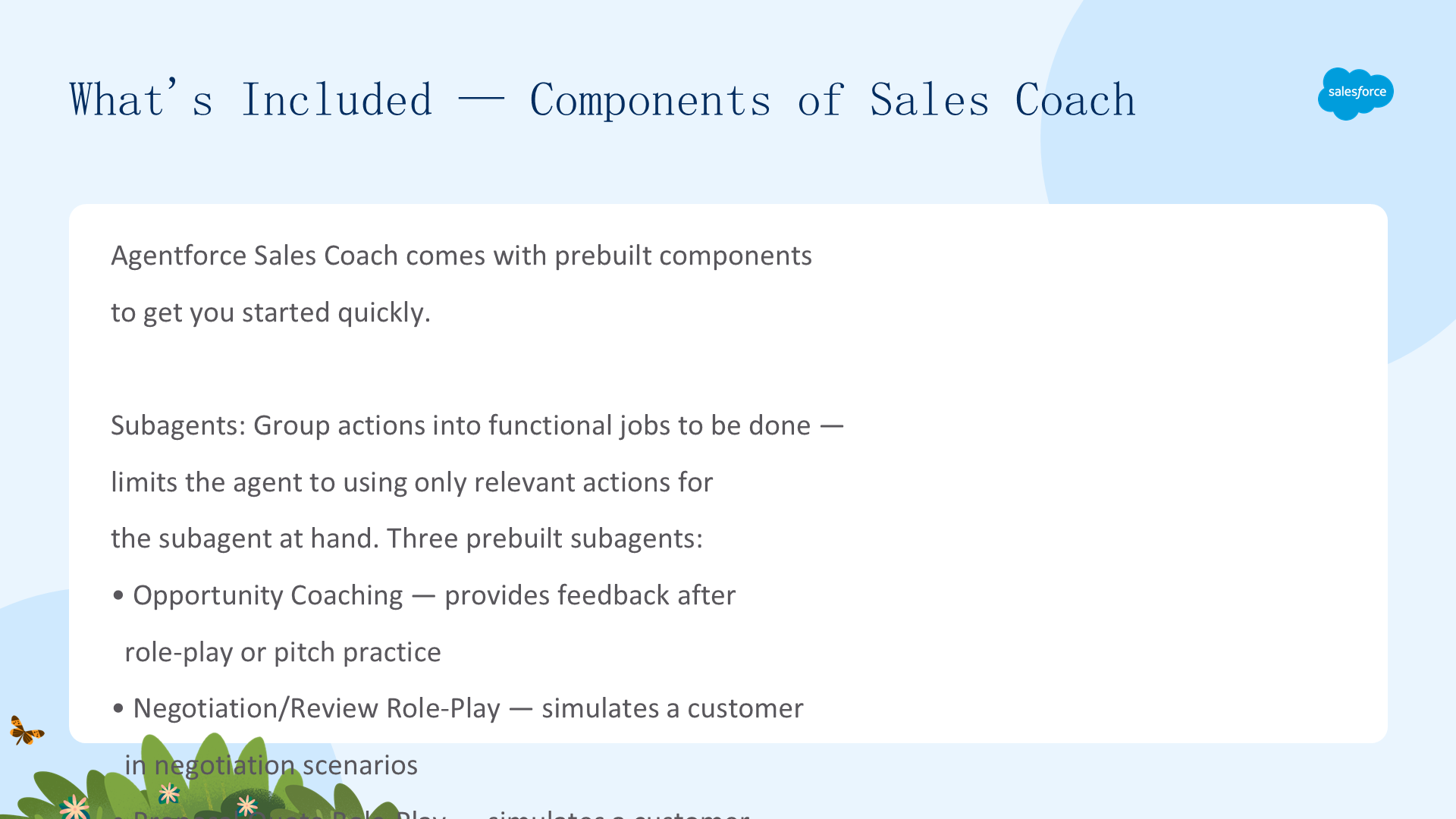
三个预构建 Subagents:
Opportunity Coaching(角色扮演或销售演示后的反馈)、Negotiation/Review Role-Play(模拟谈判场景中的客户)、Proposal Quote Role-Play(模拟提案/报价场景中的客户)。Actions:由自然语言指令引导。
Prompts:以接地数据、评估标准和反馈格式驱动实际反馈。
Prompt Templates:可重用,带有特定细节占位符。
所需功能:Agentforce、Einstein 生成式 AI、Agentforce Studio、Data 360(RAG 支持)。
反馈如何工作 — 阶段特定智能
Sales Coach 基于交易所在的机会阶段生成反馈。五个阶段各有特定的提示模板:Qualification、Needs Analysis、Discovery、Proposal/Pricing、Negotiation/Review。每个阶段包含 LLM 评估的阶段特定标准、CRM 数据访问、代理期望代表回答的阶段特定问题。基于阶段的方法意味着指导始终是上下文的 — 谈判阶段的代表得到与资格阶段不同的反馈标准。
Enable Supporting Features
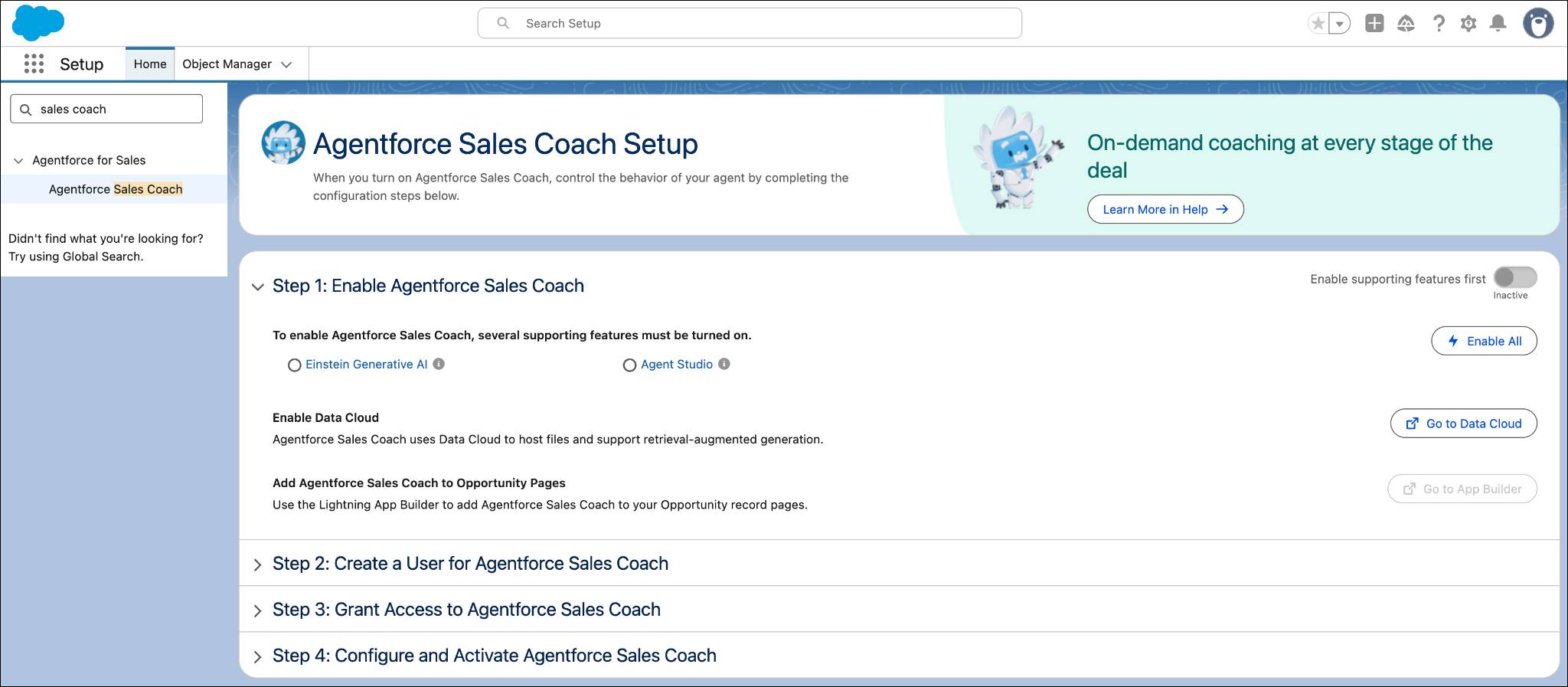
要使用 Agentforce Sales Coach,首先需要启用支持功能:Agentforce(AI 代理平台)、Einstein Generative AI(驱动反馈生成)、Agentforce Studio(定制环境)和 Data 360(为 RAG 提供接地数据)。从 Setup 中逐一启用这些功能,确保每个都已激活并配置了正确的权限。
- 获取包含 Agentforce Sales Coaching 的 Trailhead Playground
- 从主页点击齿轮图标 → Setup
- Quick Find 输入
Sales Coach,点击 Agentforce Sales Coach - 在 Setup Wizard 中点击 Enable All
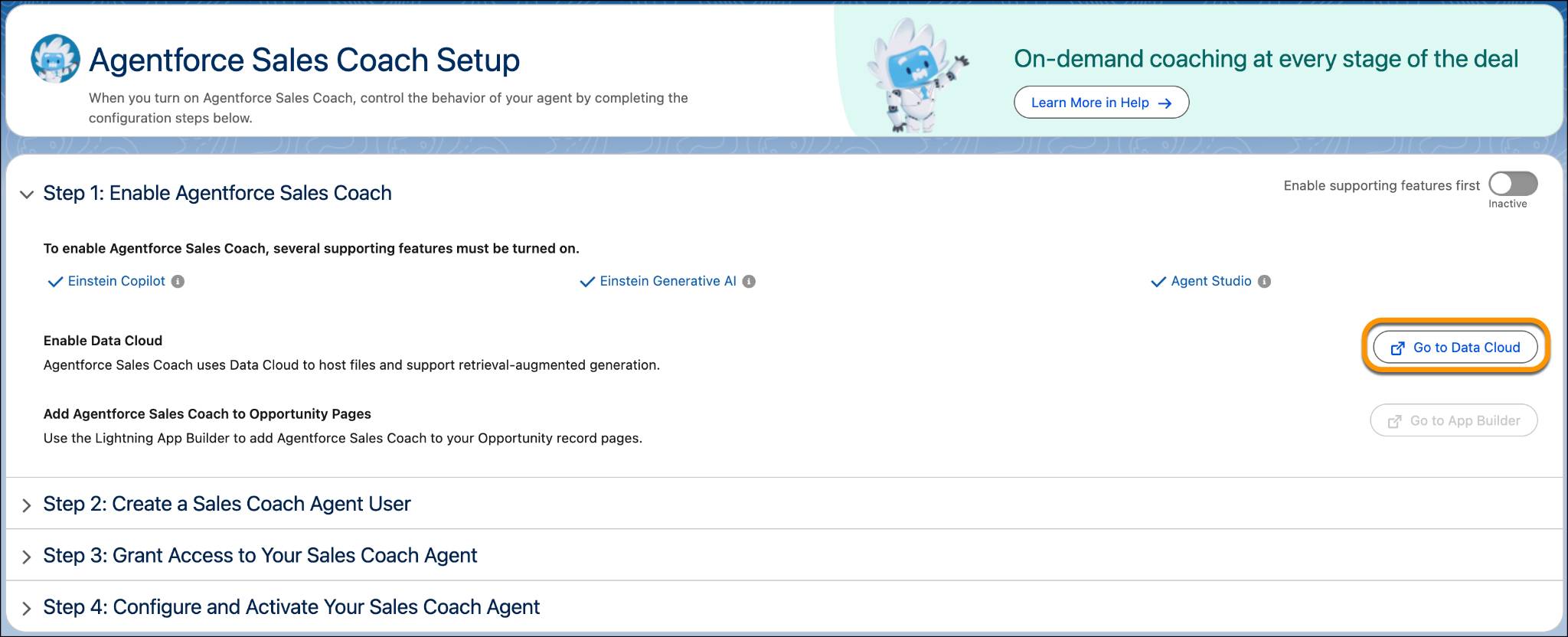
- 点击 Go to Data Cloud,确认 Home Org Details,关闭页面
- 返回 Setup 页面,刷新浏览器
- 在 Step 1 点击 toggle 激活 Agentforce Sales Coach
- 弹出窗口点击 Got It

Create a Sales Coach User & Grant Permissions
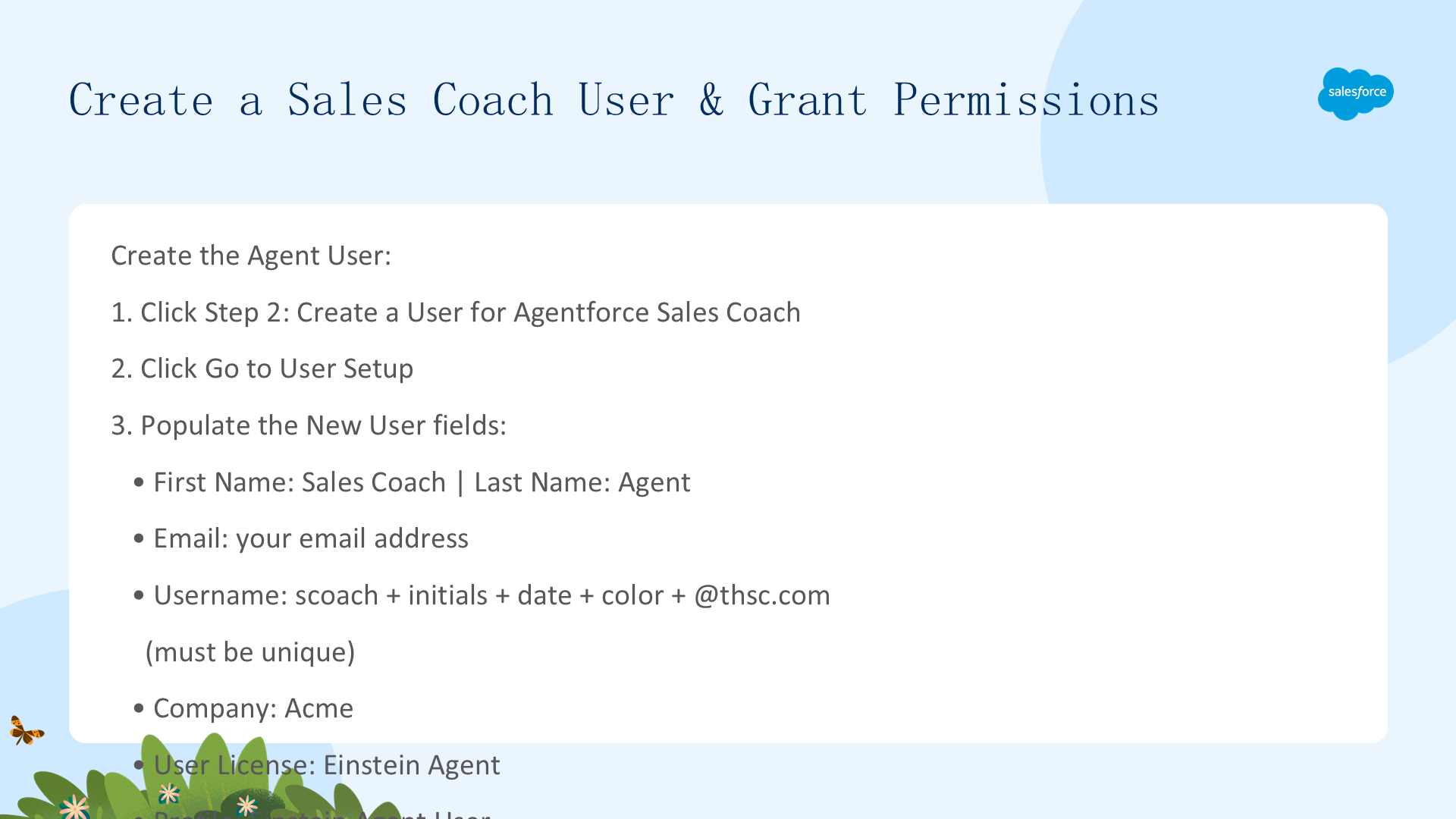
创建专用的 Sales Coach 用户账号并授予必要权限。导航到 Setup → Users → New User,选择 Sales Coach 许可类型。分配 Agentforce Sales Coach User 权限集,确保代理能访问 Opportunity 数据、Einstein 活动和 Prompt Builder。验证权限包括:查看和编辑 Opportunities、访问 Prompt Templates、使用 Einstein Generative AI。
- 点击 Step 2: Create a User 展开
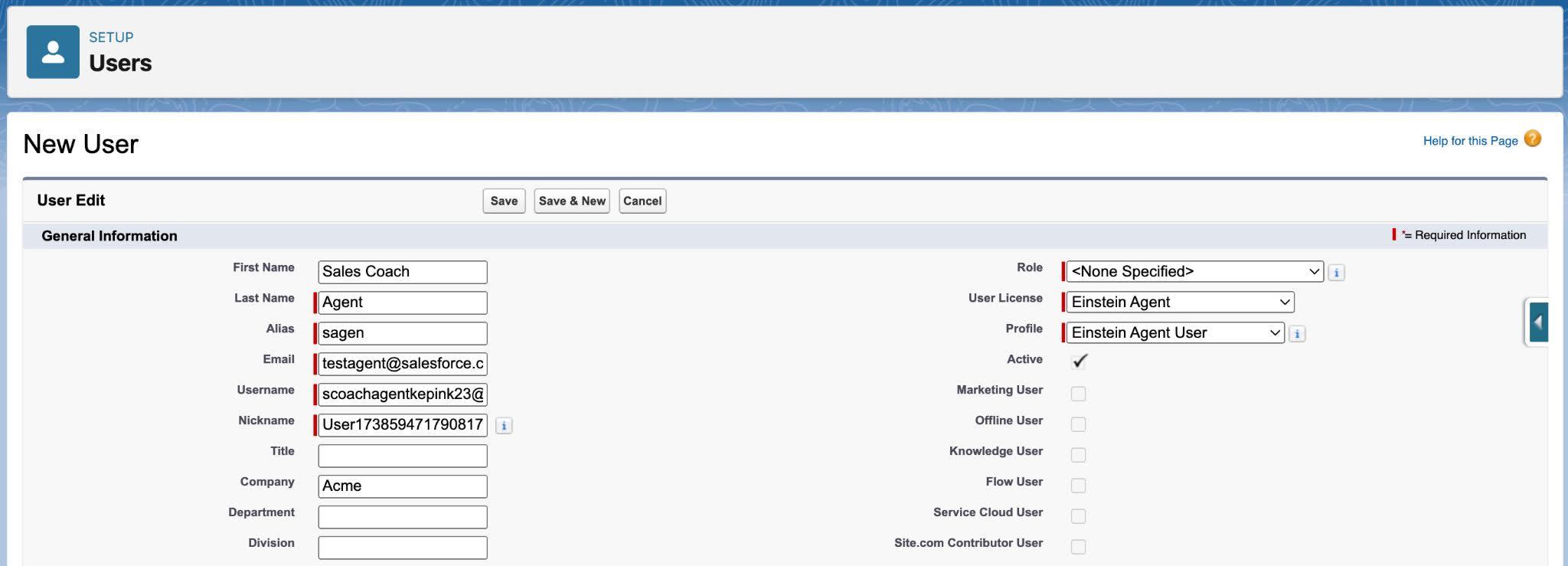
- 点击 Go to User Setup
- 填写:First Name=
Sales Coach,Last Name=Agent,Email=你的邮箱,Username=scoach+首字母+日期+颜色@thsc.com,Company=Acme,License=Einstein Agent,Profile=Einstein Agent User - 点击 Save
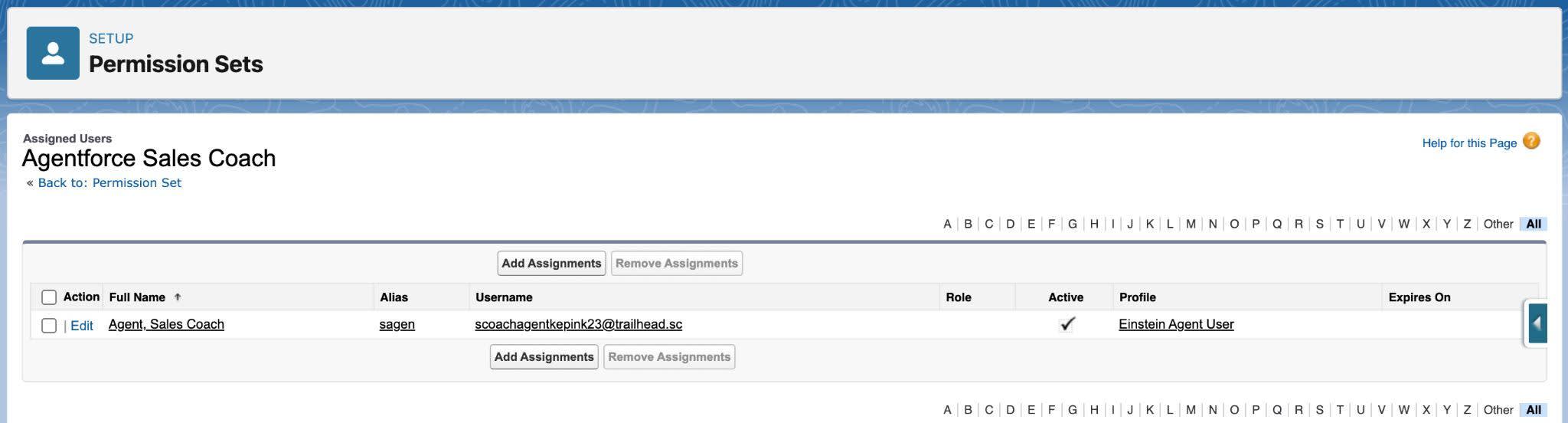
- 返回 Setup → Step 2 点击 Go to Permission Sets
- Add Assignments → 勾选 Sales Coach Agent → Assign → Done
- Step 3:分别点击两个 Go to Permission Sets,将 Manage 和 Use 权限分配给你自己


Add to Opportunity Pages & Configure the Agent
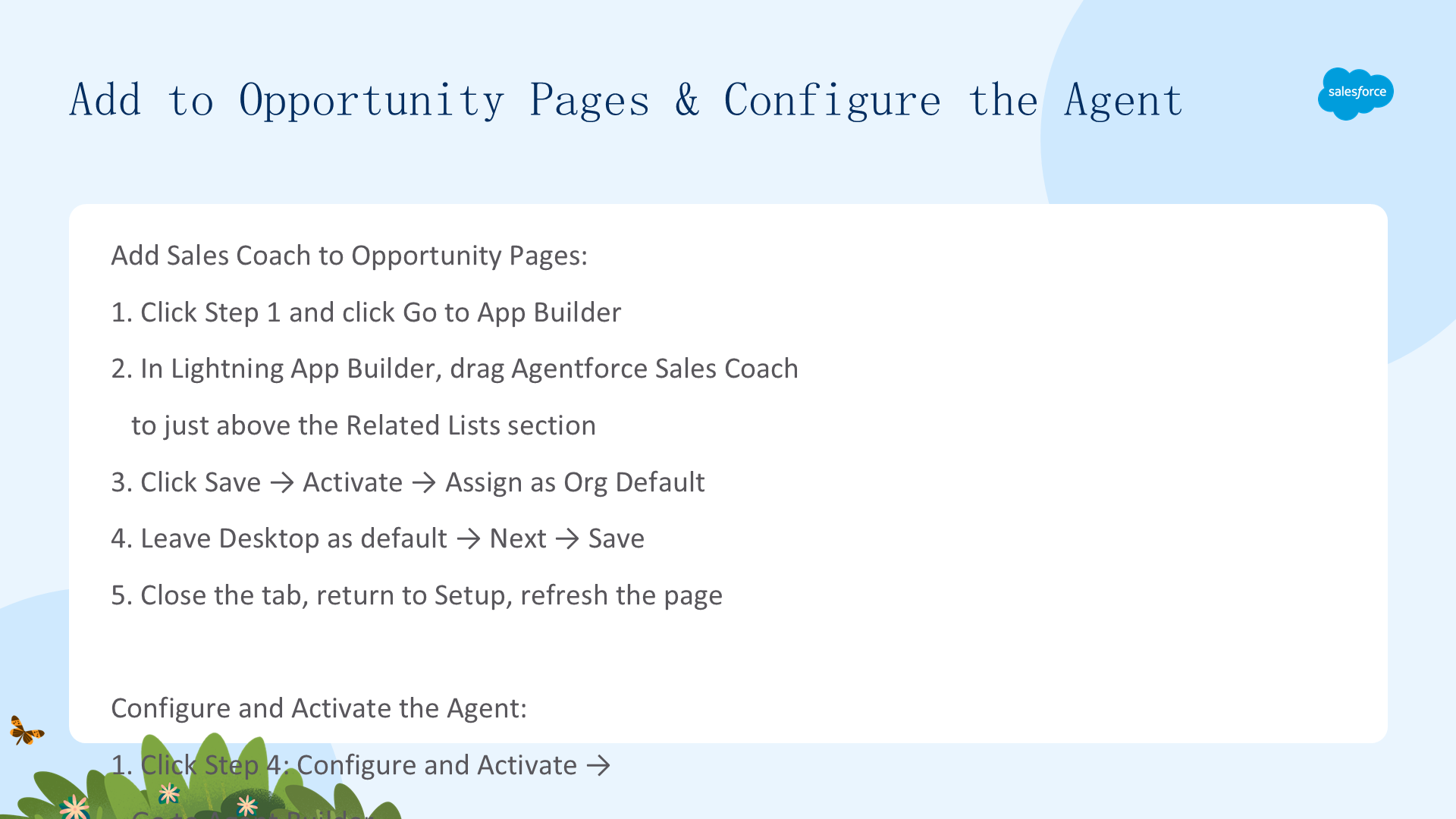
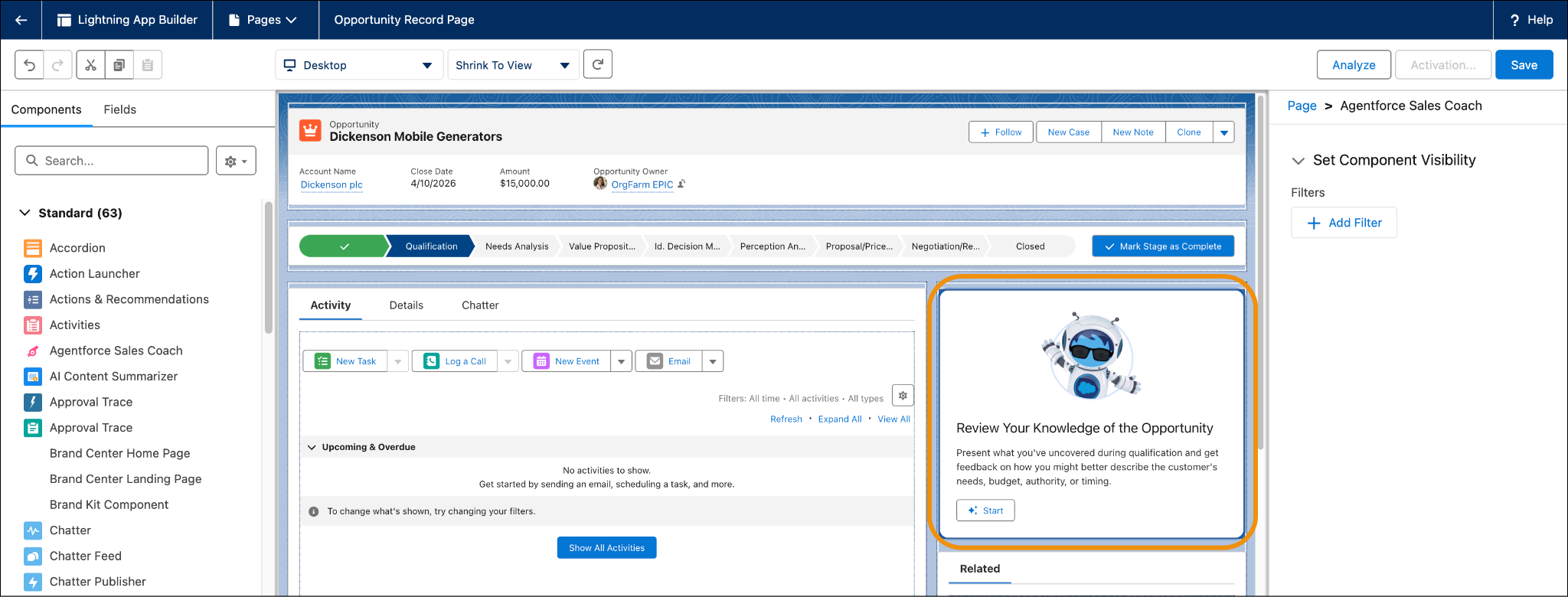
将 Sales Coach 组件添加到 Opportunity 记录页面。使用 Lightning App Builder 将 Agentforce Sales Coach 标准组件拖放到 Opportunity 页面布局中。然后配置代理设置:选择已创建的 Sales Coach 用户作为运行用户,关联相关的 Subagents(Opportunity Coaching、Negotiation/Review Role-Play、Proposal Quote Role-Play),保存并激活。
- 展开 Step 1,点击 Go to App Builder
- 拖拽 Agentforce Sales Coach 组件到 Related Lists 上方
- 点击 Save → Activate → Assign as Org Default(Desktop)→ Save
- Step 4:点击 Go to Agent Builder,选择 Agentforce Sales Coach → Next
- 填写 Agent 信息(Name/Role/Company),选择 Sales Coach Agent 用户
- 勾选 Enhanced Event Logs → Next → 保持默认 → Create

Role-Play Customization
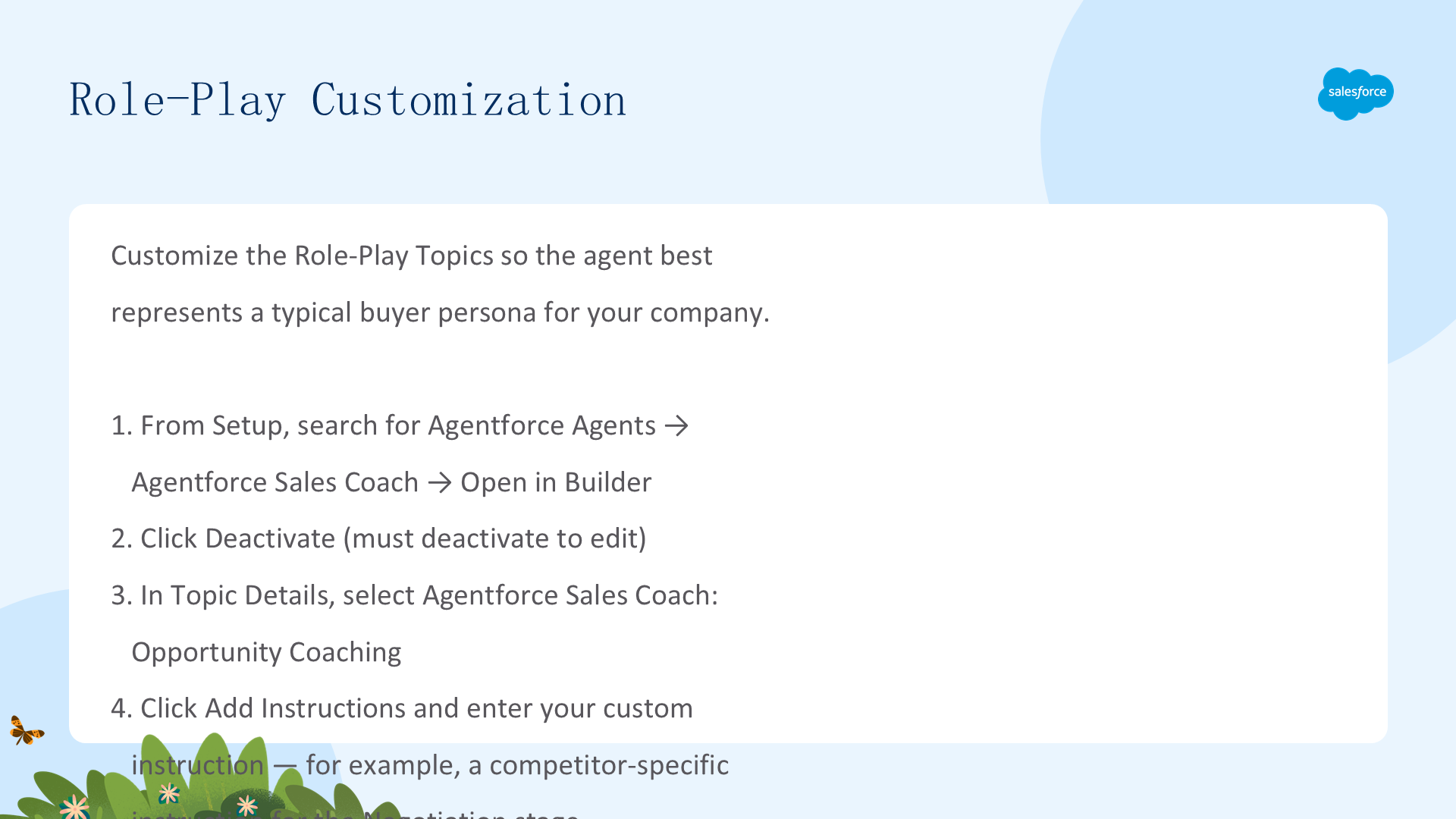
Sales Coach 包含两个预构建的角色扮演 Subagents:Negotiation/Review Role-Play 和 Proposal Quote Role-Play。每个都可以定制以匹配你的销售流程。你可以修改角色扮演的Topic 描述来改变模拟场景、调整Instructions 来引导代理在角色扮演中的行为、定制客户角色(如行业、痛点、预算)来创建更真实的练习。角色扮演让销售代表在安全环境中练习艰难对话,然后通过 Opportunity Coaching Subagent 获得针对具体交易的反馈。
- Setup → Quick Find 输入
Agents→ Agents - 点击 Agentforce Sales Coach → Open in Builder
- 左侧选择 Topics → 选中 Agentforce Sales Coach: Opportunity Coaching
- 点击 Add Instructions,输入新的指令文本
- 点击 Save → Activate
反馈定制 — Prompt Engineering
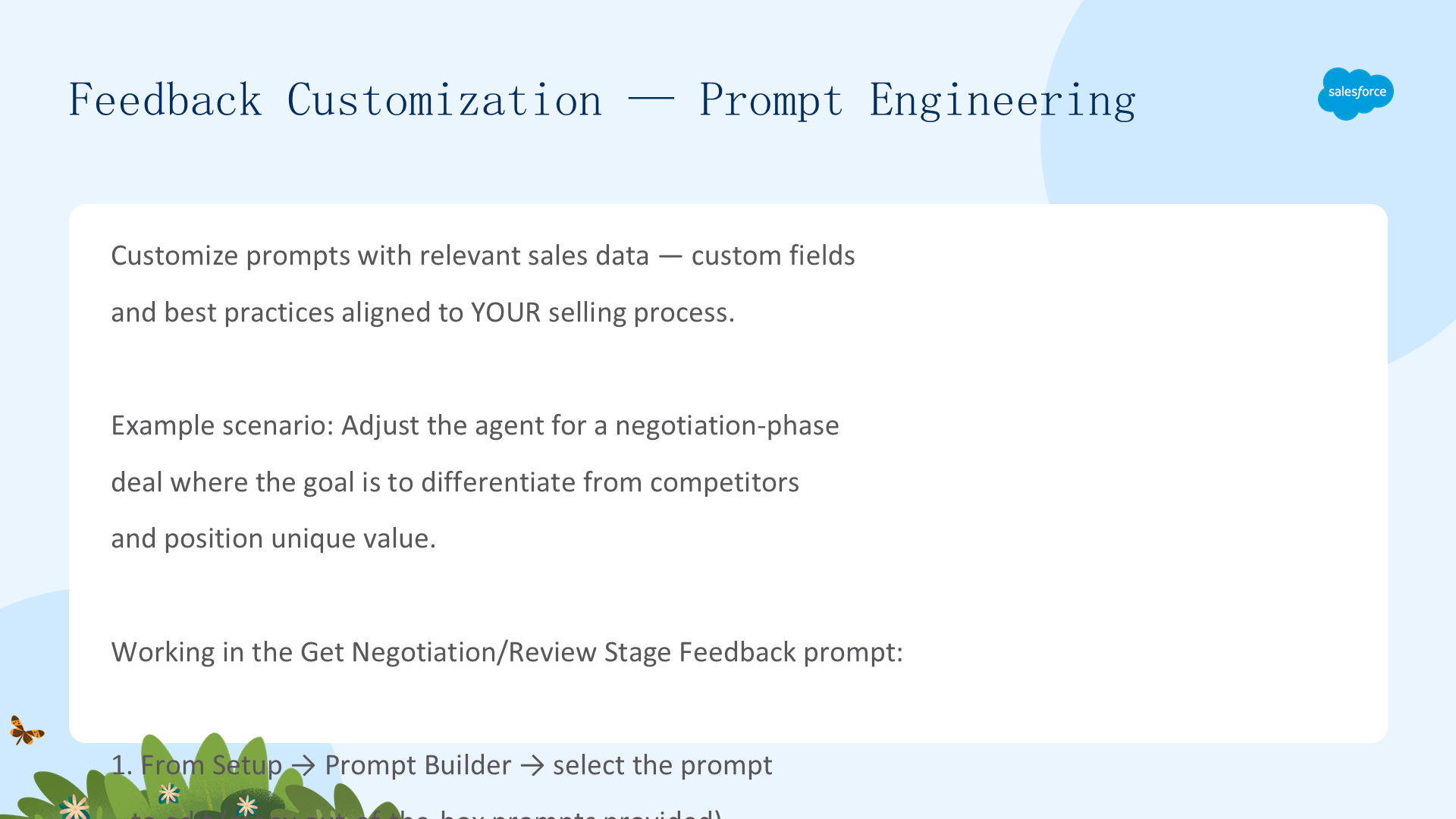
用相关的销售数据定制提示 — 自定义字段和与您的销售流程对齐的最佳实践。示例:为谈判阶段交易调整代理以差异化竞争对手。添加Goal Statement确保销售经理理解区分产品和定位独特价值。添加 COMPETITOR_HANDLING_CHECKLIST:承认竞争对手而不 dismiss 客户关切、突出您方案相比竞争产品的关键差异化、将对话重新聚焦于客户优先级、自信处理异议同时保持专业性。最佳实践:使用 If/Then 条件、Never/Instead 命令式格式、使用精确的标签名称和操作语法、指令在主题级别(非操作级别)、跨主题重复指令。
测试 — Prompts 和 Topics
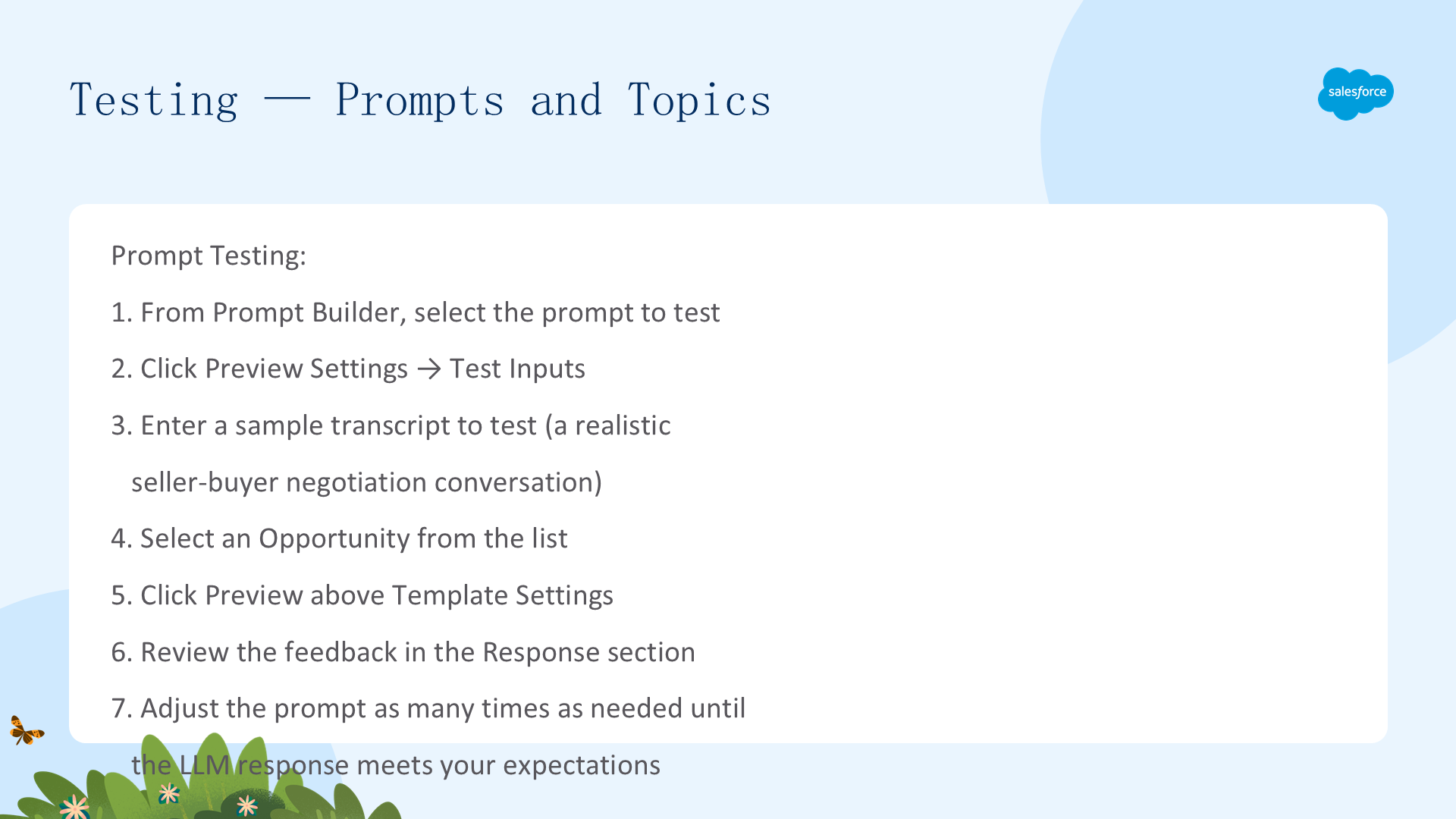
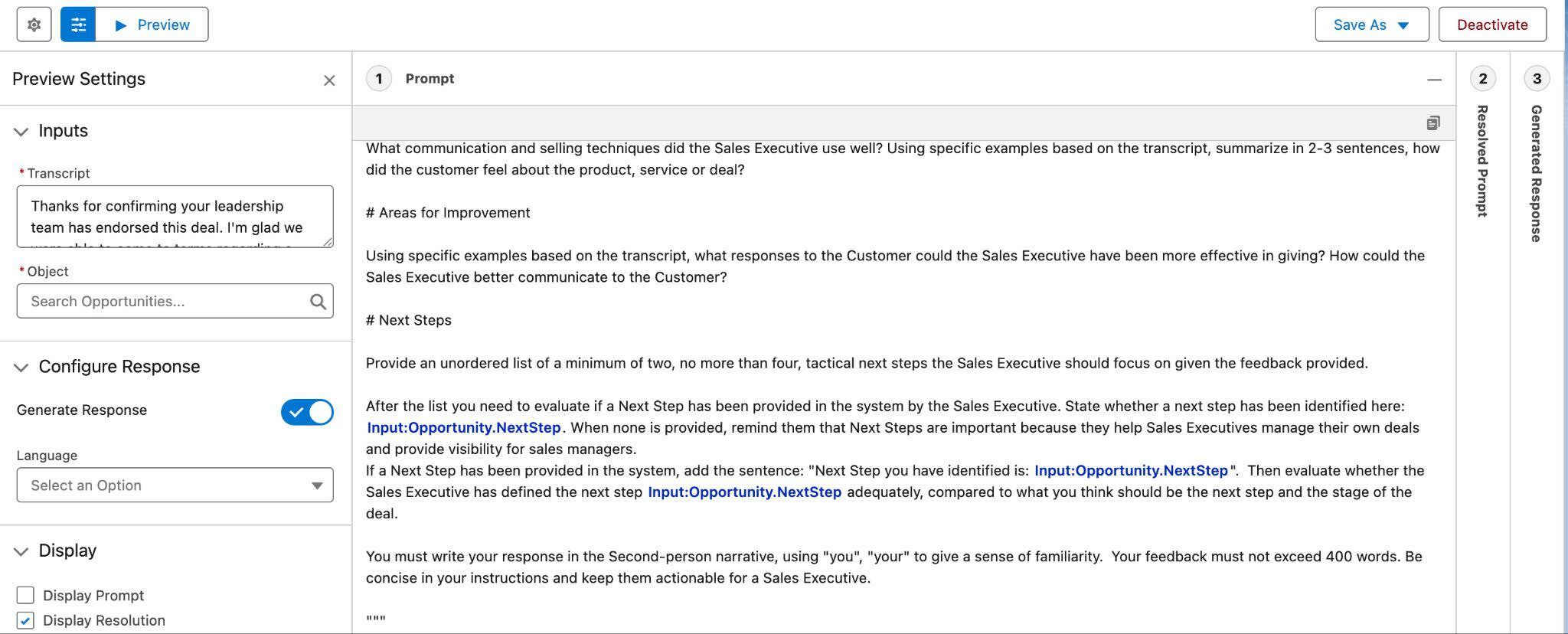
Prompt 测试:从 Prompt Builder 选择提示 → Preview Settings → 输入真实谈判对话记录 → 选择 Opportunity → Preview → 迭代直到质量达标。Topic 测试:从 Agentforce Builder → 选择 Topic → 输入测试场景(含客户名、代表名、阶段、金额)→ 审查中间面板中调用的 Actions 和 Instructions → 调整直到满意。两种方法确保代理在上线前按预期行为。
- Setup → Quick Find → Agentforce Sales Coach → Open in Builder
- 选择要测试的 Topic
- 在右侧 Conversation Preview 面板输入测试场景:
Let's do role play. Customer Account name is Virtuoso. The Sales Executive's name is Samantha. The opportunity stage is: negotiation. Opportunity amount is: $52,000. - 审查 LLM 响应,在中间面板查看调用的 Actions 和 Instructions
- 调整 Instructions 直到满意
Feedback Customization — Updated Output Structure
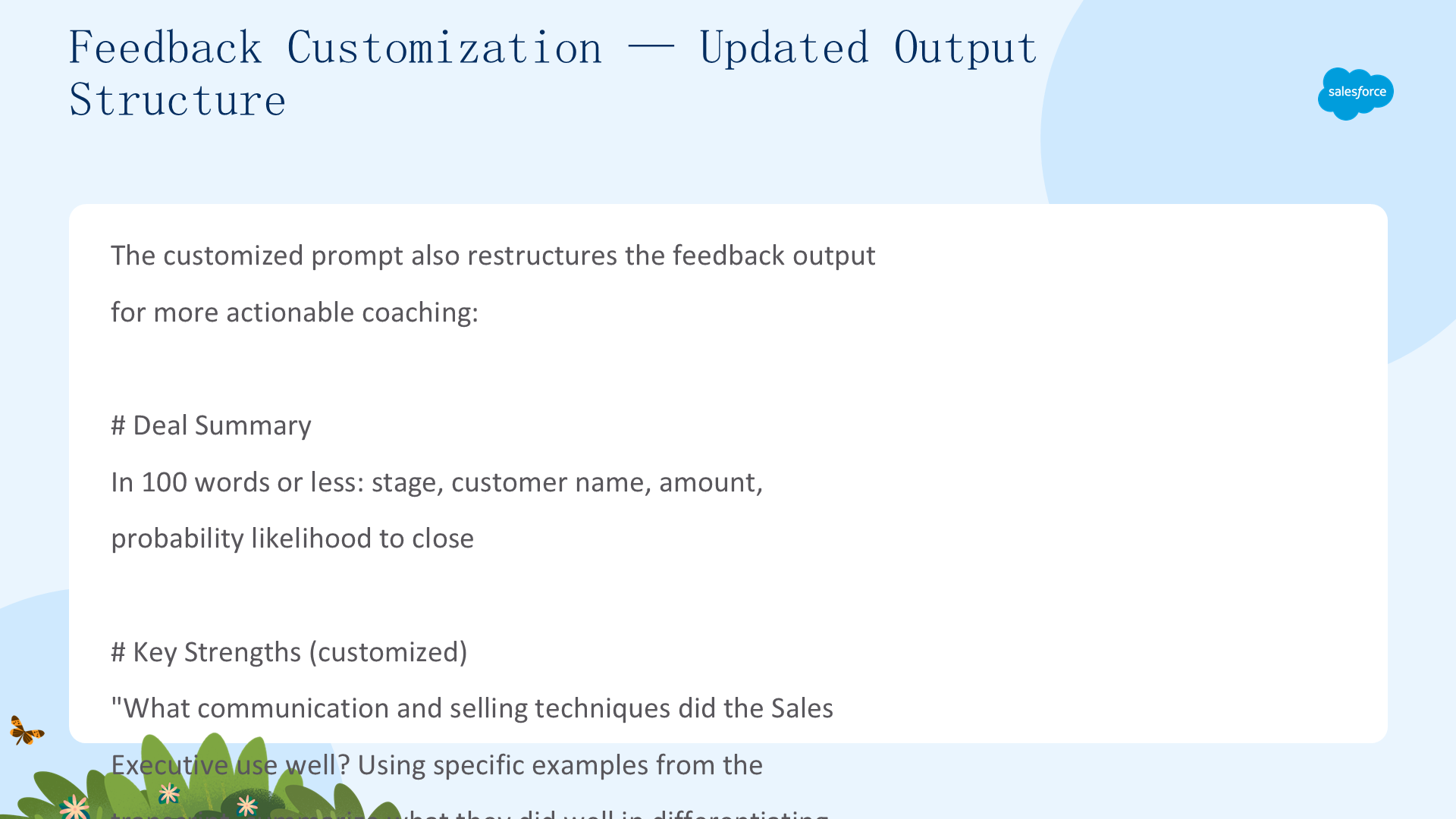
代理的反馈输出结构可以定制以匹配你的销售方法。修改 Prompt Template 来改变反馈格式——例如,从自由段落改为结构化评估:Strengths、Areas for Improvement、Recommended Next Steps、Competitor Differentiation。这种结构化格式确保销售代表收到一致、可操作的反馈,可以立即应用到他们的销售策略中。
You are a Sales Manager coaching Sales Executive {!$User.FirstName}

They are working on a deal with Customer: {!$Input:Opportunity.Account.Name}

The deal is currently in stage {!$Input:Opportunity.StageName}

Your goal is to ensure the Sales Executive understands to differentiate the product
from competitors and position the unique value it offers to close the deal successfully.

Here is relevant context on this Opportunity that should be considered:

Industry of the Customer: {!$Input:Opportunity.Account.Industry}
This opportunity is stage: {!$Input:Opportunity.StageName}
Customer Business Description: {!$Input:Opportunity.Account.Description}
Sales Executive Notes: {!$Input:Opportunity.Description}
Expected probability: {!$Input:Opportunity.Probability}
Overdue tasks: {!$Input:Opportunity.HasOverdueTask}

Instructions:

Coach {!$User.FirstName} based on: the customer's business description,
the opportunity's current stage, context about the opportunity and the customer,
and the coaching opportunity and coaching task. Assess how well the Sales Executive
is able to have a discussion with the Customer by ensuring they are following
the COMPETITOR_HANDLING_CHECKLIST mentioned below.

<COMPETITOR_HANDLING_CHECKLIST>
- Acknowledge the competitor's mention without dismissing the customer's concerns
- Highlight the key differentiators of the proposed solution over the competitor
- Reframe the conversation to focus on the customer's priorities and how the
  proposed solution addresses them better than the competition
- Handle objections confidently while maintaining professionalism
</COMPETITOR_HANDLING_CHECKLIST>

Coaching Opportunity: The key to the Negotiation stage is whether the Sales
Executive is able to have a discussion with the Customer about the competitor.

Coaching Task: You will receive a written transcript of the Sales Executive
having a conversation with the Customer they are trying to sell to.

In the feedback you provide, include the following:

# Deal Summary
In 100 words or less provide a summary including: the stage; customer name;
amount: {!$Input:Opportunity.Amount}; and {!$Input:Opportunity.Probability}.

# Key Strengths
What communication and selling techniques did the Sales Executive use well?
Summarize what they did well in differentiating the solution from the competitor.

# Areas for Improvement
Identify where the Sales Executive could improve, such as providing clearer
differentiators or reframing the conversation more effectively.

# Next Steps
Provide 2-4 tactical next steps. Evaluate if a Next Step has been provided:
{!$Input:Opportunity.NextStep}. If none, remind them of its importance.

Write in Second-person narrative ("you", "your"). Feedback must not exceed 400
words. Be concise and keep instructions actionable for a Sales Executive.

Here's the Transcript: {!$Input:Transcript}

Now execute the coaching task.
这是一个完整的 Negotiation/Review Stage Feedback Prompt Template。展示了如何结构化提示:目标声明、CRM 接地数据、评估指令(含 COMPETITOR_HANDLING_CHECKLIST)、输出结构(Deal Summary / Key Strengths / Areas for Improvement / Next Steps)以及格式约束(第二人称、400 词限制)。
Prompt Engineering Best Practices
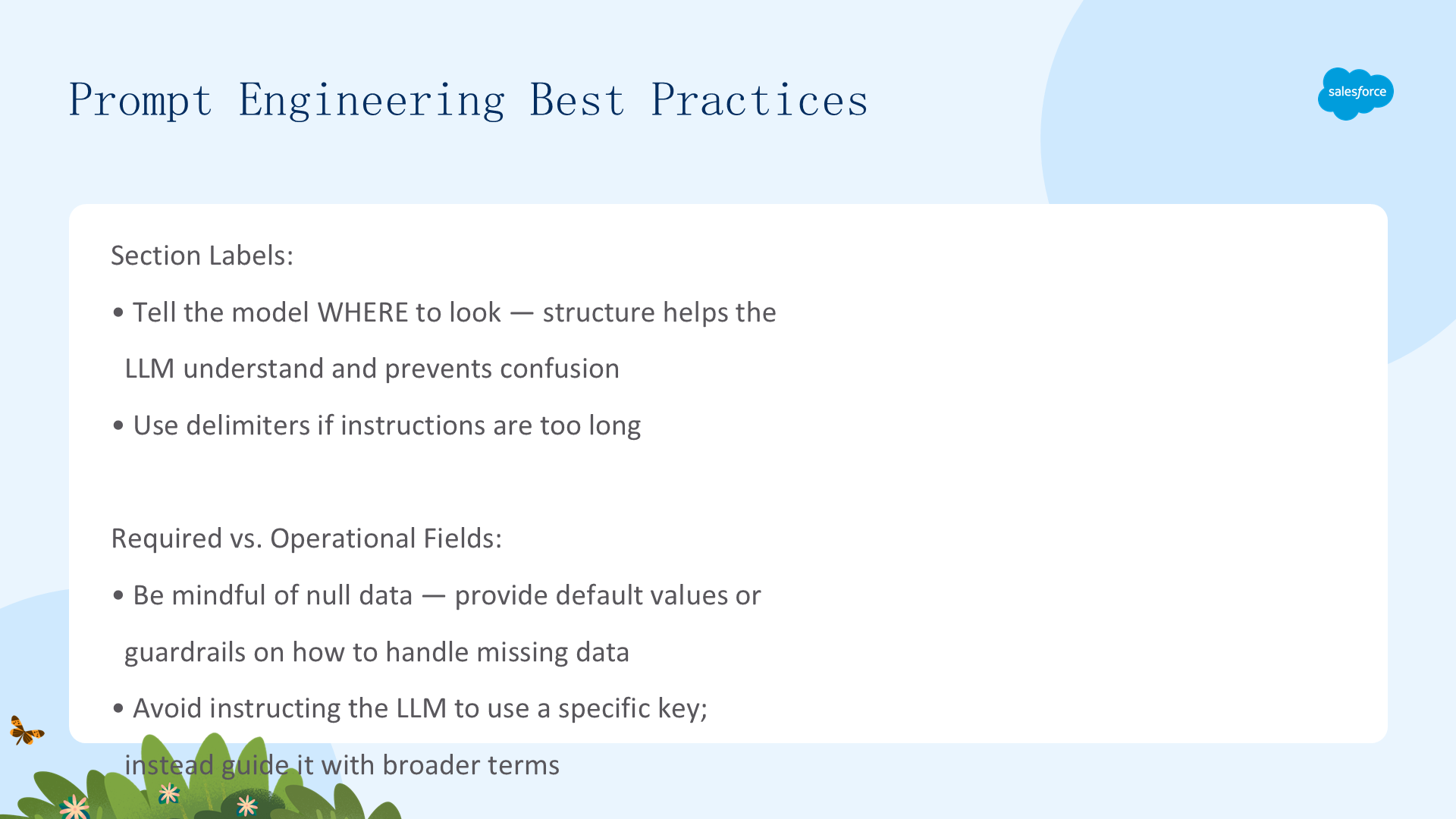
编写提示时的关键最佳实践:使用 If/Then 条件引导代理在不同场景下的行为;使用 Never/Instead 命令式格式明确界限;使用精确的 Salesforce 标签名称和操作语法;将指令放在Topic 级别(而非 Action 级别)以获得更广泛的适用性;跨多个 Topic 重复关键指令以确保一致性。这些技术帮助代理生成更可预测、更相关的回复。
Prompt Testing
自定义提示后必须测试,确保 Prompt 的行为符合预期。
- Setup → Quick Find → Prompt Builder → 选择要测试的提示
- 点击左侧 Preview Settings → Test Inputs
- 输入要测试的对话记录(见下方示例)
- 选择 Opportunity → 点击 Preview
- 审查 Response 中的反馈,反复调整 Prompt 直到满意
示例测试对话记录:
Seller: Hi Jamie, thanks for taking the time. We're at the
negotiation stage, and I want to address any final concerns.
How are you feeling about everything we've discussed so far?

Buyer: We're still considering our options. ClearTech's
pricing and features are very competitive.

Seller: I appreciate you bringing that up. Which specific
features or aspects stood out to you?

Buyer: Their reporting dashboard looks intuitive, and their
price point is about 10% lower than yours.

Seller: Let's start with the reporting dashboard. Our analytics
are customizable to your specific KPIs and business goals. Greenfield
Logistics, a similar client, cut reporting time by 30% after configuring
the dashboard. Does that level of flexibility resonate?

Buyer: That's interesting - our reporting needs do vary.

Seller: Regarding pricing, our clients tell us the ROI far
outweighs the initial cost. We include implementation support and ongoing
optimization at no additional cost. Our AI-powered forecasting tool
increases accuracy by up to 40%. Does that align with your goals?

Buyer: Yes, that's what we're aiming for.

Seller: I can share a detailed side-by-side comparison of our
offering versus ClearTech's. Would that be helpful?

Buyer: Yes, that would be great. Let's review that.

Seller: Perfect. I'll send over the comparison this afternoon,
and we can schedule a follow-up. Thanks again for your time, Jamie.
此对话展示了 COMPETITOR_HANDLING_CHECKLIST 的实际应用:不 dismiss 竞争对手、突出差异化、重新聚焦客户优先级、自信处理异议。
Resources
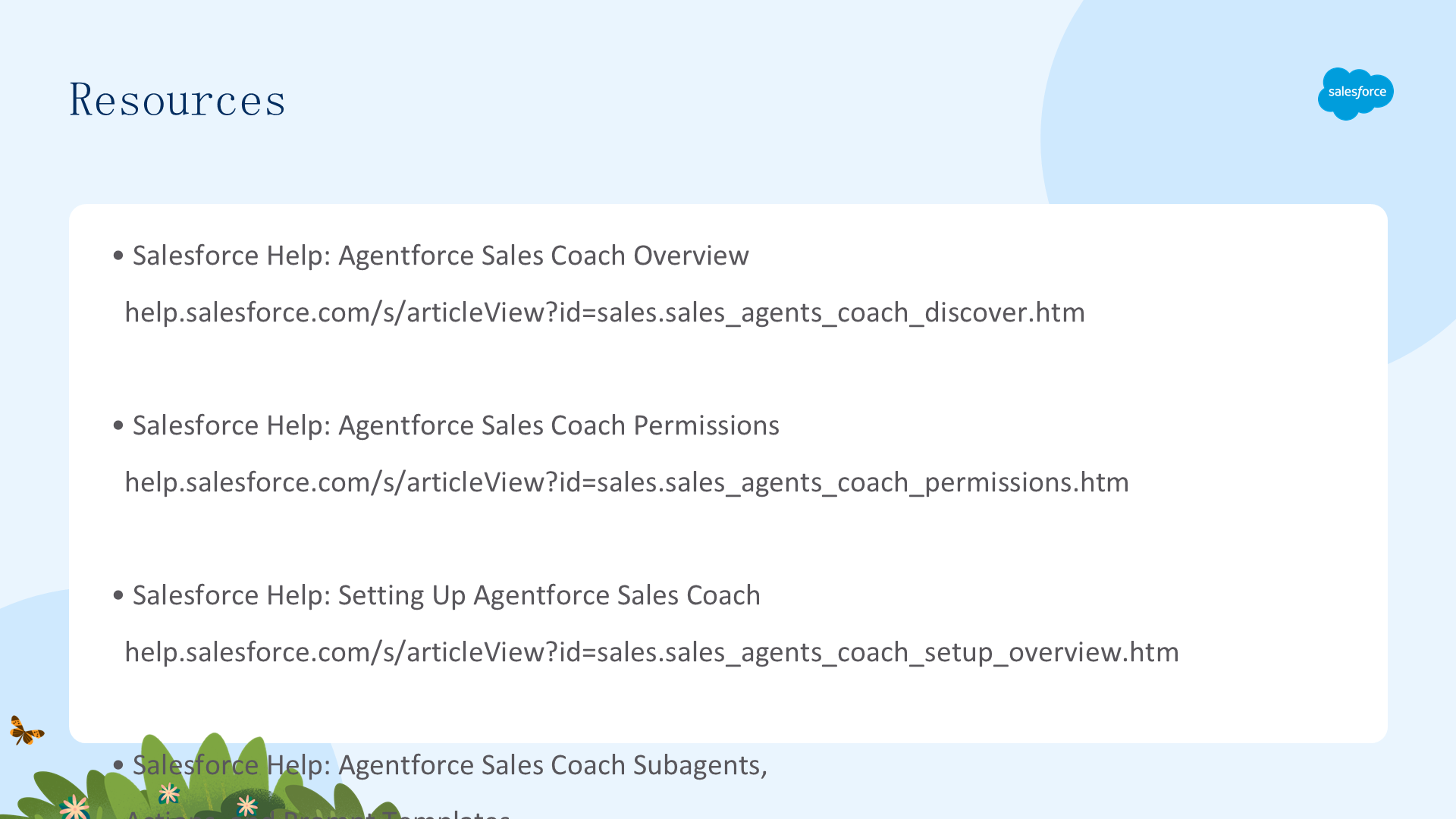
进一步学习:
文章来源:Trailhead - Agentforce Sales Coach Setup and Customization