异步 Apex
Apex 提供多种方式异步运行代码。异步 Apex 在后台以各自的线程运行,不会延迟主 Apex 逻辑的执行。每个异步作业在系统资源可用时运行。使用异步方法的另一个好处是某些 Governor Limit 比同步 Apex 更高(如堆大小限制和 SOQL 查询限制)。
| 特性 | 使用场景 |
|---|---|
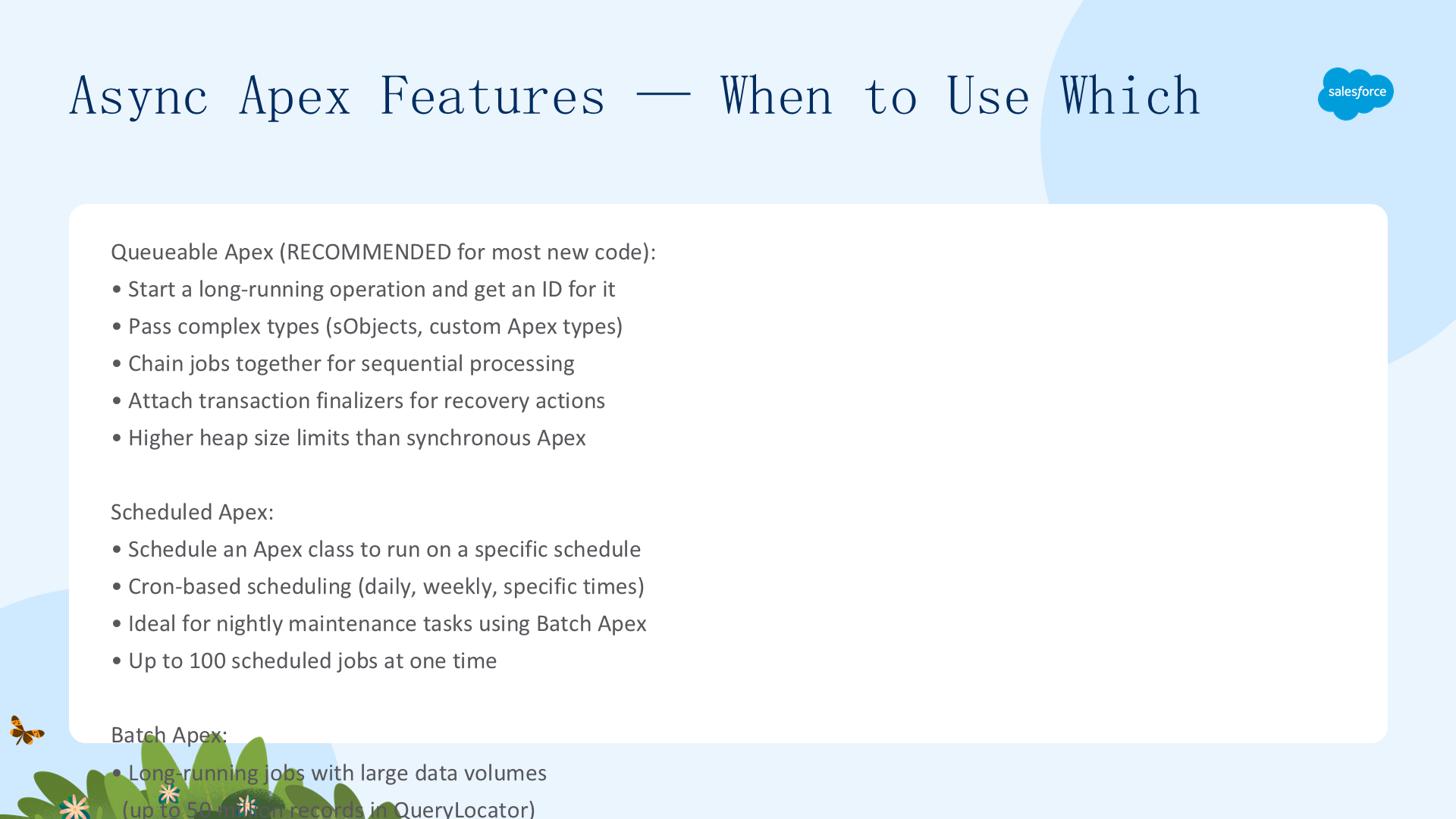
| Queueable Apex | 启动长时间运行操作并获取 ID 用于追踪;传递复杂类型给作业;链接作业。Salesforce 推荐替代 Future 方法 |
| Scheduled Apex | 按特定时间表调度 Apex 类运行——适合每日/每周维护任务 |
| Batch Apex | 大数据量的长时间作业(分批处理)——数据库维护;需要比常规事务更大的查询结果 |
| Future Methods | 防止延迟事务的长时间运行方法;外部 Web 服务 callout;隔离 DML 以绕过混合保存 DML 错误 |
异步 Apex 特性:何时使用哪个
Queueable Apex:最灵活的异步解决方案。实现 Queueable 接口,通过 System.enqueueJob() 提交到队列,返回 Job ID(对应 AsyncApexJob 记录的 ID)用于追踪和监控。支持非原始类型的成员变量——作业执行时可以访问这些对象。可从 Future 方法内部调用。支持作业链接——在一个作业完成后启动另一个。
public class AsyncExecutionExample implements Queueable {
    public void execute(QueueableContext context) {
        Account a = new Account(Name='Acme', Phone='(415) 555-1212');
        insert as user a;
    }
}
// 入队
ID jobID = System.enqueueJob(new AsyncExecutionExample());

// 查询作业状态
AsyncApexJob jobInfo = [SELECT Status, NumberOfErrors FROM AsyncApexJob
WHERE Id = :jobID WITH USER_MODE];重要:如果 Apex 事务回滚,该事务排队的任何 Queueable 作业都不会被处理。声明为 transient 的变量在序列化/反序列化中被忽略,值设置为 null。queueable 作业不像 batch 那样处理批次——已处理批次和总批次始终为零。
Queueable Apex:延迟执行
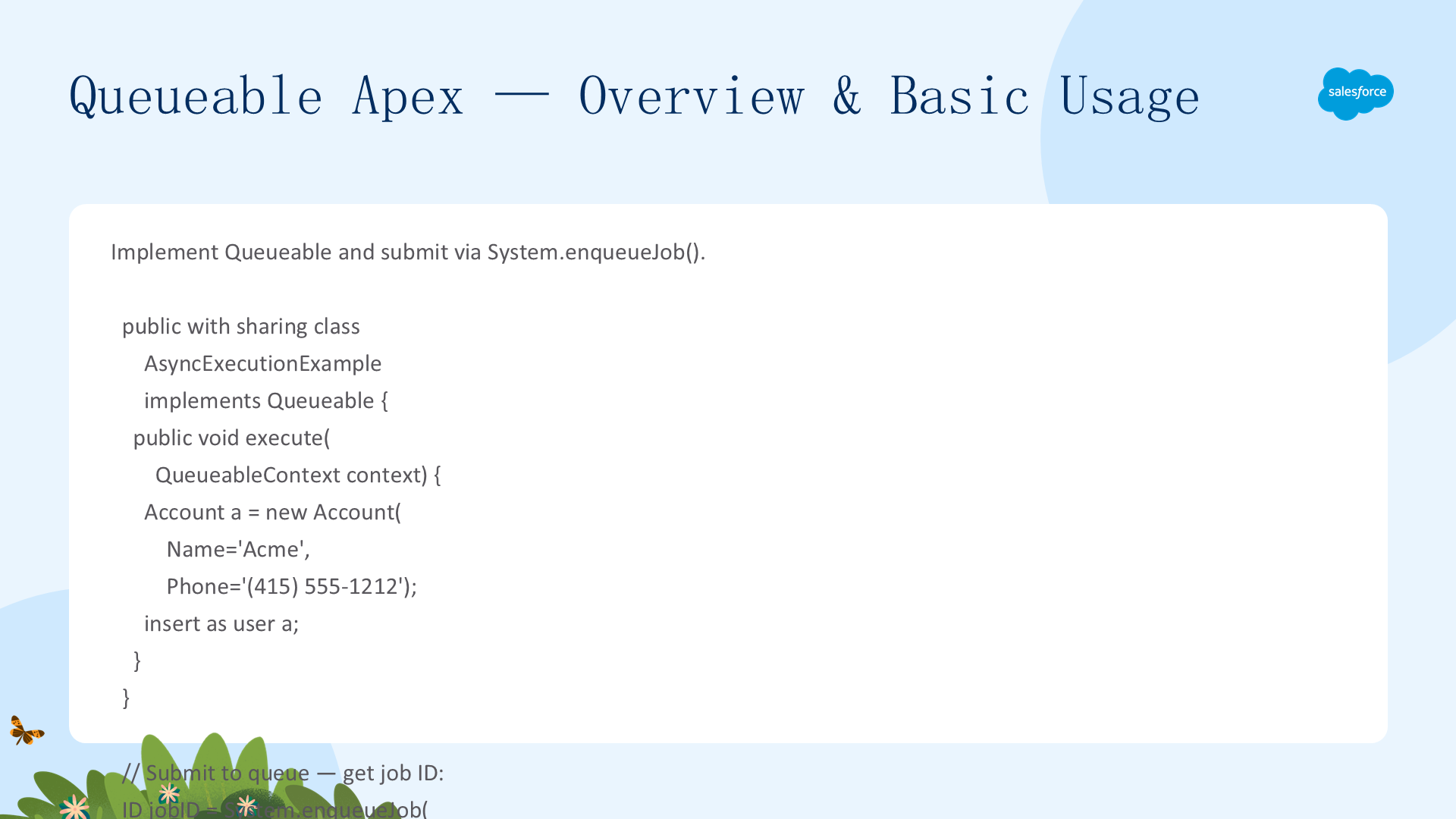
使用 System.enqueueJob(queueable, delayInMinutes) 指定最小延迟(0-10 分钟)。延迟在 Apex 测试期间被忽略。适合以下场景:外部系统有速率限制,链式 queueable 作业的快速 callout 可能造成过载;轮询结果时执行过快会浪费每日异步限制。
Integer delayInMinutes = 5;
ID jobID = System.enqueueJob(new MyQueueableClass(), delayInMinutes);组织级默认延迟:管理员可以在 Setup → Apex Settings 中定义全局默认延迟(1-600 秒),用于未指定延迟参数的调度作业。使用 System.enqueueJob(queueable, delay) 方法的作业忽略此全局设置。设置延迟为 0 时作业尽快运行——在链式作业中建议实现减速或暂停机制,否则可能快速达到每日异步限制。
Queueable Apex:堆栈深度控制
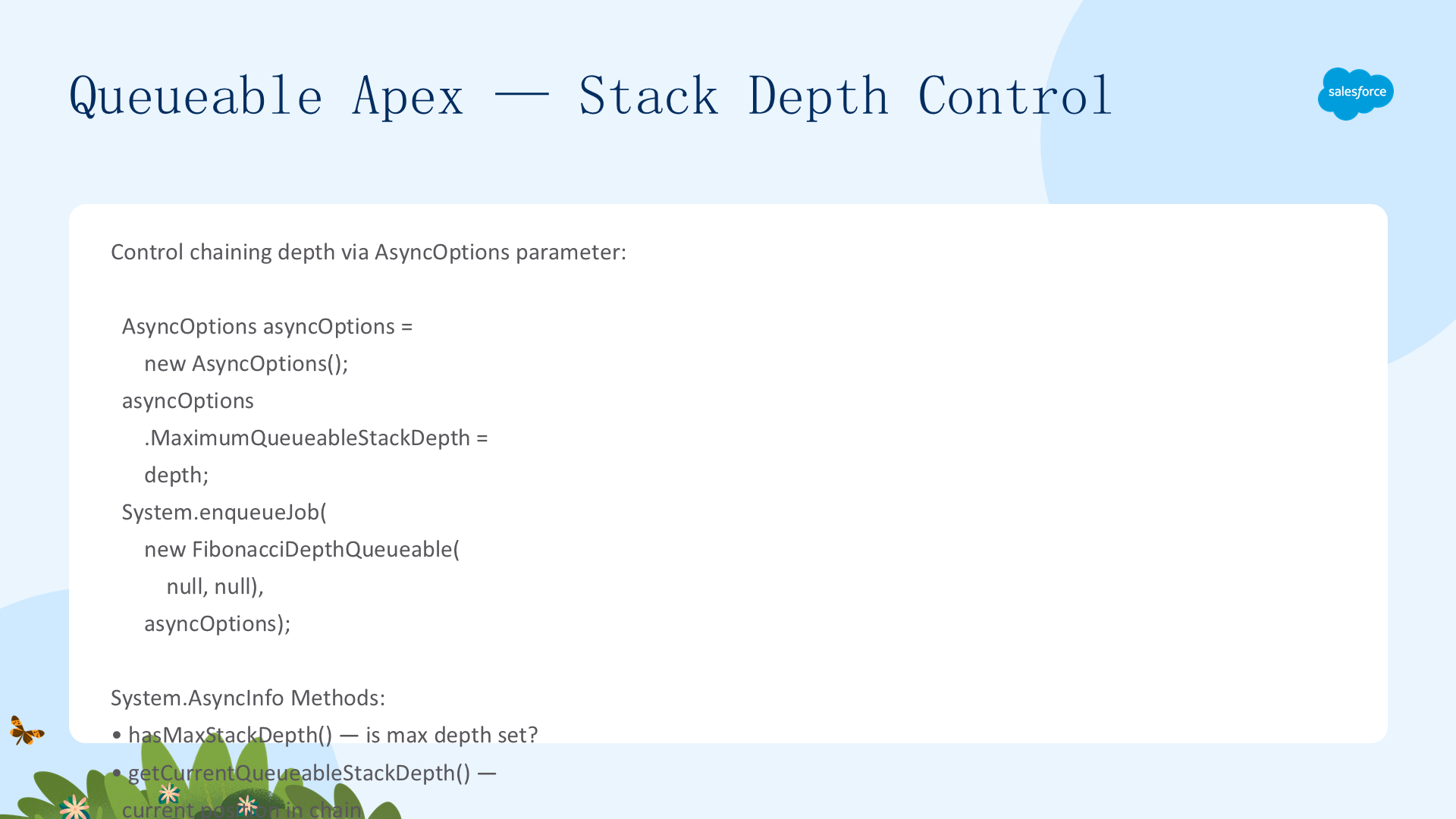
使用 System.enqueueJob(queueable, asyncOptions) 方法——通过 AsyncOptions 参数指定最大堆栈深度和最小队列延迟。System.AsyncInfo 类包含当前/最大堆栈深度和最小队列延迟的属性及方法:hasMaxStackDepth()、getCurrentQueueableStackDepth()、getMaximumQueueableStackDepth()、getMinimumQueueableDelayInMinutes()。
public static void calculateFibonacciTo(integer depth) {
    AsyncOptions asyncOptions = new AsyncOptions();
    asyncOptions.MaximumQueueableStackDepth = depth;
    System.enqueueJob(new FibonacciDepthQueueable(null, null), asyncOptions);
}

public void execute(QueueableContext context) {
    integer depth = AsyncInfo.getCurrentQueueableStackDepth();
    // ... 计算逻辑
    if (System.AsyncInfo.hasMaxStackDepth() &&
        AsyncInfo.getCurrentQueueableStackDepth() >= AsyncInfo.getMaximumQueueableStackDepth()) {
        // 达到最大堆栈深度——终止链接
        insert result;
    } else {
        System.enqueueJob(new FibonacciDepthQueueable(fibonacciSequenceStep, nMinus1));
    }
}
Queueable Apex:测试与作业链接
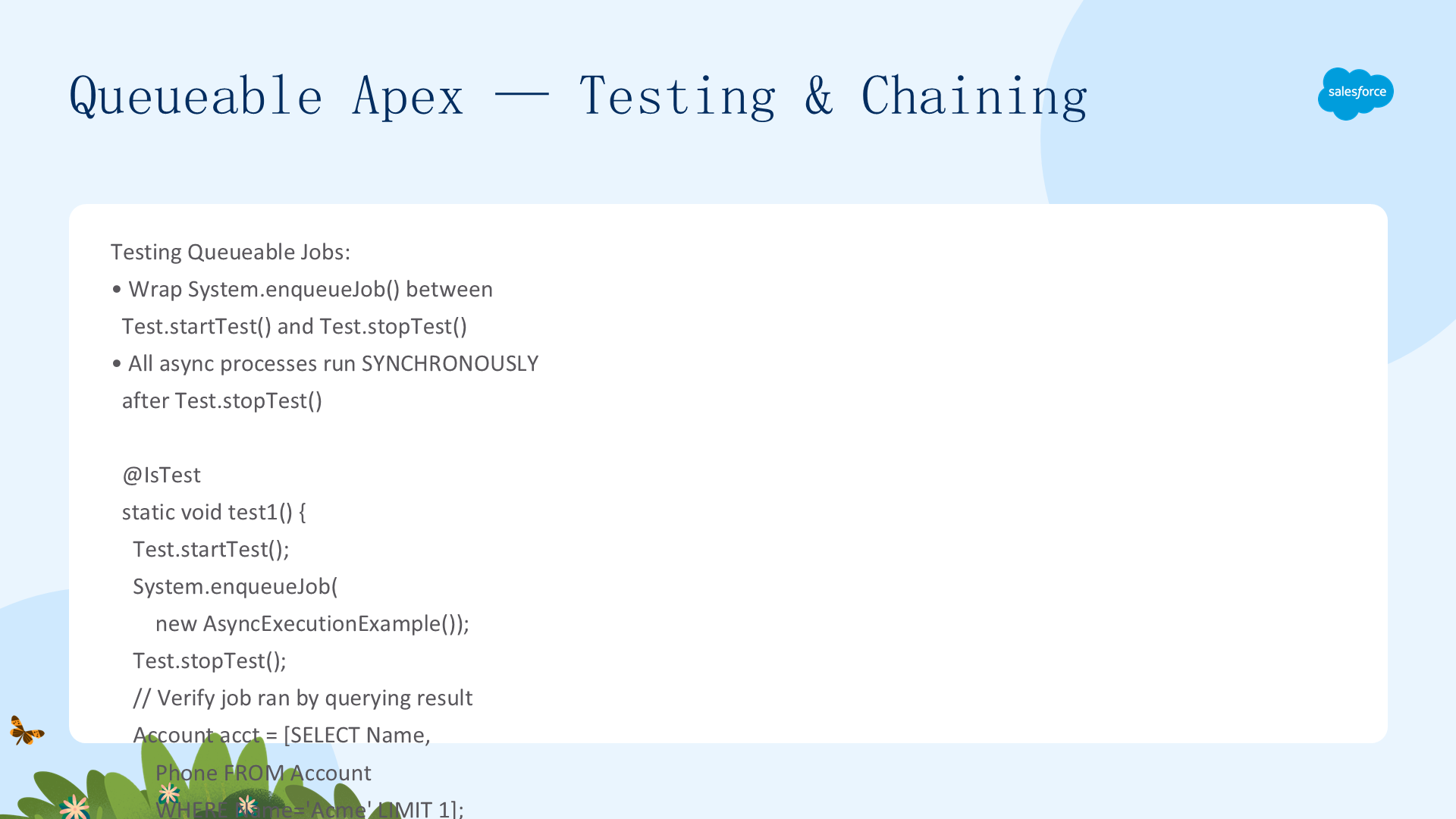
测试:使用 Test.startTest()/stopTest() 块——stopTest 同步执行所有入队的异步作业。在 stopTest 之后验证结果。作业在 startTest/stopTest 之间提交。
@IsTest static void test1() {
    Test.startTest();
    System.enqueueJob(new AsyncExecutionExample());
    Test.stopTest();
    Account acct = [SELECT Name, Phone FROM Account WHERE Name='Acme' LIMIT 1 WITH USER_MODE];
    Assert.isNotNull(acct);
    Assert.areEqual('(415) 555-1212', acct.Phone);
}作业链接:在 execute 方法内调用 System.enqueueJob 启动第二个作业。每个父作业只能添加一个子作业。要实现 callout 的链式 Queueable 作业需要实现 Database.AllowsCallouts 标记接口——callout 在实现该接口的链式作业中也允许。
Queueable Apex:限制与重复检测
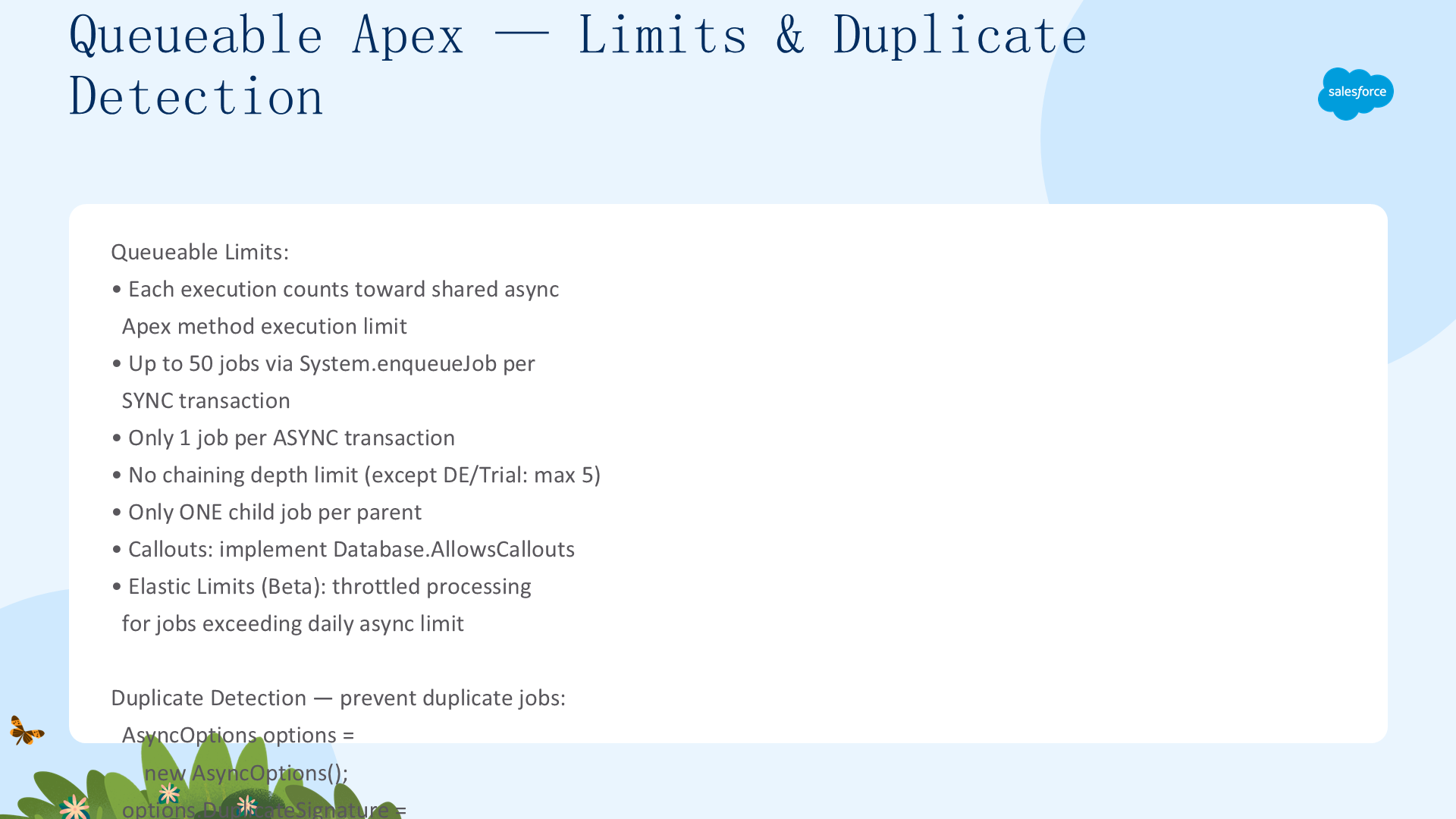
Queueable 的限制:
- 单事务中最多用 System.enqueueJob 添加 50 个作业;异步事务中(如从 Batch Apex)只能添加 1 个
- 使用
Limits.getQueueableJobs()检查已添加多少作业 - 链式作业无深度限制(Developer/Trial Edition 最大 5 层——包含父作业共 5 个)
- 触发器最多调用 1 个 Queueable
重复作业检测:使用 QueueableDuplicateSignature.Builder 构建唯一签名(addString/addId/addInteger),通过 AsyncOptions.DuplicateSignature 设置。同一签名的已入队作业会导致 DuplicateMessageException。注意:如果具有相同签名的作业已在运行中,新作业仍可成功入队——因为签名在作业出队时被移除,这保证至少一个给定签名的作业实例会运行。
AsyncOptions options = new AsyncOptions();
options.DuplicateSignature = QueueableDuplicateSignature.Builder()
    .addId(UserInfo.getUserId())
    .addString('MyQueueable')
    .build();
try {
    System.enqueueJob(new MyQueueable(), options);
} catch (DuplicateMessageException ex) {
    // 已存在具有相同签名的入队作业
}
事务终结器
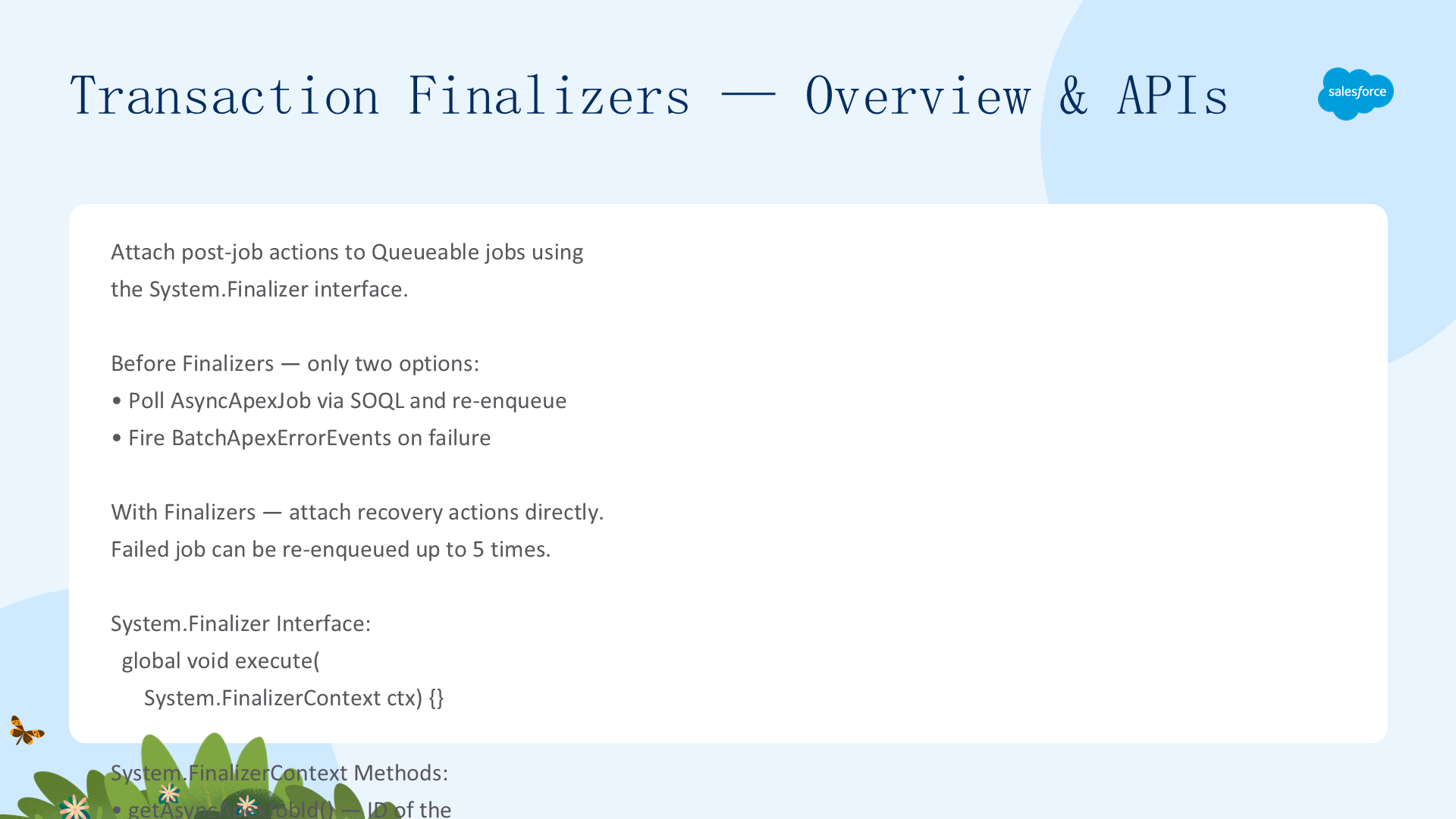
Transaction Finalizers 允许在 Queueable 作业完成(成功或失败)后执行回调。实现 System.Finalizer 接口的 execute(FinalizerContext) 方法。FinalizerContext 提供:getAsyncApexJobId()(队列作业 ID)、getRequestId()(请求 ID——队列作业和 Finalizer 共享)、getResult()(ParentJobResult 枚举——SUCCESS 或 UNHANDLED_EXCEPTION)、getException()(如果失败则返回异常)。
关键特性:队列作业和 Finalizer 在单独的 Apex 和数据库事务中运行——队列作业可包含 DML,Finalizer 可包含 REST callout。Finalizer 不计入每日异步限制。同步 Governor Limit 适用(堆大小、入队作业数和 Future 调用数除外——这些使用异步限制)。失败的作业可通过 Finalizer 连续最多重新入队 5 次(计数器在无未处理异常的成功完成后重置)。Finalizer 可作为内部类实现,同一类可同时实现 Queueable 和 Finalizer 接口。
事务终结器示例
典型用例:记录审计日志(无论成功失败)、失败后重新入队、发送通知。每个 Queueable 最多附加 1 个终结器。声明为 transient 的变量不持久存在于终结器中。
public class LoggingFinalizer implements Finalizer, Queueable {
    private List<LogMessage__c> logRecords = new List<LogMessage__c>();

    // Queueable 实现
    public void execute(QueueableContext ctx) {
        LoggingFinalizer f = new LoggingFinalizer();
        System.attachFinalizer(f);  // 附加终结器
        f.addLog('About to do some work...', '' + ctx.getJobId());
        // ... 业务逻辑
    }

    // Finalizer 实现——无论队列作业成功或失败都会运行
    public void execute(FinalizerContext ctx) {
        for (LogMessage__c log : logRecords) log.Request__c = ctx.getAsyncApexJobId();
        Database.insert(logRecords, false);
        if (ctx.getResult() == ParentJobResult.SUCCESS) {
            System.debug('Job completed successfully.');
        } else {
            System.debug('Job failed: ' + ctx.getException().getMessage());
        }
    }

    public void addLog(String message, String source) {
        logRecords.add(new LogMessage__c(DateTime__c=DateTime.now(), Message__c=message, Source__c=source));
    }
}
Apex Scheduler:概述与实现
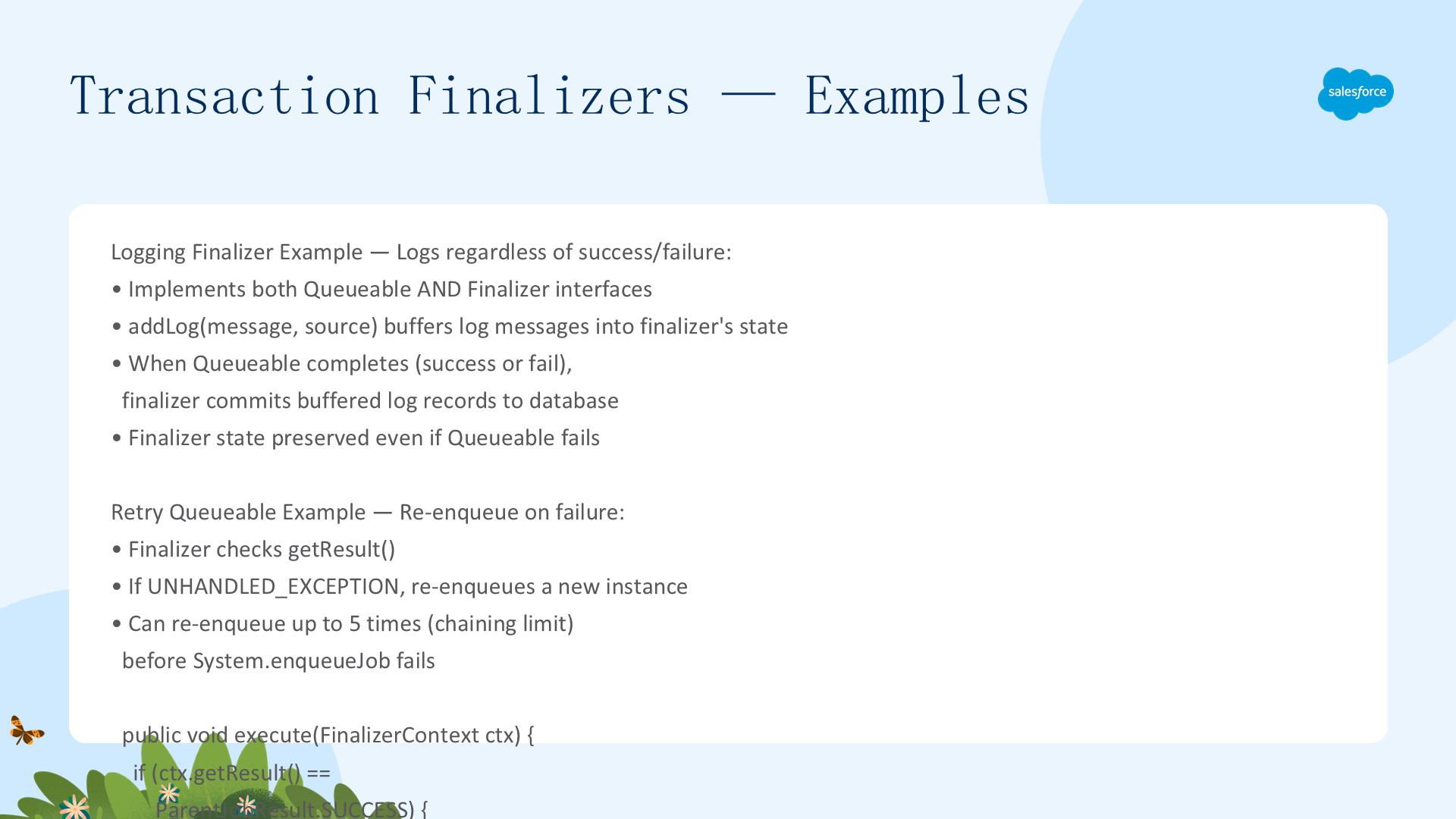
使用 Apex Scheduler 在指定时间运行 Apex 类。实现 Schedulable 接口的 execute(SchedulableContext) 方法。通过 System.schedule() 调度。最多 100 个活跃调度作业。典型用例:结合 Batch Apex 进行每日/每周数据维护。
public class DailyCleanup implements Schedulable {
    public void execute(SchedulableContext ctx) {
        // 每日清理——启动 Batch Apex
        Database.executeBatch(new CleanupBatch());
    }
}
// 调度——每天凌晨 1 点 UTC
System.schedule('Daily Cleanup', '0 0 1 * * ?', new DailyCleanup());
Apex Scheduler:Cron 表达式与模式
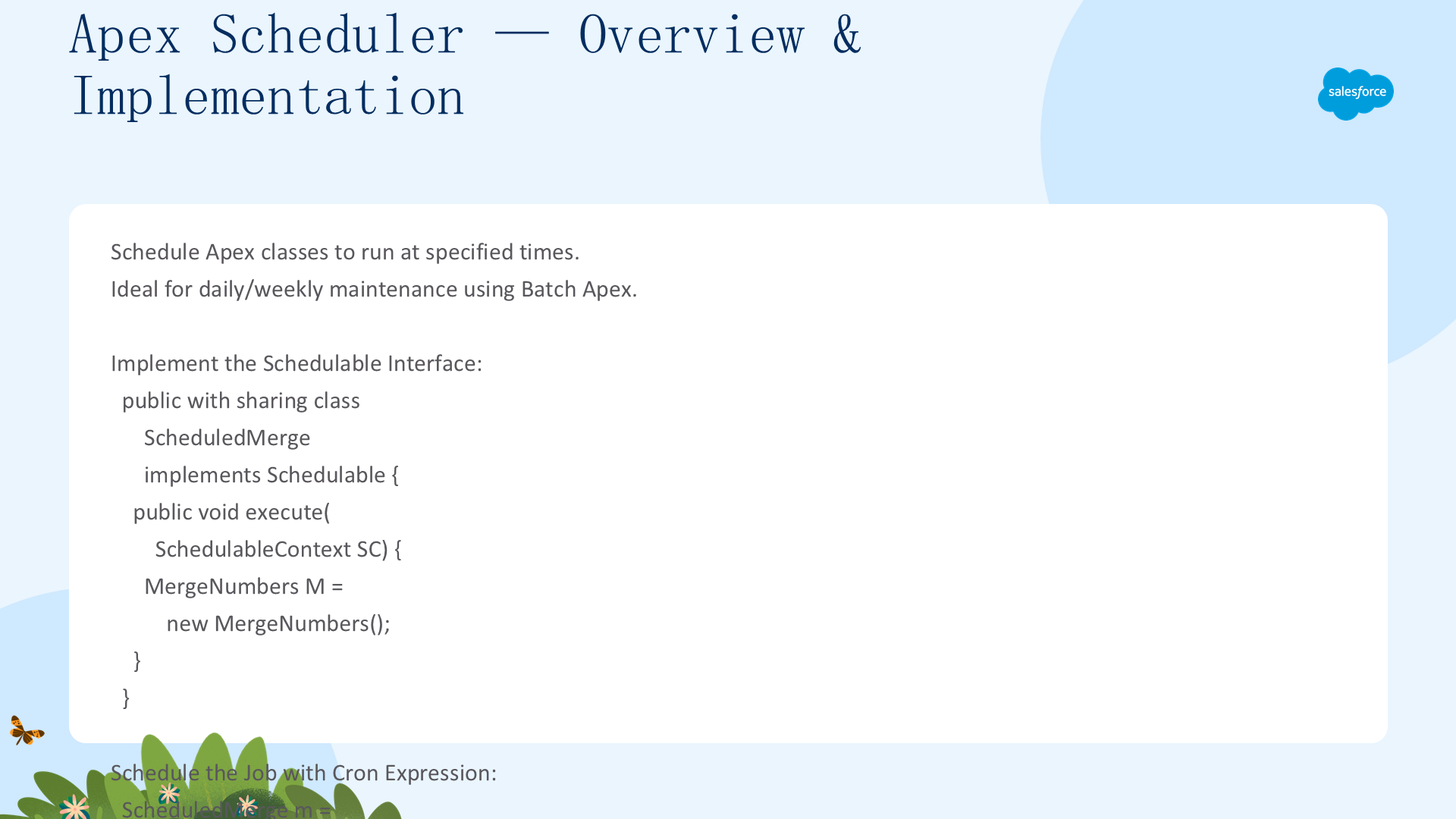
Cron 格式:Seconds Minutes Hours Day_of_month Month Day_of_week Year(可选)。常见模式:'0 0 0 * * ?' 每天午夜、'0 0 * * * ?' 每小时、'0 30 8 ? * MON-FRI' 工作日 8:30 AM。所有时间使用 UTC。通过 System.abortJob(jobId) 取消调度。从 Setup → Scheduled Jobs 监控。在 System.schedule 中指定的 jobName 用于标识——调度相同名称的作业前必须先删除旧作业。
Apex Scheduler:测试、跟踪与最佳实践
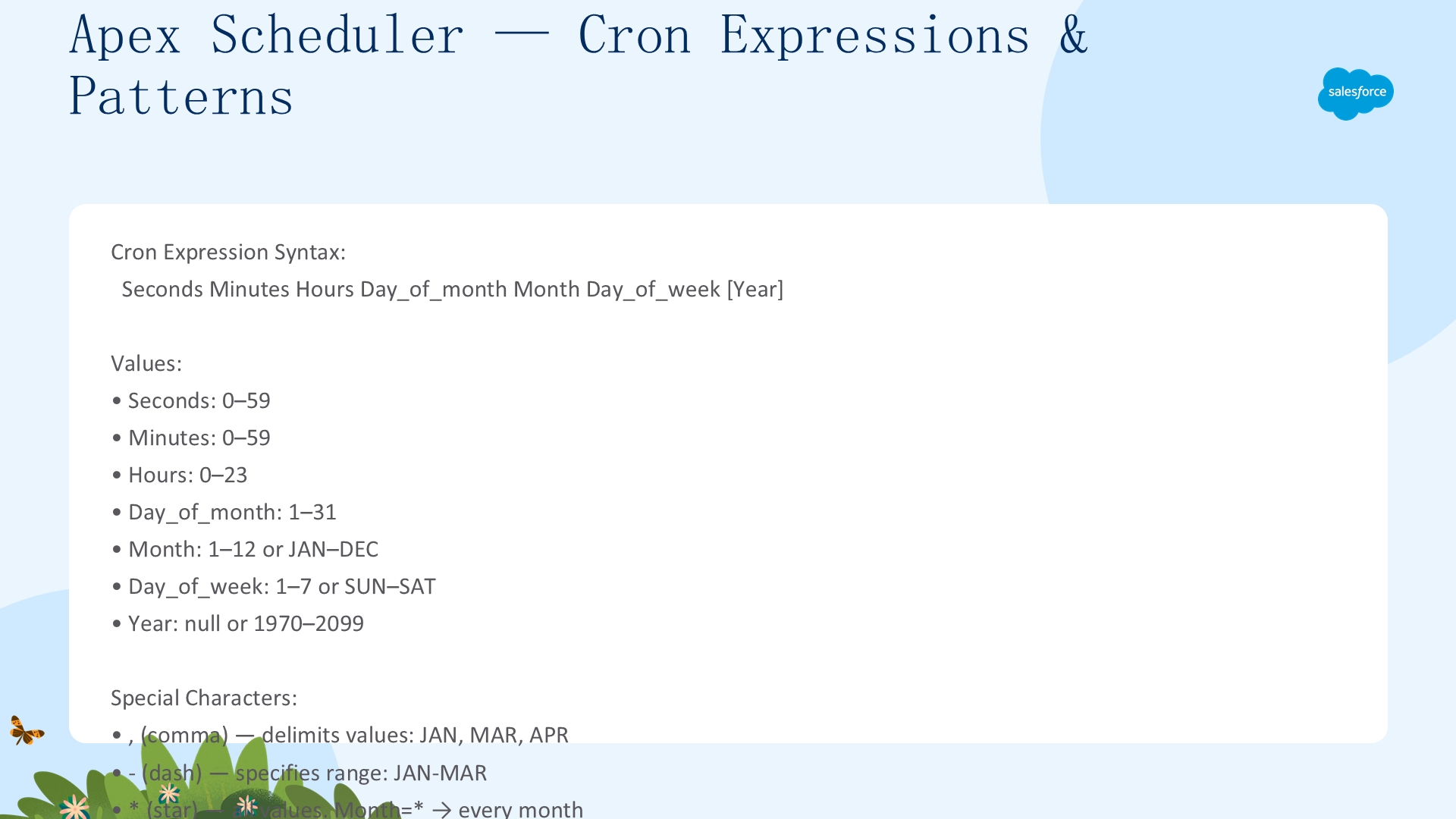
测试:直接在测试中调用 execute() 方法——不需要等待 cron 触发。使用 Test.startTest()/stopTest() 模拟调度执行。通过 CronTrigger sObject 查询调度作业状态:[SELECT Id, CronExpression FROM CronTrigger WHERE CronJobDetail.Name = 'JobName']。最佳实践:将业务逻辑放在单独的类中——Schedulable 类仅用于调度。
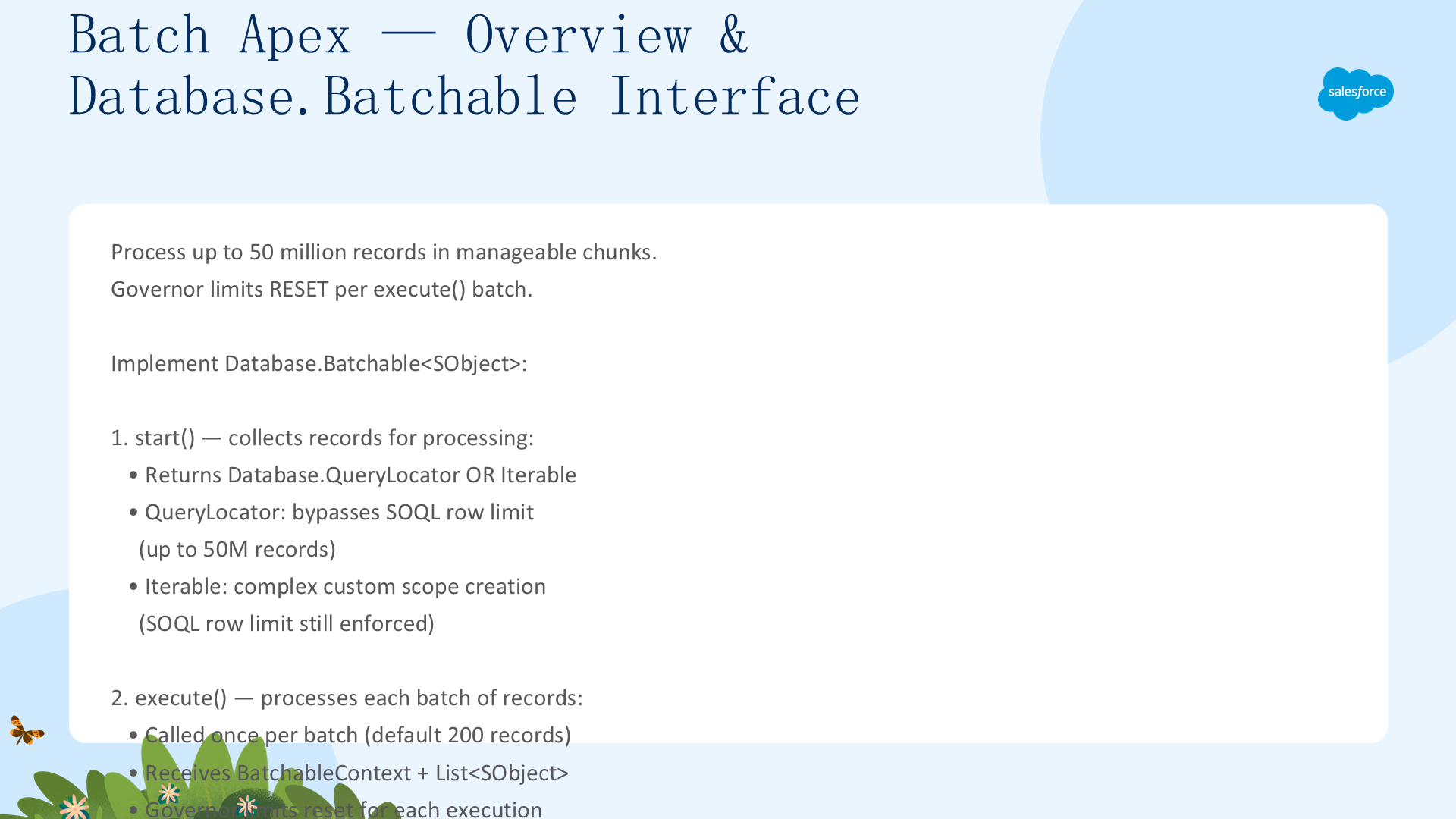
Batch Apex:Database.Batchable 接口
Batch Apex 处理大量记录——实现 Database.Batchable<sObject> 接口:
- start:返回
Database.QueryLocator或Iterable<sObject>——定义要处理的记录范围 - execute:每批最多 2,000 条记录(默认 200,通过第二个参数指定)。每批在自己的事务中运行——Governor Limit 在每批后重置
- finish:所有批次完成后执行——发送通知邮件、链调用另一个作业等
public class AccountBatch implements Database.Batchable<sObject> {
    public Database.QueryLocator start(Database.BatchableContext bc) {
        return Database.getQueryLocator([SELECT Id, Name FROM Account].toSOQL());
    }
    public void execute(Database.BatchableContext bc, List<Account> scope) {
        for (Account a : scope) { a.Description = 'Updated ' + Date.today(); }
        update scope;
    }
    public void finish(Database.BatchableContext bc) {
        AsyncApexJob job = [SELECT Status, TotalJobItems FROM AsyncApexJob
            WHERE Id = :bc.getJobId() WITH USER_MODE];
        System.debug('Status: ' + job.Status + ', Records: ' + job.TotalJobItems);
    }
}
// 执行——批大小 200
ID batchId = Database.executeBatch(new AccountBatch(), 200);
Batch Apex:executeBatch、Flex Queue 与状态
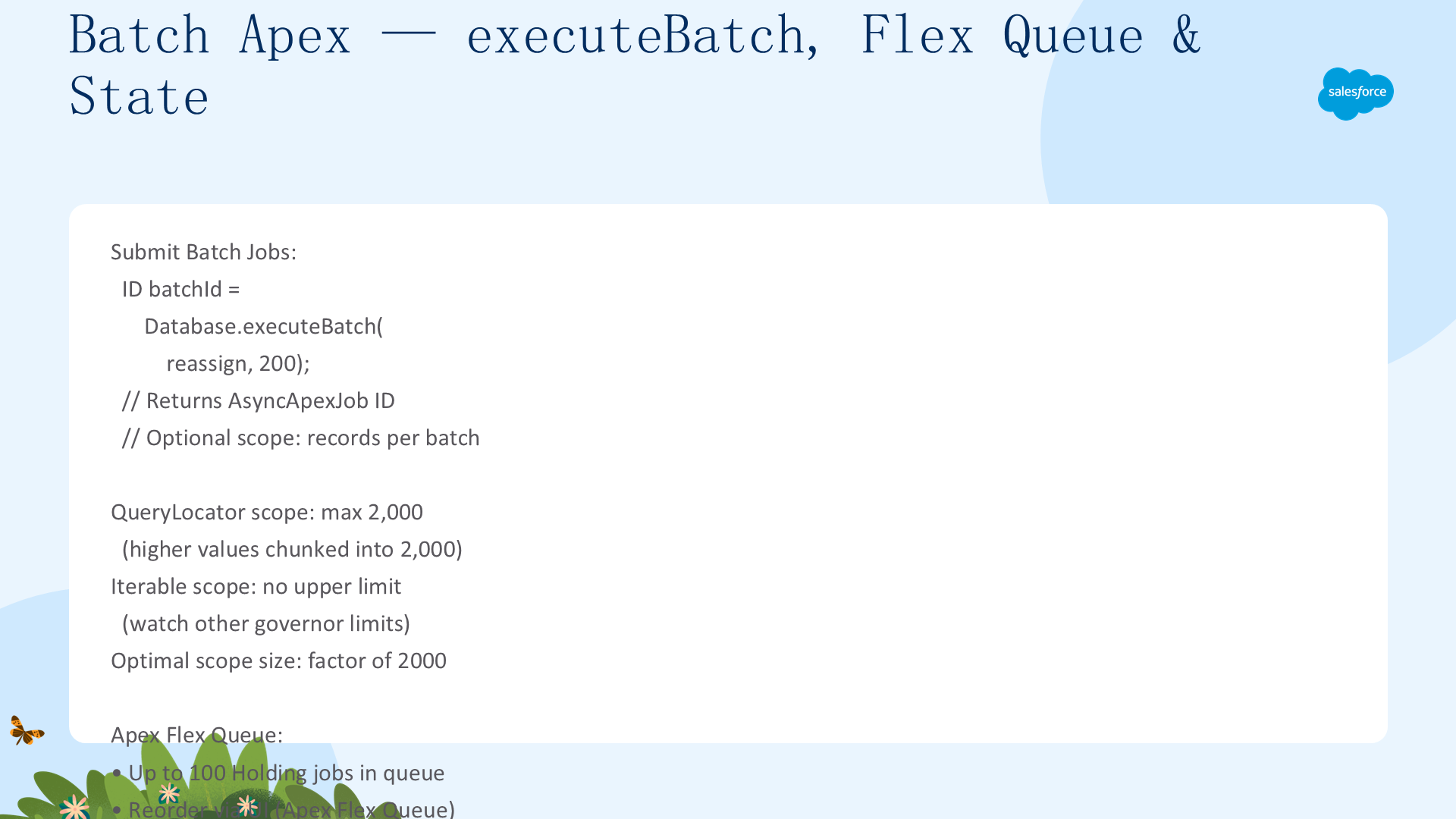
批大小:Database.executeBatch 第二个参数 1-2,000(默认 200)。较大批次 = 更少的总批次数和事务开销,但每批处理时间更长;较小批次 = 更多批次数。Flex Queue:最多 100 个 Batch 作业可处于 Holding 状态排队。同时最多 5 个 Batch 作业活跃运行。通过 System.FlexQueue 方法管理(moveBeforeJob、moveAfterJob 等)。Stateful 接口:实现 Database.Stateful 在批次间保持实例成员变量状态。
Batch Apex:测试、限制与最佳实践
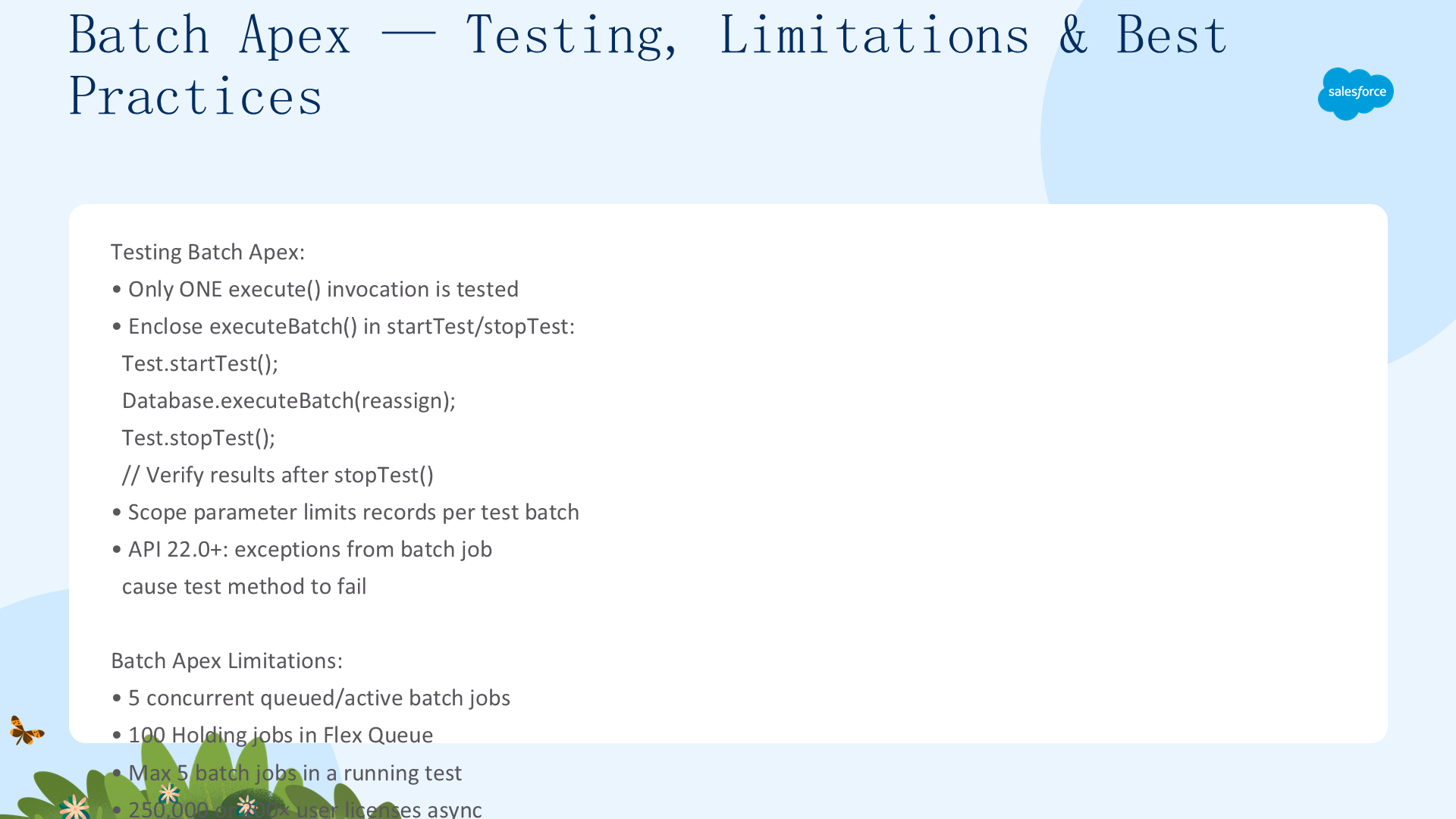
测试:Test.startTest()/stopTest() 块中最多执行 1 个 batch(stopTest 同步执行)。创建测试数据后调用 executeBatch。限制:每个事务最多 5 个 QueryLocator;callout 的 batch 限制为每批 100 条。最佳实践:优先使用 QueryLocator(而非 Iterable)——性能更好;将批大小调整到适当值;在 finish 中处理异常并发送通知;通过 AsyncApexJob sObject 查询 batch 状态(TotalJobItems、JobItemsProcessed、NumberOfErrors)。
Future 方法与大数据处理
Future 方法:使用 @Future 注解标记异步方法。必须是 static void。参数只能是原始数据类型或其集合——不能接受 sObject 或对象参数。使用 @Future(callout=true) 允许外呼。在某些 Governor Limit 上更宽松(SOQL 查询限制和堆大小限制)。
public class FutureExample {
    @Future(callout=true)
    public static void doCallout(String endpoint) {
        HttpRequest req = new HttpRequest();
        req.setEndpoint(endpoint);
        req.setMethod('GET');
        new Http().send(req);
    }
    @Future
    public static void processLargeData(Set<ID> recordIds) {
        List<Account> accounts = [SELECT Id FROM Account WHERE Id IN :recordIds];
        // 处理逻辑
    }
}大数据处理策略:Apex Cursors 配合链式 Queueable 作业是 Batch Apex 的有力替代方案——提供类似批量遍历的能力但更灵活。关键优势:只有 5 个活跃 Batch 作业的限制——高吞吐组织中作业可能在 Flex Queue 中堆积延迟关键工作。Queueable 无此限制。选择指南:简单异步 callout → Future;需要灵活性和复杂参数 → Queueable;大量记录的分批处理 → Batch Apex;定期任务 → Scheduler + Batch/Queueable。
选择合适的异步 Apex 特性取决于你的具体需求——Queueable 提供最灵活的控制且 Salesforce 推荐替代 Future,Batch 适合大数据量操作,Scheduled 用于定期任务,Future 方法简单但受限。理解每种特性的 Governor Limit、优缺点和适用场景是构建高性能、可扩展 Salesforce 应用的关键。